App Lock FAQ
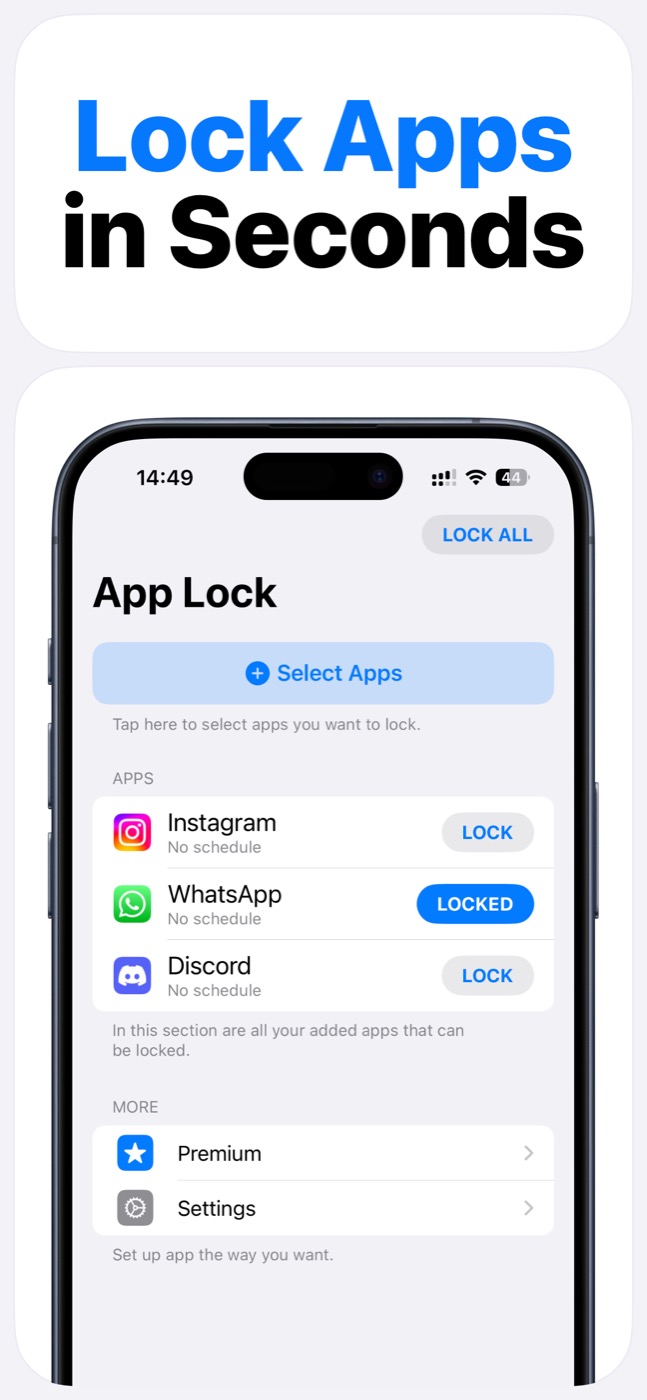
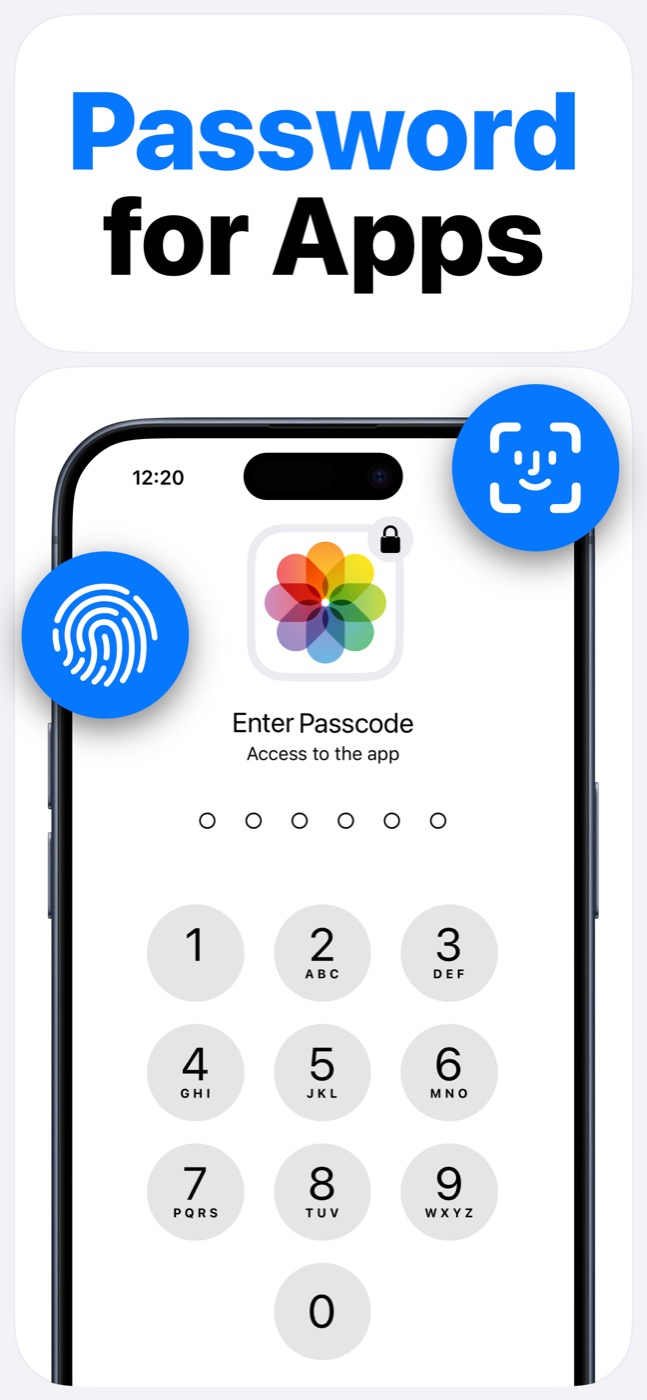
App Lock is a focused iPhone app blocker for selected apps, schedules, widgets, Face ID, and passcode. This FAQ covers setup, Screen Time permission, privacy, supported devices, and the iOS limits that keep the product honest.
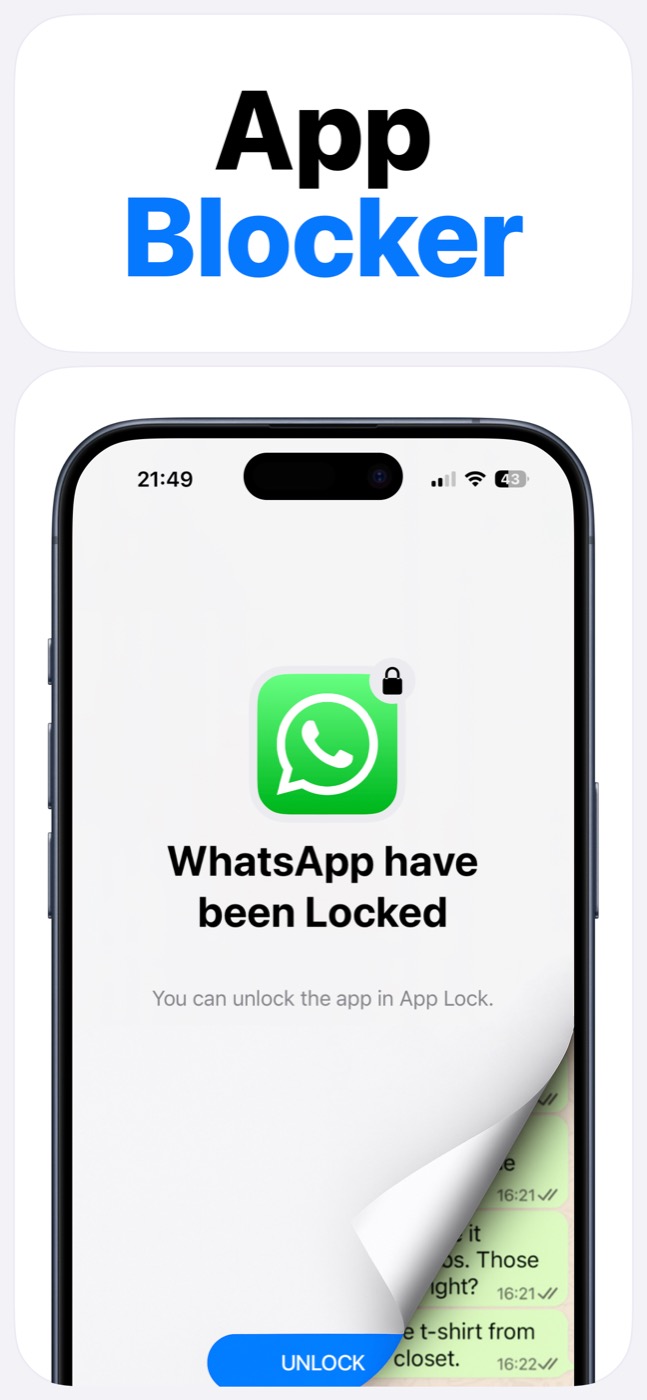
Important limitation
App Lock works within Apple's Screen Time, FamilyControls, and ManagedSettings systems. It cannot bypass iOS restrictions, silently control every app, or read private content inside other apps.
Key facts
LYKOV STUDIO LTD makes App Lock - Password For Apps for iPhone users who want selected app, website, and schedule-based blocking.
It is a Utilities app for iPhone and iPad, supports iOS 16.0 or later, and uses Apple's Screen Time permission system for app selection and blocking.
Product screenshots
Questions people ask
Does App Lock use Apple's Screen Time system?
Yes. App Lock requires Screen Time permission and works within Apple's FamilyControls and ManagedSettings systems. Apple controls the permission prompt and the protected app picker.
Can App Lock read my messages, photos, or contacts?
App Lock is designed as an access-control layer. It does not access photos, messages, contacts, or Apple ID, and it does not read content inside protected apps.
Can App Lock bypass iOS restrictions?
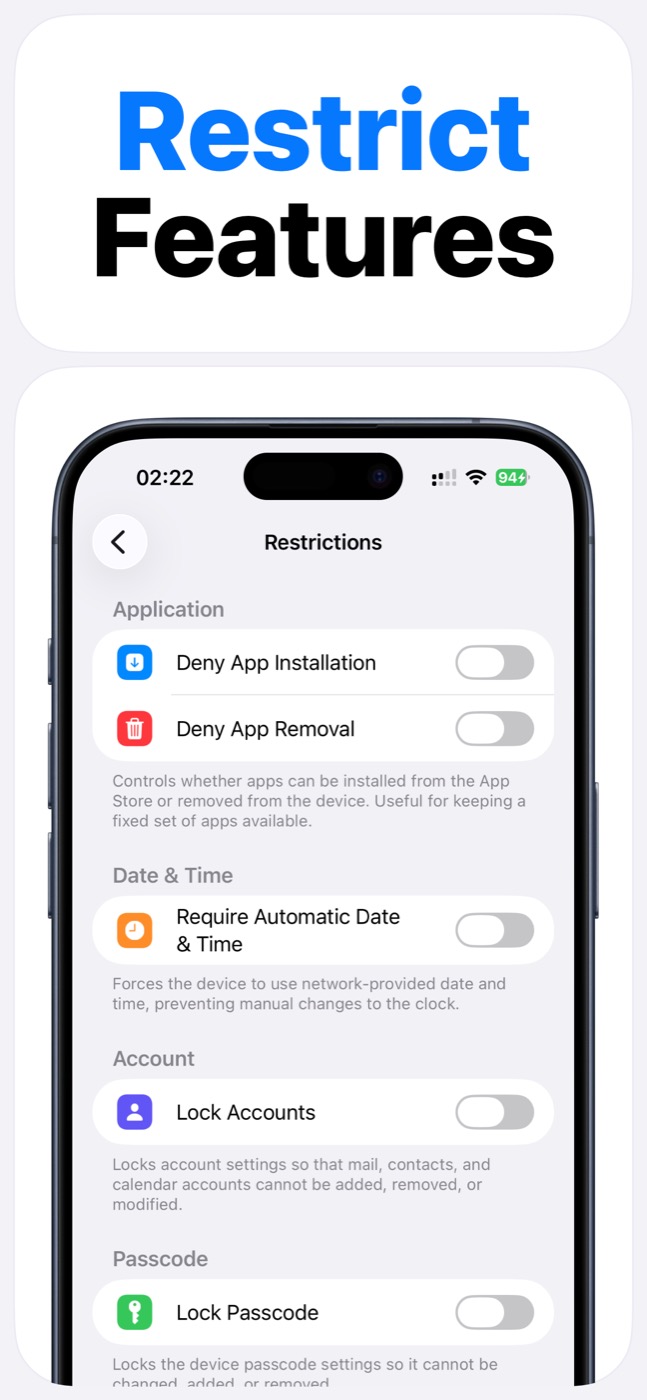
No. App Lock cannot bypass Apple's permission model. It helps block selected apps, categories, websites, and supported device features only within iOS-supported controls.
Is App Lock free?
App Lock is free to download. Check the App Store and App Lock for current premium options or in-app offers.
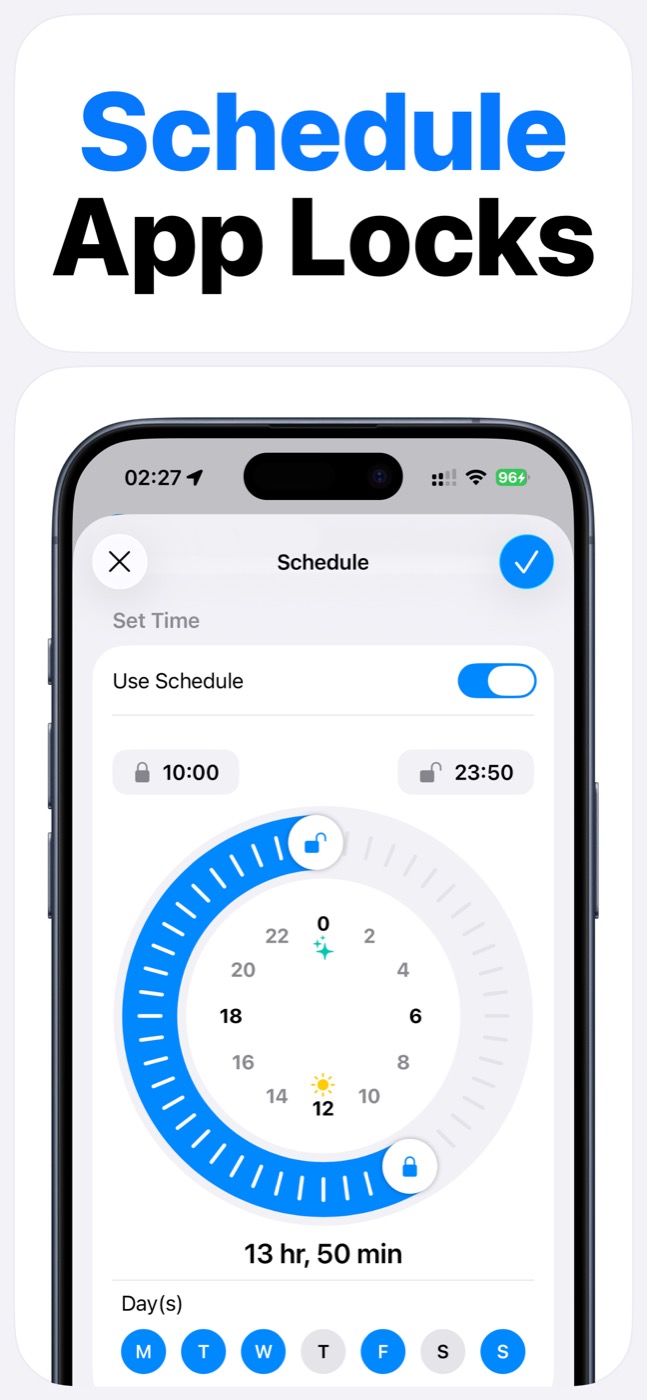
Does App Lock support schedules?
Yes. App Lock supports scheduled locking so selected apps can be protected during recurring windows such as study time, work, bedtime, or family time.
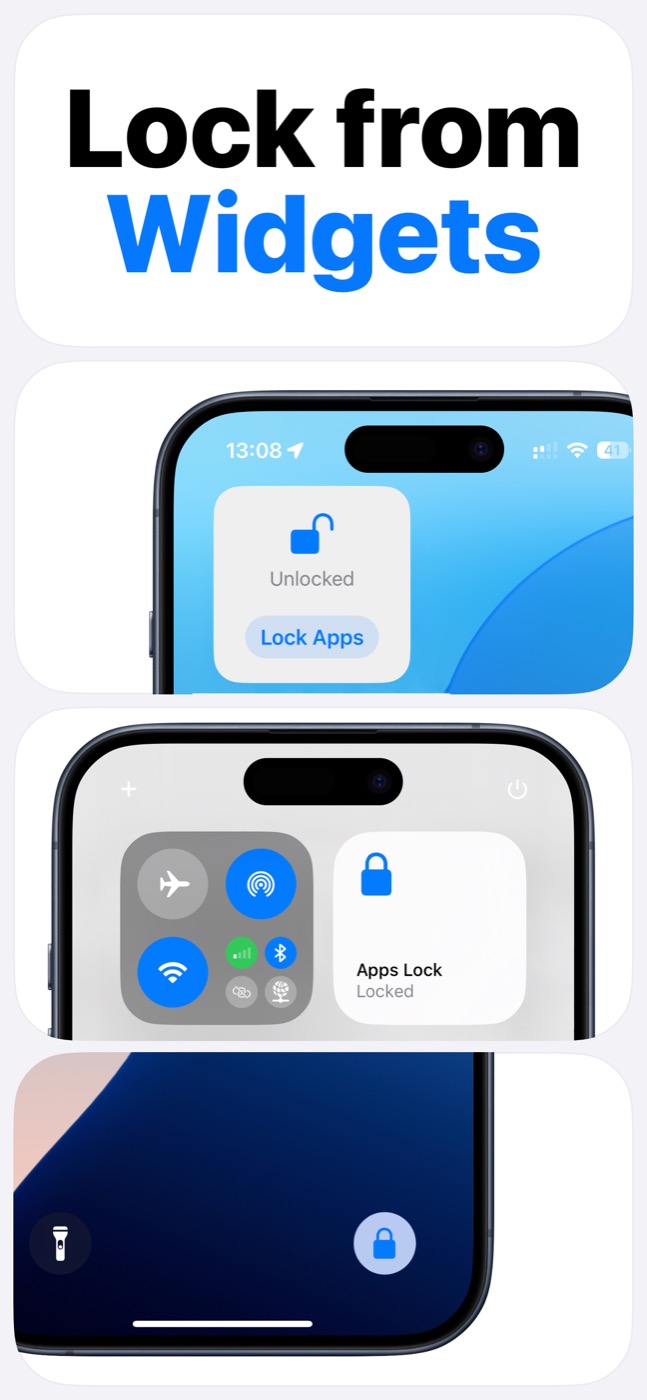
Does App Lock have widgets?
Yes. App Lock includes widget-based locking flows for common iPhone surfaces such as the Home Screen, Lock Screen, and Control Center.
What devices does App Lock support?
App Lock supports iPhone and iPad with iOS 16.0 or later.
Where can I get support?
Contact support@lykovstudio.io, or use the Privacy and Terms links on lykovstudio.io for policy information.