App lock for iPhone
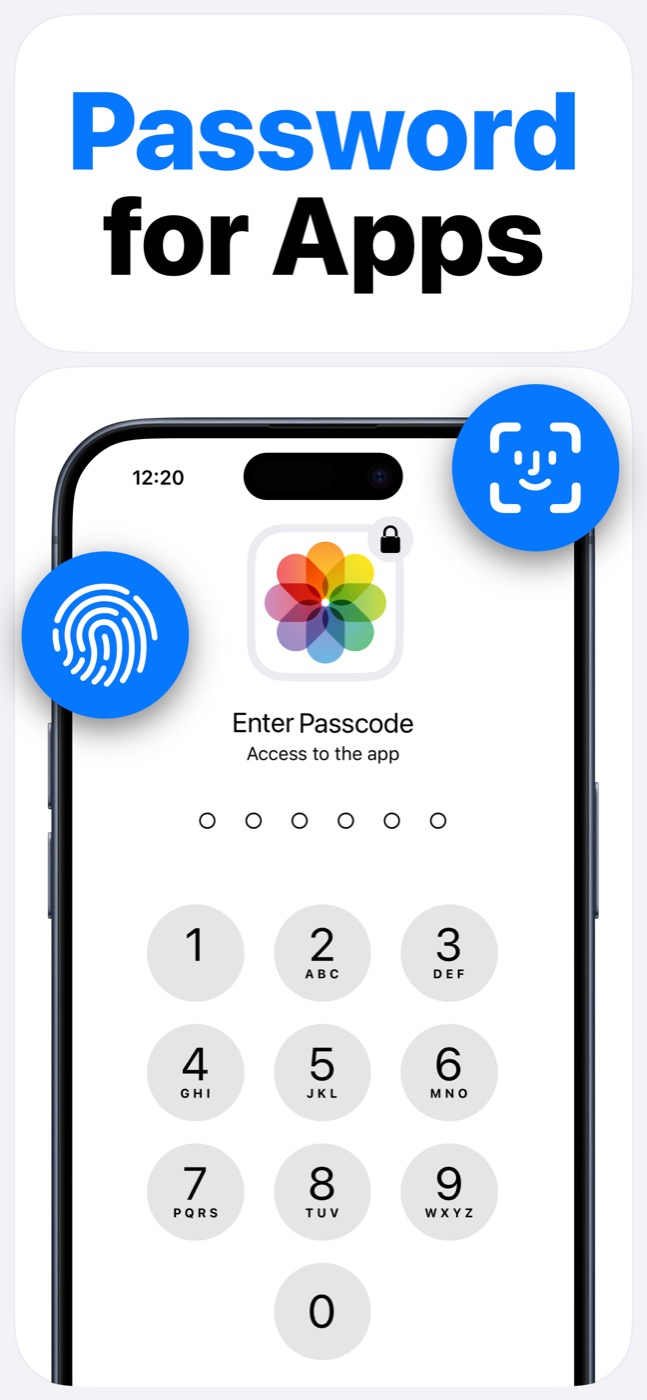
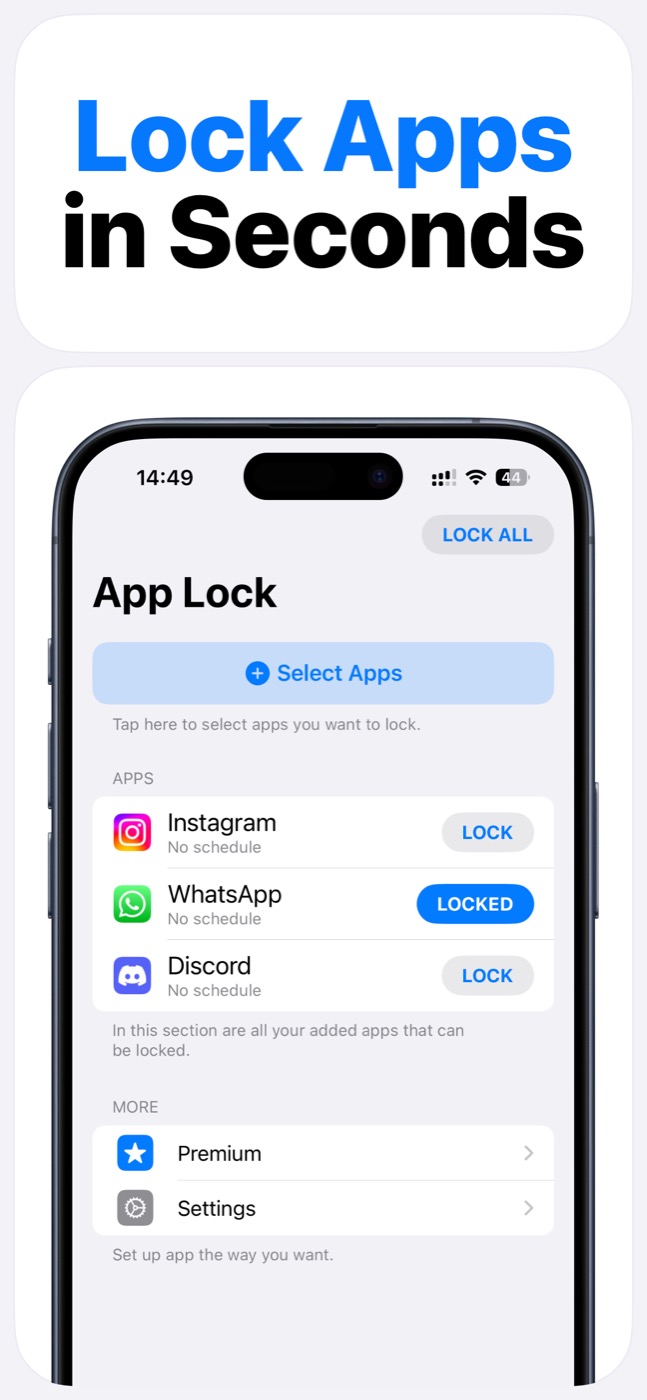
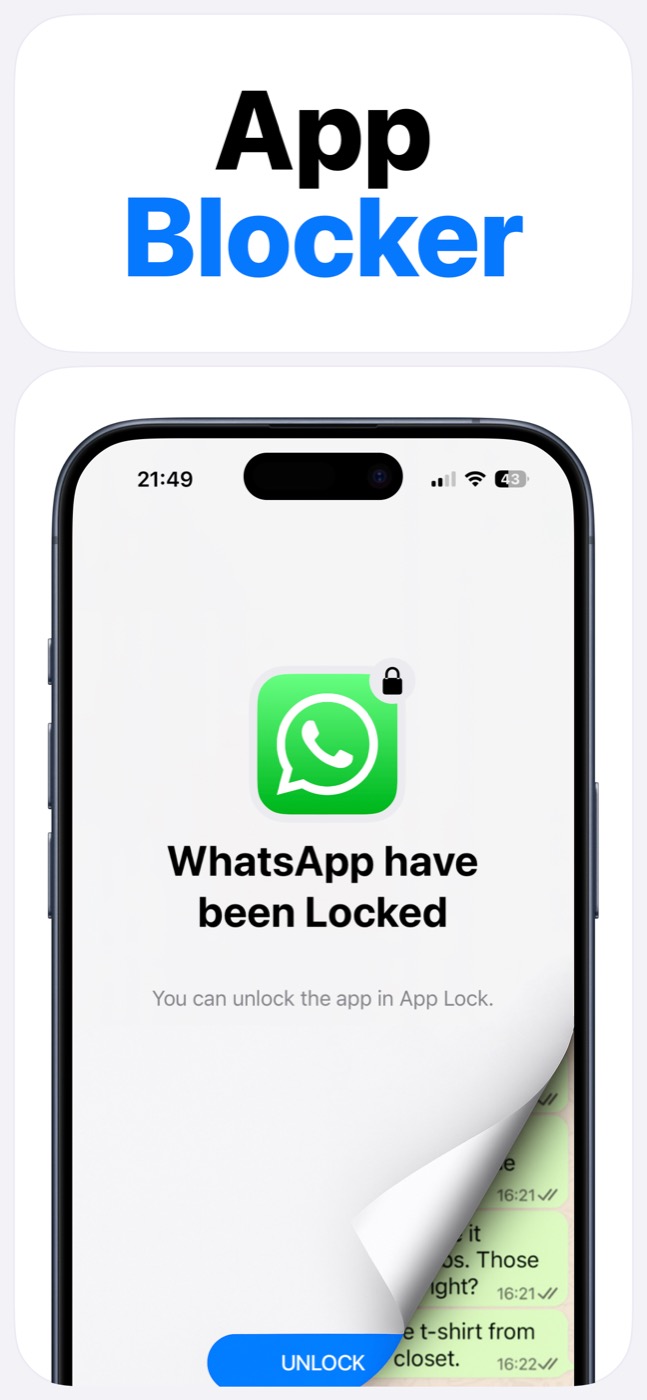
App Lock makes iPhone app protection feel simple: choose the apps that need a lock, protect them with Face ID or passcode, and use schedules or widgets when you want repeatable control. It is built for everyday privacy and focus, while still using Apple's supported Screen Time model.
Important limitation
App Lock works within Apple's Screen Time, FamilyControls, and ManagedSettings systems. It cannot bypass iOS restrictions, silently control every app, or read private content inside other apps.
Why an iPhone app lock needs Screen Time
On iPhone, a serious app locker needs to work with Apple's permission system. That is how App Lock can let you choose apps, categories, and websites to protect without pretending to secretly control iOS.
The result is a cleaner user experience: grant Screen Time access, pick what matters, and use App Lock as the daily control surface.
iPhone workflows App Lock supports
You can use App Lock for privacy-sensitive apps, social apps, entertainment apps, or a set of apps that distract you during a recurring schedule.
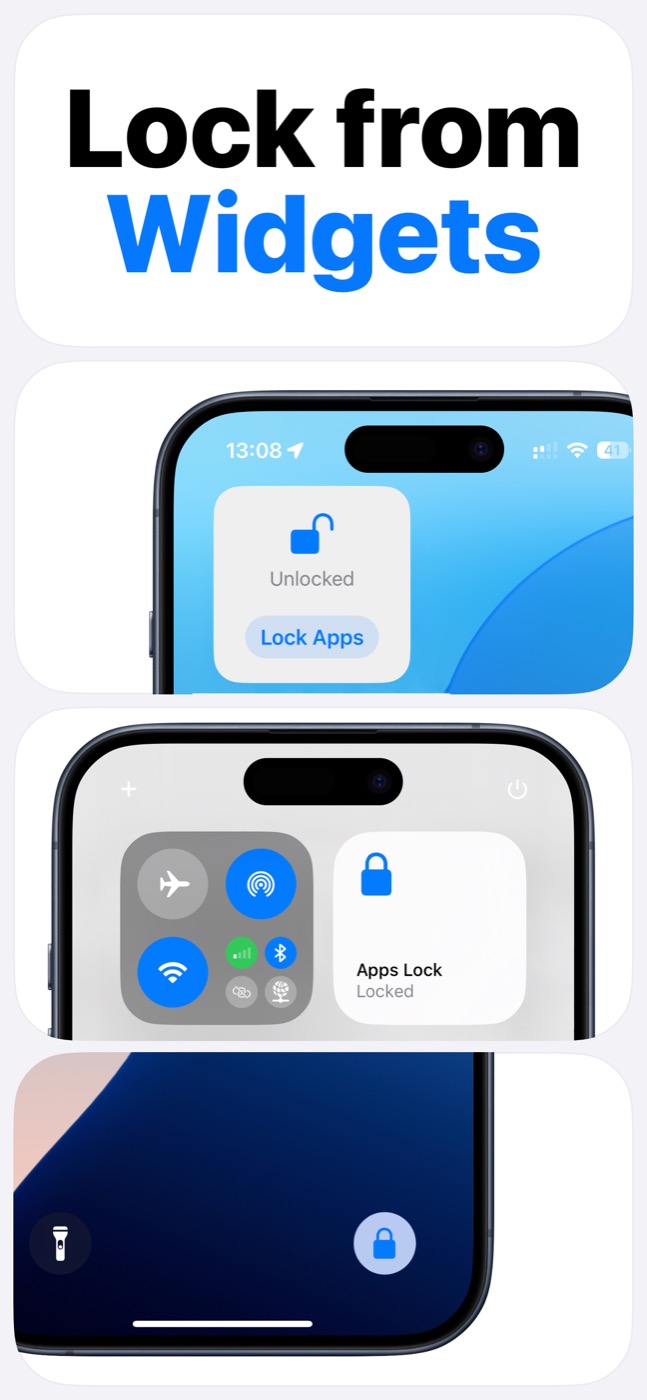
The available widgets make the tool easier to use in real life: you can lock from places like the Home Screen, Lock Screen, or Control Center instead of opening settings each time.
- Face ID and passcode gates for selected apps.
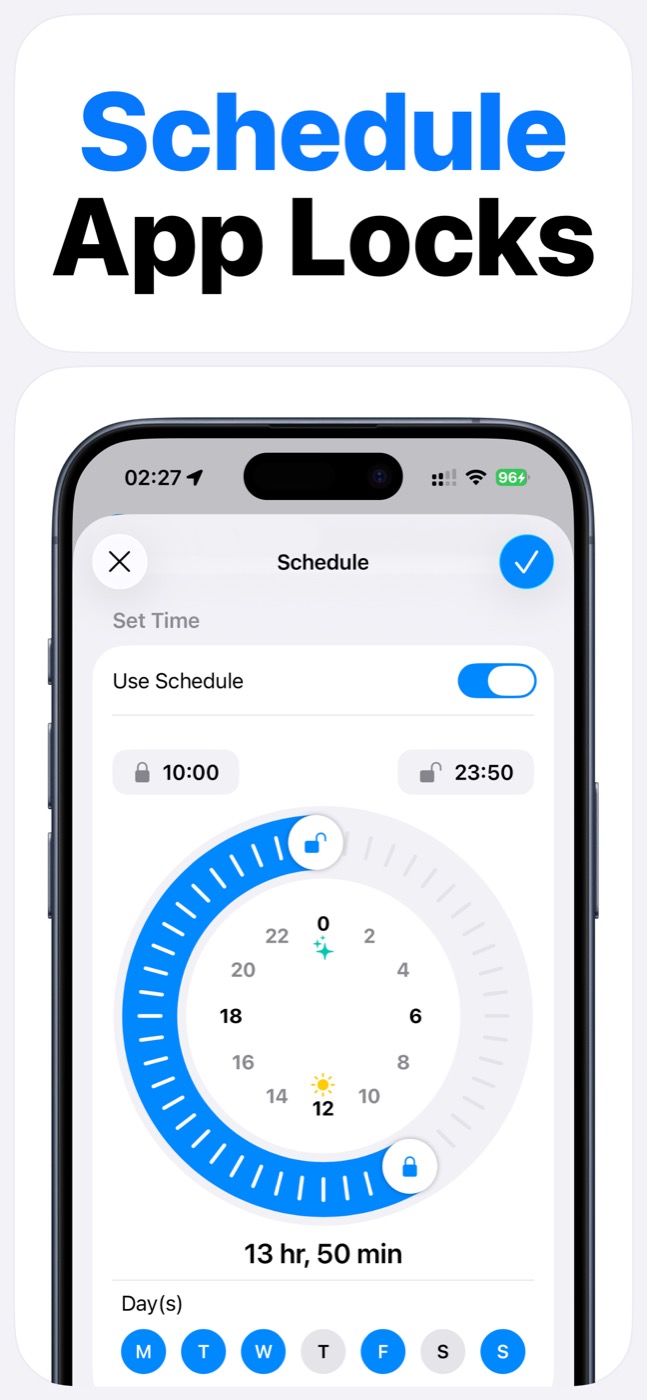
- Scheduled lock windows for school, work, sleep, and family routines.
- Widgets for faster manual locking.
- App groups so related apps can be controlled together.
Product screenshots
Questions people ask
Does App Lock use Apple's Screen Time system?
Yes. App Lock requires Screen Time permission and works within Apple's FamilyControls and ManagedSettings systems. Apple controls the permission prompt and the protected app picker.
Can App Lock read my messages, photos, or contacts?
App Lock is designed as an access-control layer. It does not access photos, messages, contacts, or Apple ID, and it does not read content inside protected apps.
Can App Lock bypass iOS restrictions?
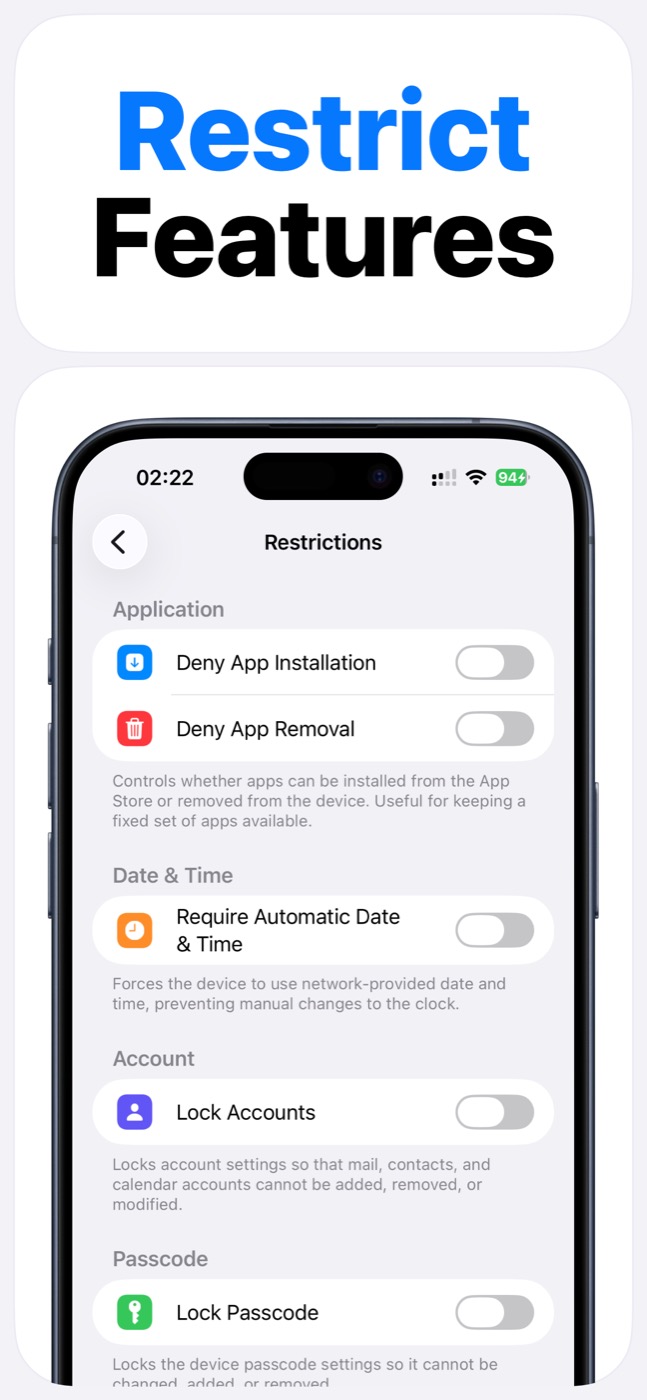
No. App Lock cannot bypass Apple's permission model. It helps block selected apps, categories, websites, and supported device features only within iOS-supported controls.