App Lock for iPhone
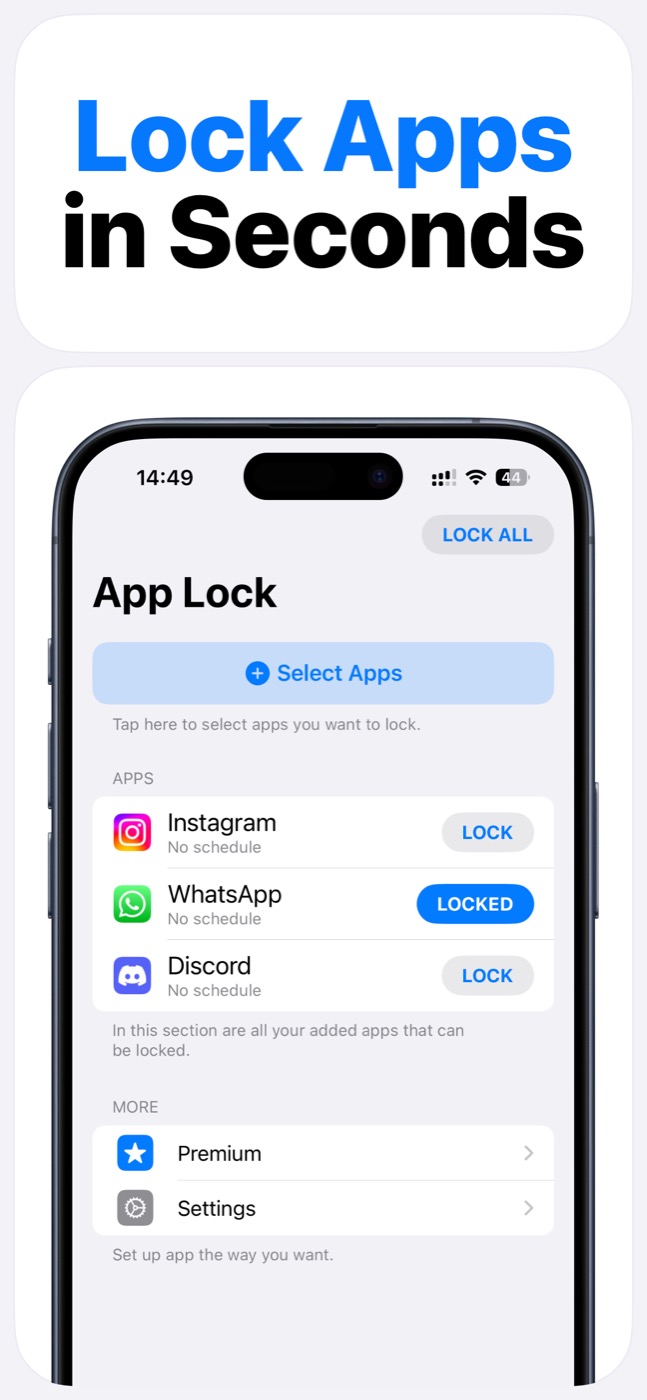
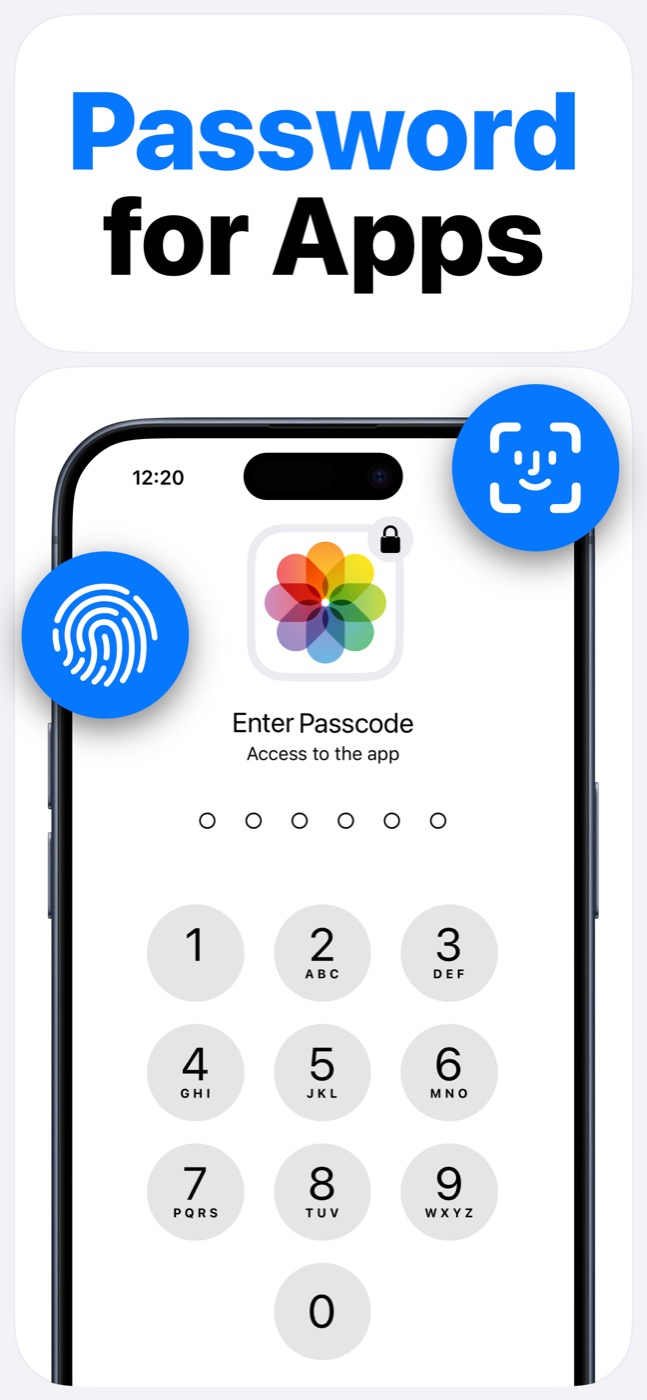
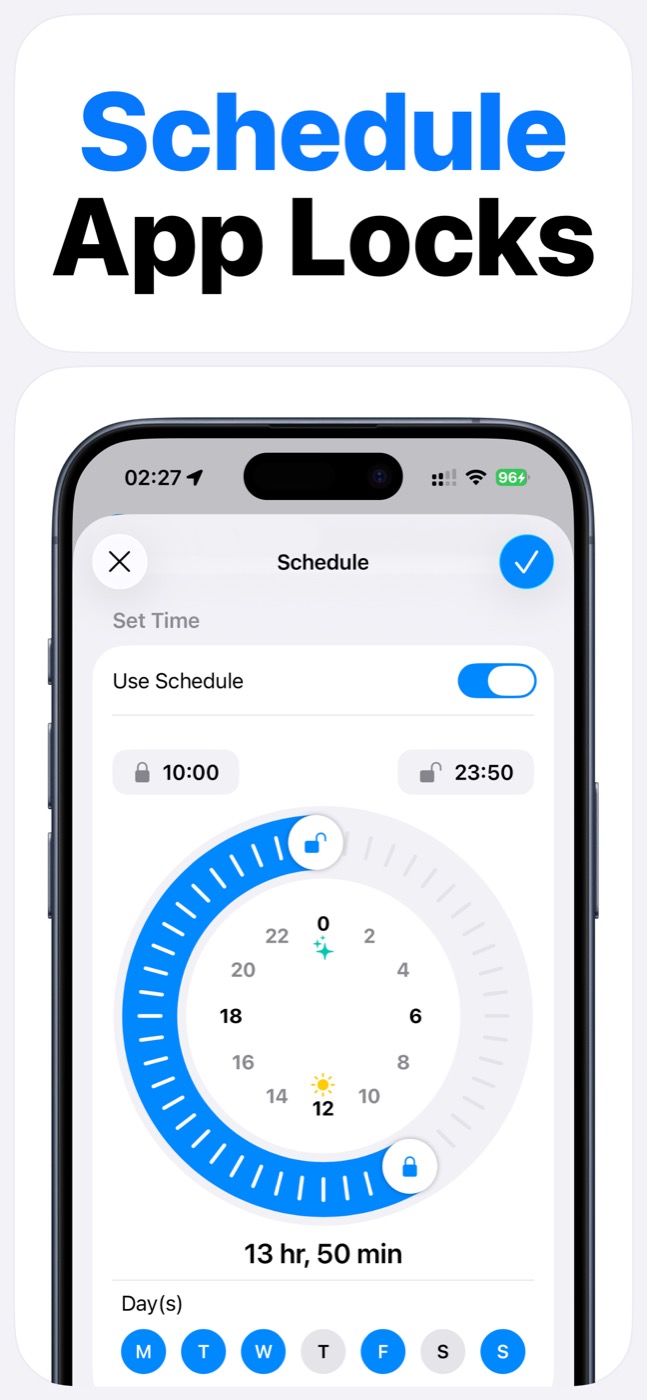
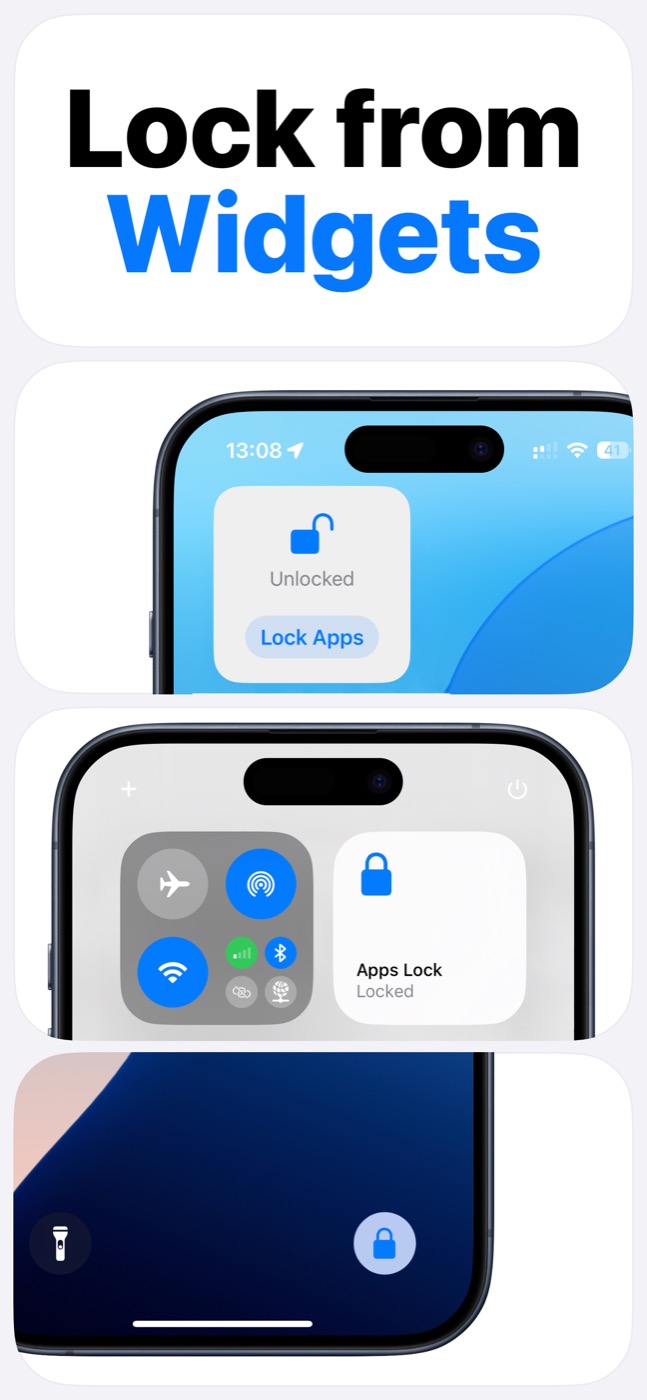
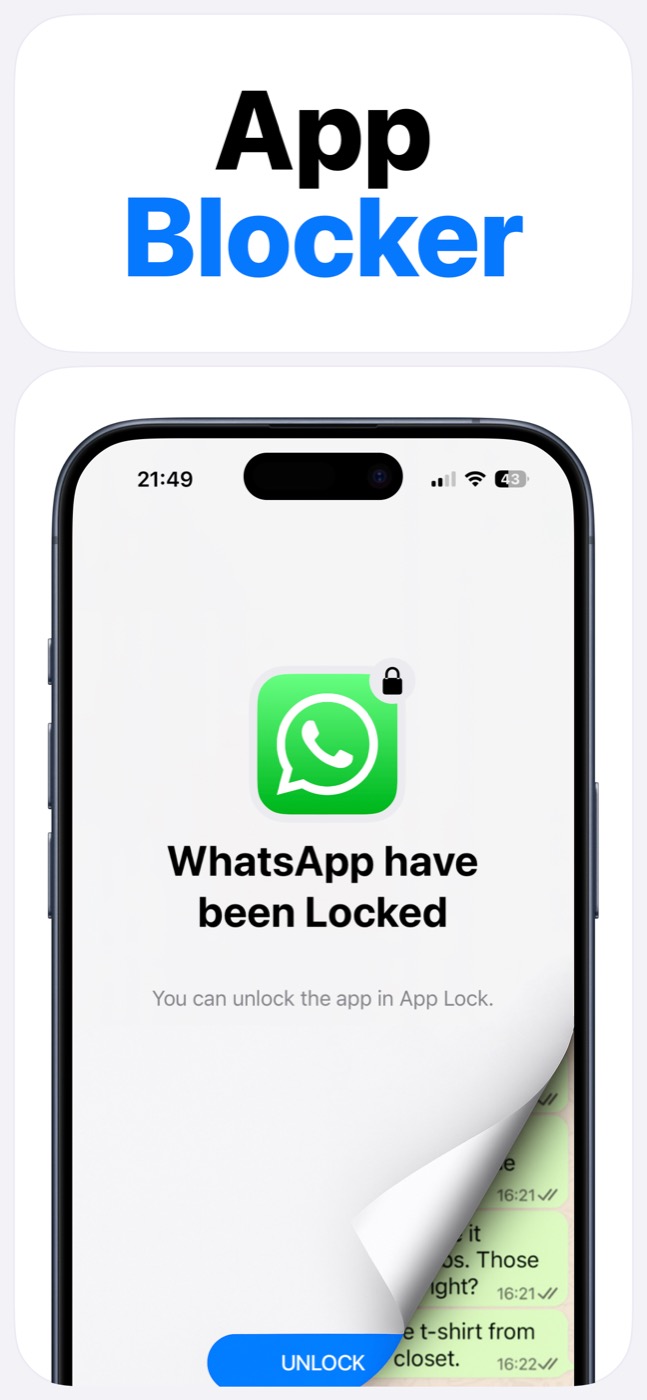
App Lock gives your iPhone a practical privacy gate for selected apps. Choose the apps you want to protect, add Face ID or passcode access, schedule lock windows, and control locks quickly from widgets while staying inside Apple's Screen Time permission system.
Important limitation
App Lock works within Apple's Screen Time, FamilyControls, and ManagedSettings systems. It cannot bypass iOS restrictions, silently control every app, or read private content inside other apps.
What App Lock does
App Lock is built for the moments when your phone is in your hand but certain apps should not be easy to open: private photos, messages, social apps, entertainment, or distracting websites.
Instead of digging through settings every time, you get a focused app-lock workflow: select apps, set schedules, lock from widgets, and unlock intentionally with Face ID or passcode.
- Lock selected apps with Face ID or passcode.
- Schedule recurring lock windows.
- Use widgets from the Home Screen, Lock Screen, and Control Center.
- Organize protected apps into groups.
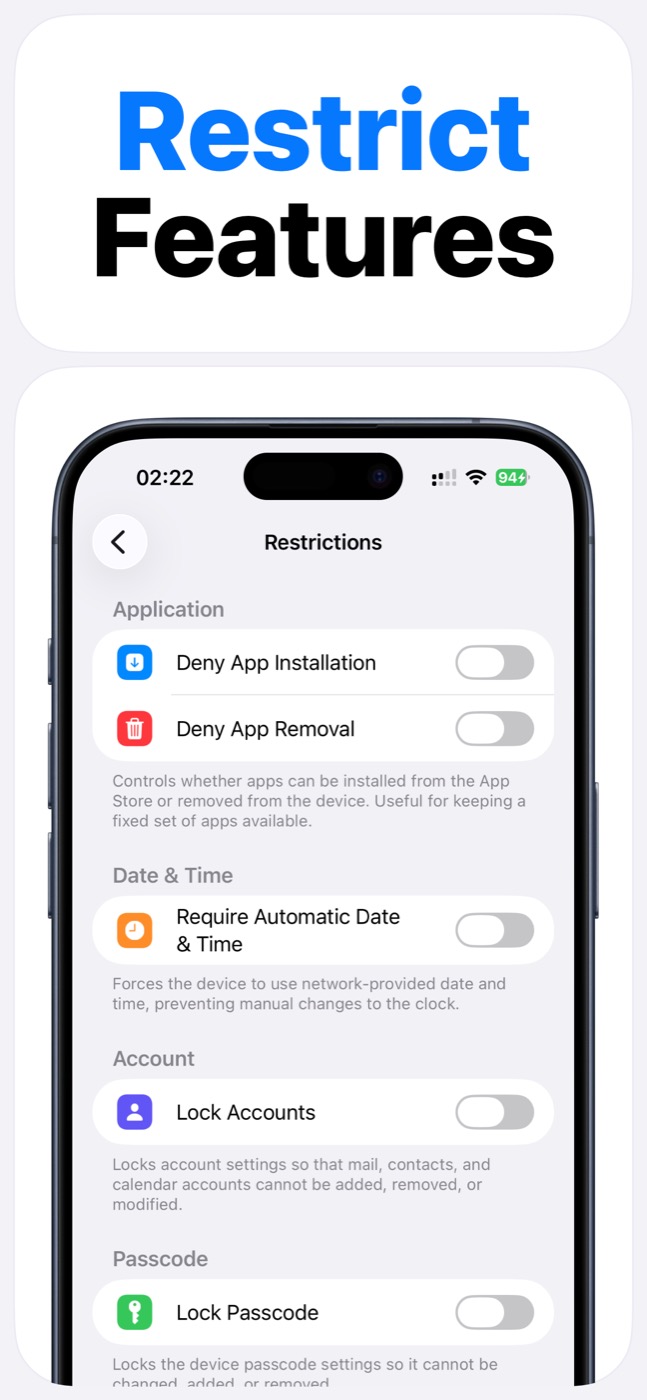
- Use Screen Time controls instead of unsupported iOS workarounds.
How it works on iOS
App Lock works through Apple's Screen Time permission model. That matters because iOS does not let normal apps silently control other apps without permission.
After Screen Time access is granted, App Lock can help manage selected apps and supported restrictions through iOS-supported controls. Apple still owns the permission prompt, app picker, and platform limits.
When to use it
Download App Lock when you want quick app-level protection, not a heavy monitoring suite. It fits private app protection, social media boundaries, family device routines, and scheduled focus sessions.
Product screenshots
Questions people ask
Does App Lock use Apple's Screen Time system?
Yes. App Lock requires Screen Time permission and works within Apple's FamilyControls and ManagedSettings systems. Apple controls the permission prompt and the protected app picker.
Can App Lock read my messages, photos, or contacts?
App Lock is designed as an access-control layer. It does not access photos, messages, contacts, or Apple ID, and it does not read content inside protected apps.
Can App Lock bypass iOS restrictions?
No. App Lock cannot bypass Apple's permission model. It helps block selected apps, categories, websites, and supported device features only within iOS-supported controls.