Block social media apps on iPhone
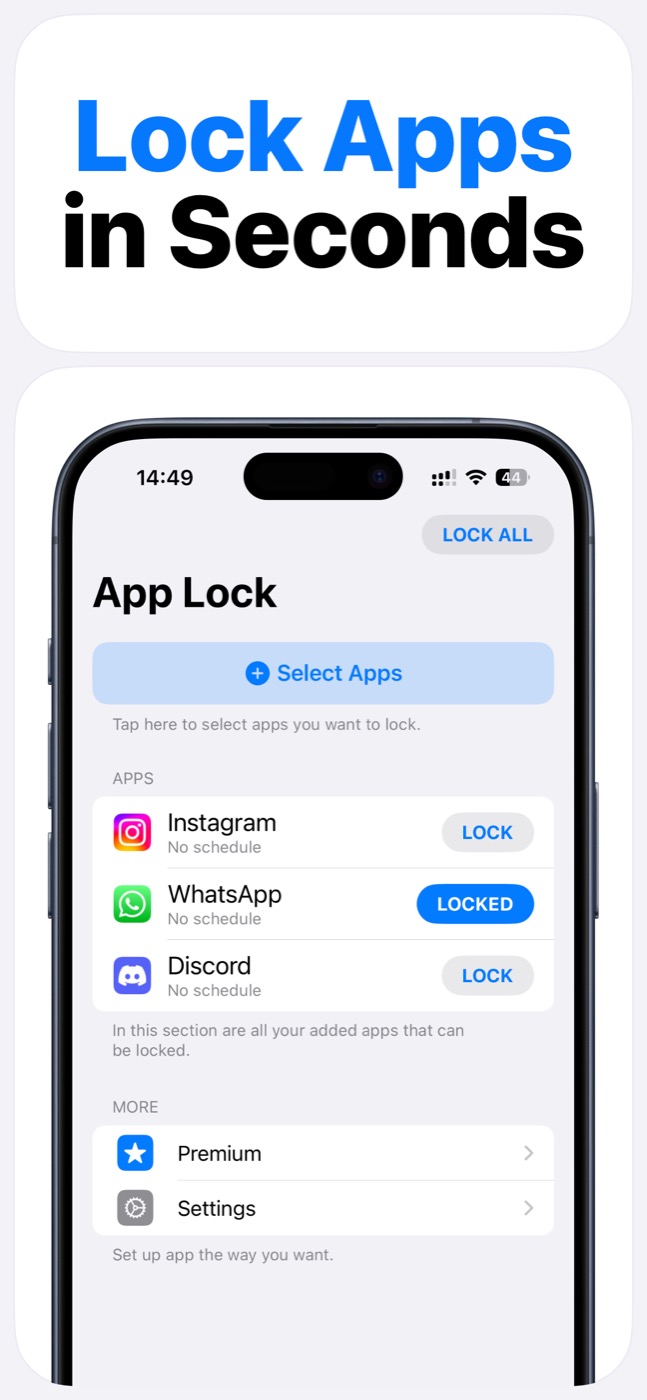
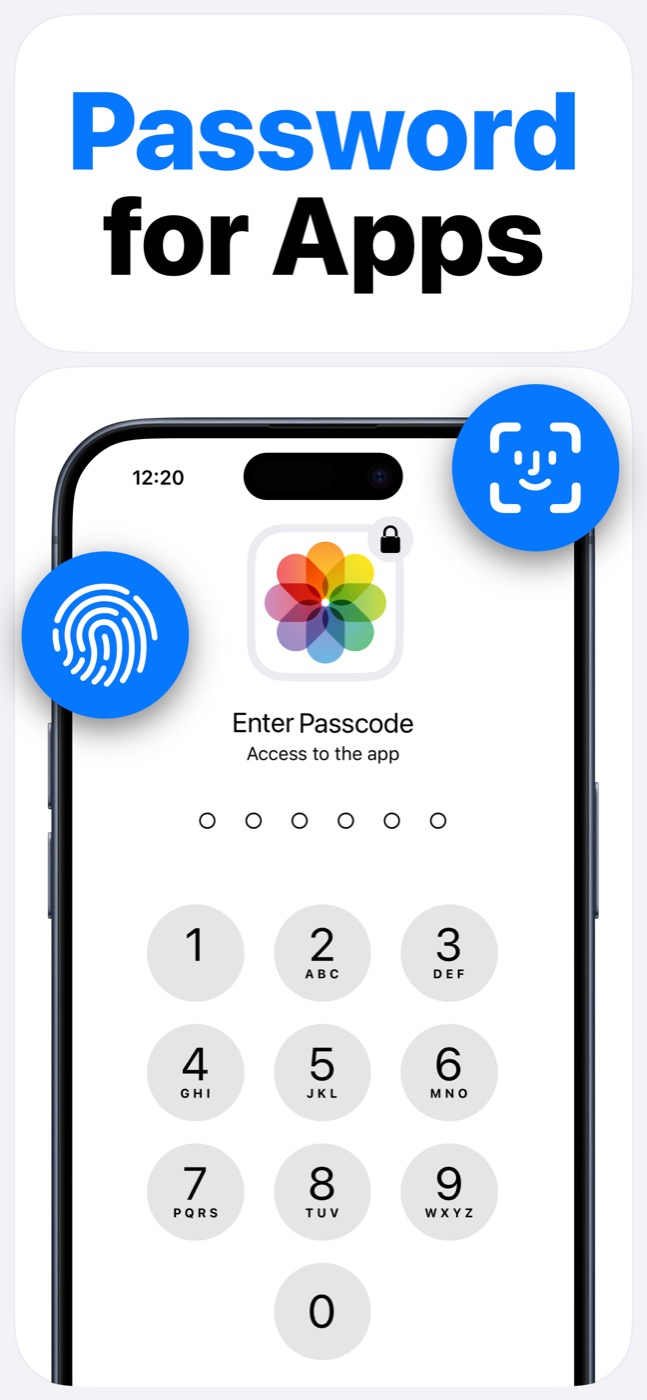
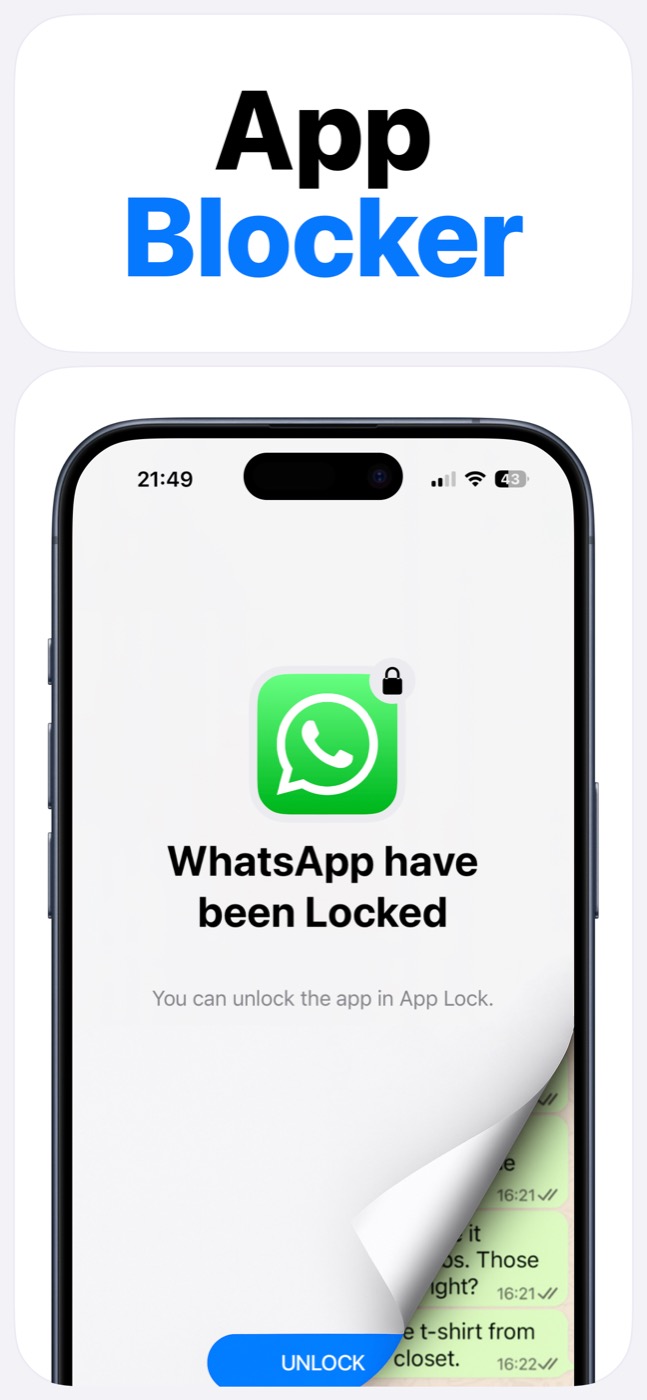
App Lock helps stop the automatic social-media loop on iPhone. Put Instagram, TikTok, WhatsApp, Discord, or any selected app behind a Face ID/passcode gate, schedule, or widget-controlled lock so opening it becomes intentional again.
Important limitation
App Lock works within Apple's Screen Time, FamilyControls, and ManagedSettings systems. It cannot bypass iOS restrictions, silently control every app, or read private content inside other apps.
Why social apps need a different boundary
Social apps are designed to be opened automatically: one notification, one bored second, one reflex tap.
App Lock adds a clear pause before a selected app opens. That pause is often enough to make the choice intentional.
Recommended setup
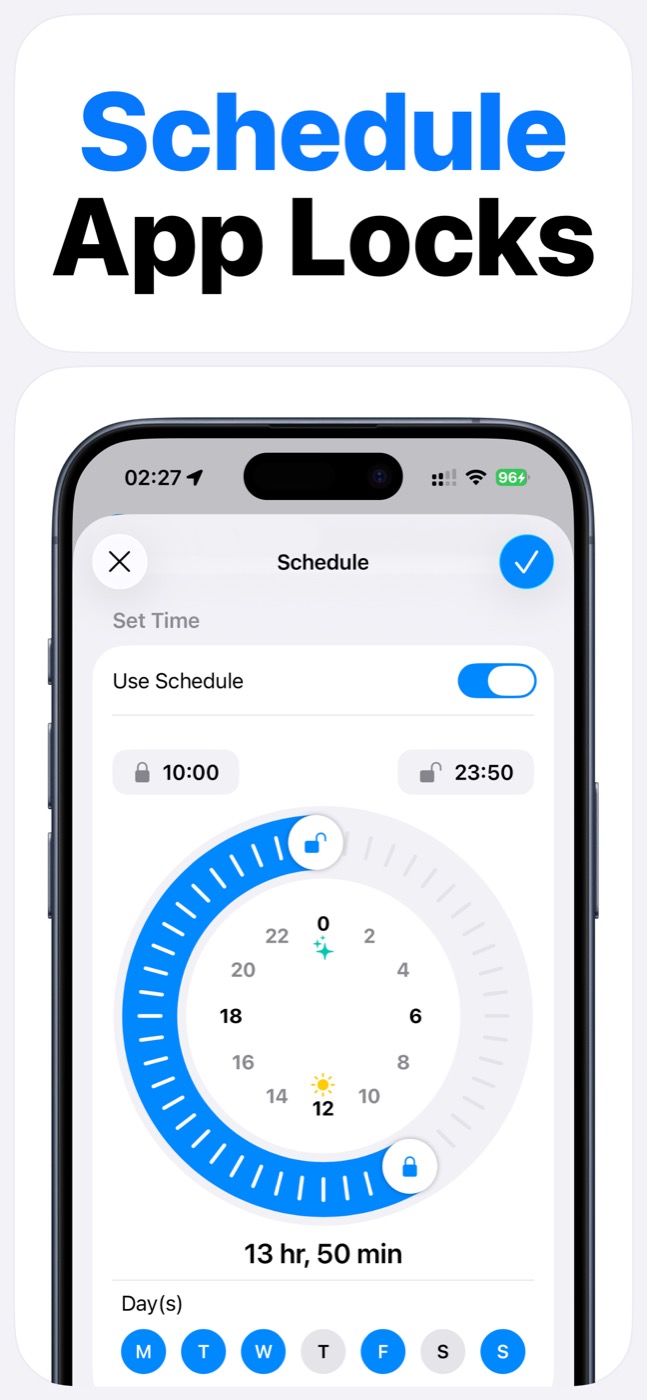
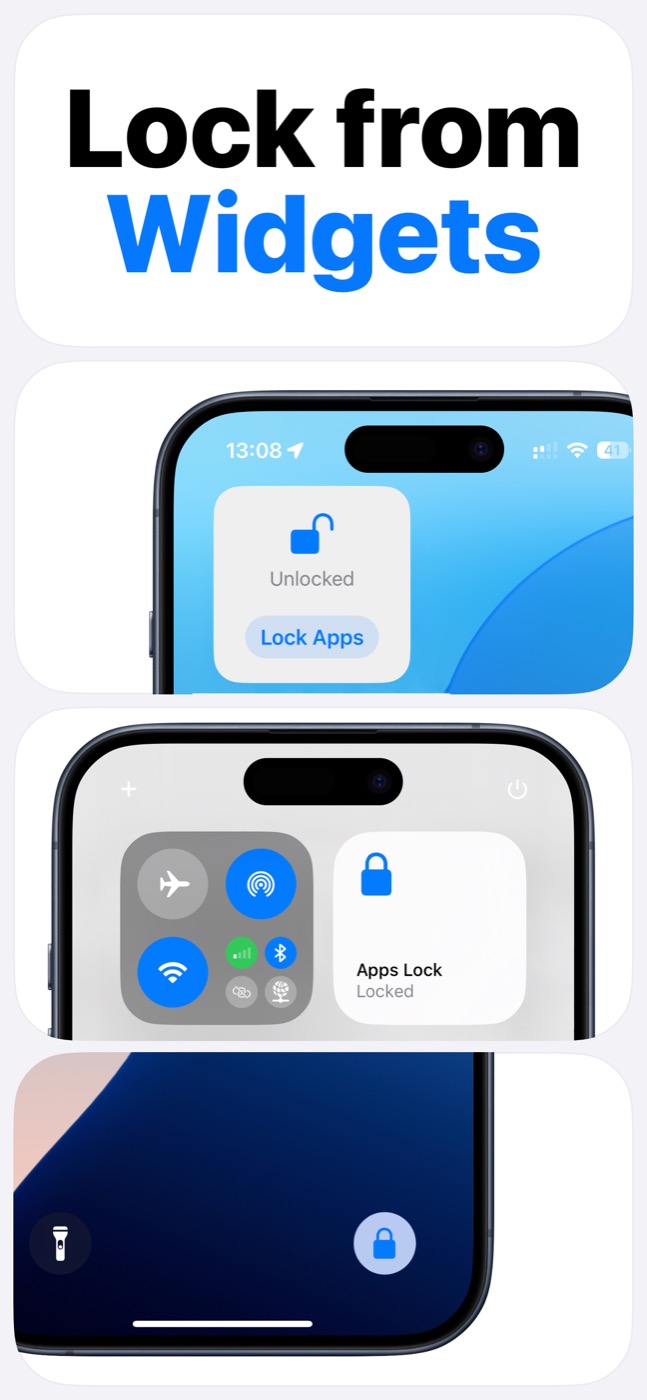
Create one group for social apps, decide when that group should be locked, and use a widget when you need a fast manual lock.
For many users, the most useful schedule is not all day. It is a narrow window: work blocks, study time, morning routine, or the last hour before sleep.
- Group social apps together.
- Use schedules for recurring focus windows.
- Keep widget access visible for manual locking.
- Avoid overblocking apps you need for work or family logistics.
Product screenshots
Questions people ask
Does App Lock use Apple's Screen Time system?
Yes. App Lock requires Screen Time permission and works within Apple's FamilyControls and ManagedSettings systems. Apple controls the permission prompt and the protected app picker.
Can App Lock read my messages, photos, or contacts?
App Lock is designed as an access-control layer. It does not access photos, messages, contacts, or Apple ID, and it does not read content inside protected apps.
Can App Lock bypass iOS restrictions?
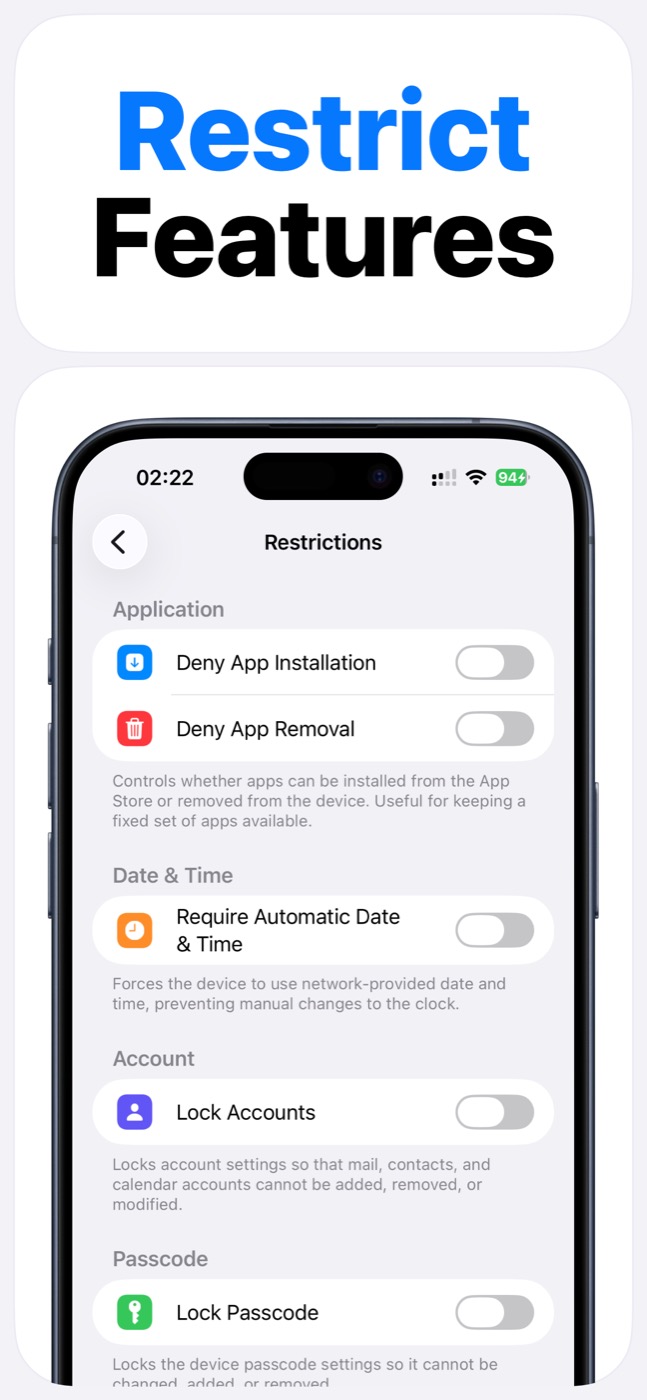
No. App Lock cannot bypass Apple's permission model. It helps block selected apps, categories, websites, and supported device features only within iOS-supported controls.