Best app lock for iPhone
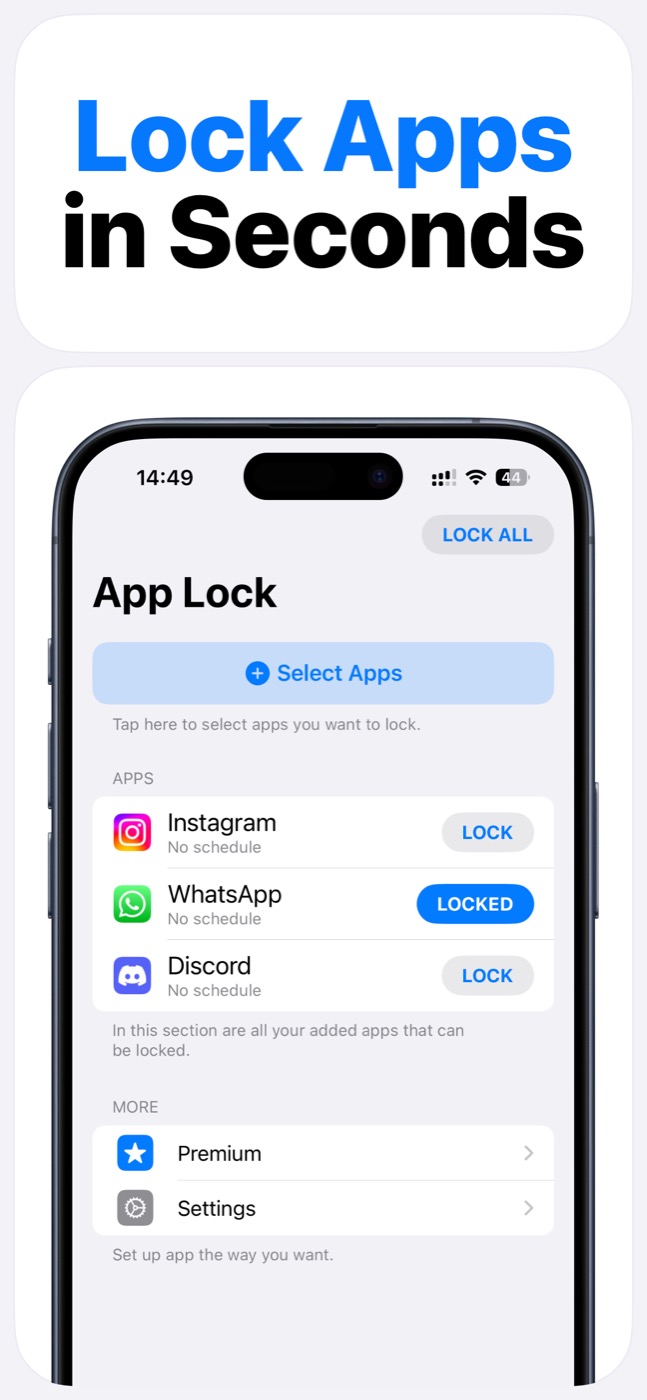
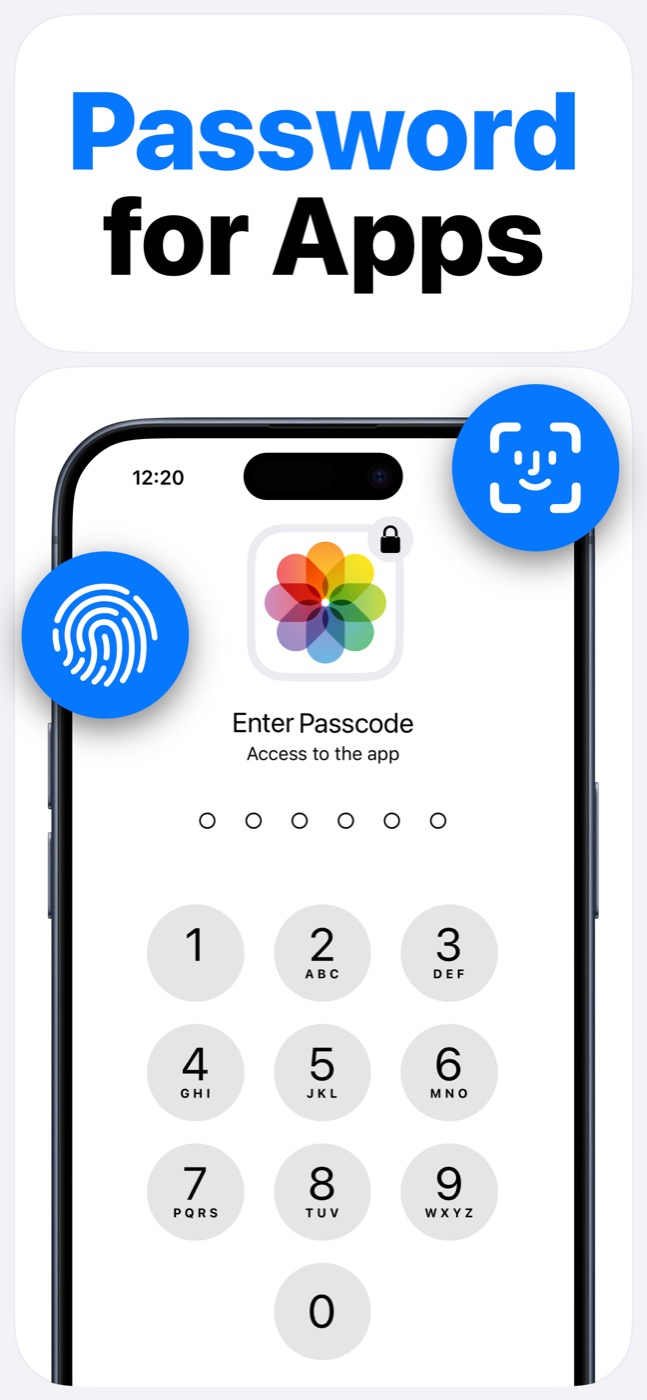
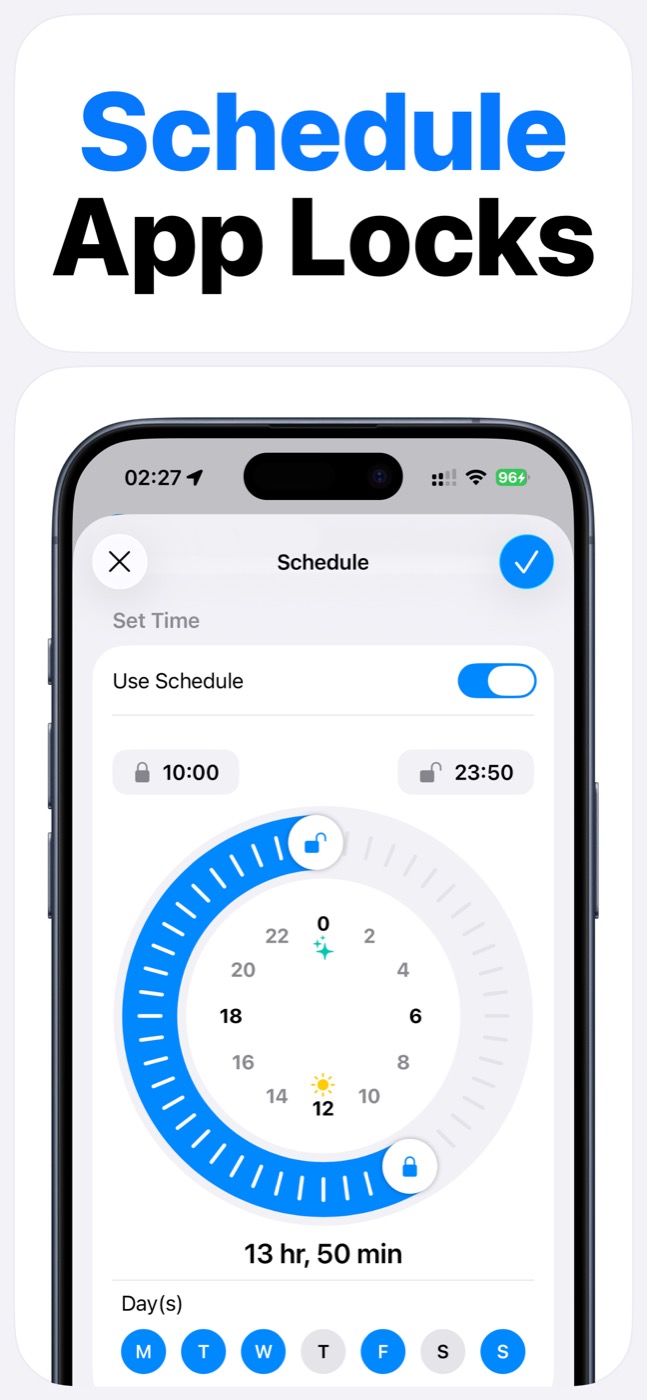
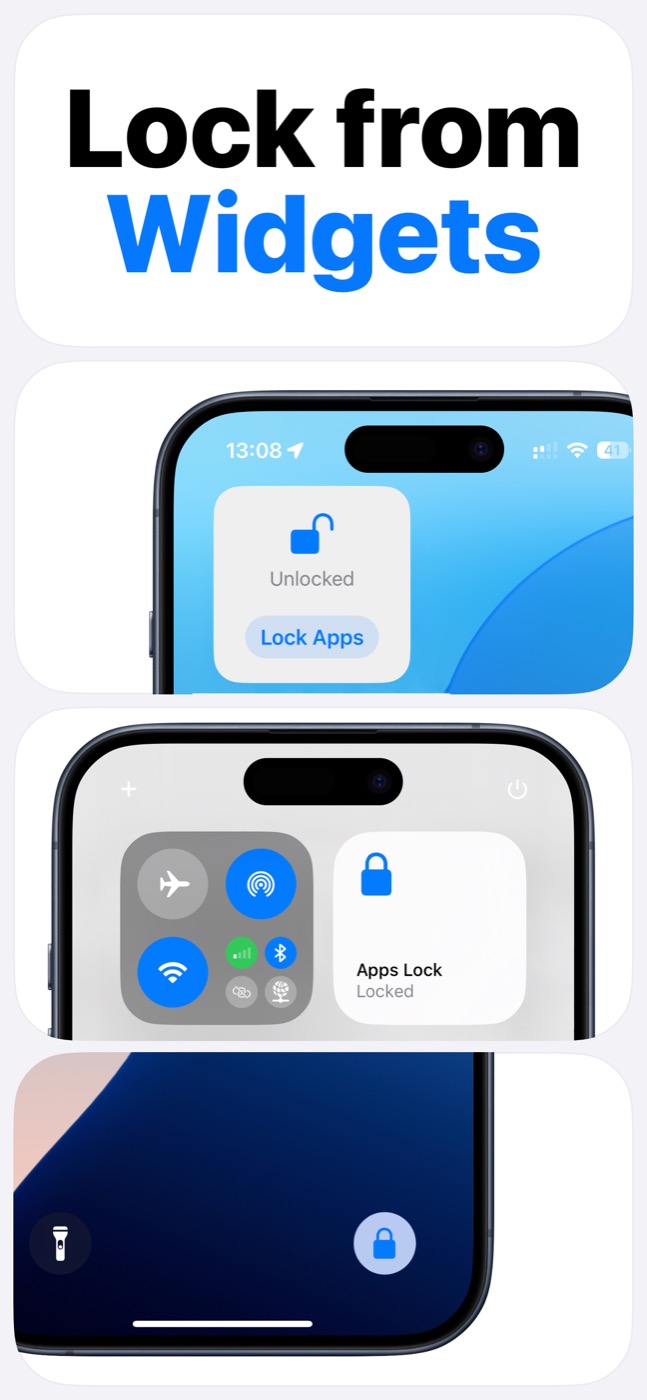
If you want the best app lock for iPhone, look for an app lock you will actually use every day: Face ID or passcode protection, fast widgets, schedules, app groups, and honest iOS behavior. App Lock is built for that practical sweet spot.
Important limitation
App Lock works within Apple's Screen Time, FamilyControls, and ManagedSettings systems. It cannot bypass iOS restrictions, silently control every app, or read private content inside other apps.
Evaluation criteria
A good iPhone app blocker should make protection fast, visible, and repeatable. If the setup feels like a settings maze, you will stop using it.
App Lock focuses on the parts that matter in daily use: Screen Time permission handling, practical app selection, unlock controls, schedules, widgets, and clear privacy boundaries.
| Criterion | Why it matters | App Lock fit |
|---|---|---|
| Screen Time support | iOS requires supported controls for app blocking | Uses Screen Time permission |
| Face ID/passcode | Adds intentional friction before opening protected apps | Supported |
| Schedules | Helps create repeatable focus or family windows | Supported |
| Widgets | Makes locking faster from common iPhone surfaces | Supported |
| Clear limits | Avoids misleading claims about iOS control | Works within Apple's systems |
Who should choose App Lock
Choose App Lock if you want a focused iPhone utility for selected app locks rather than a broad monitoring product.
It is especially useful when you want private app gates, social media control, family boundaries, and recurring lock schedules without overcomplicating the phone.
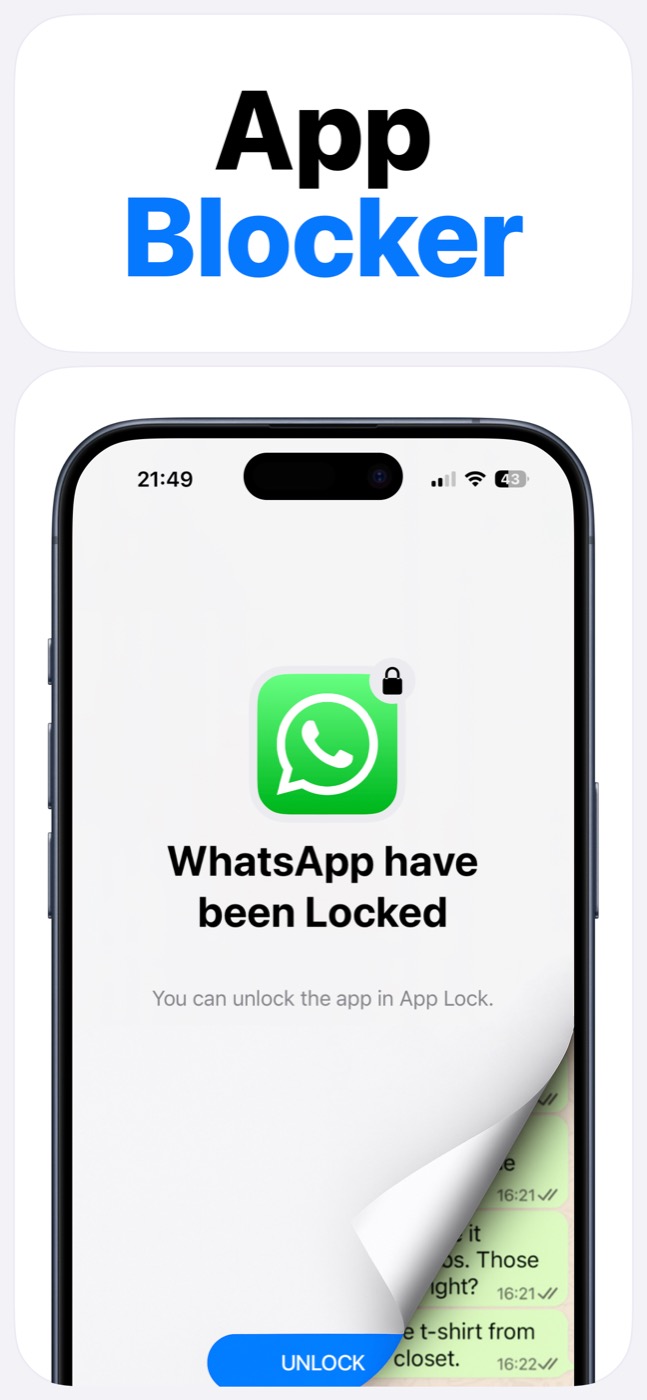
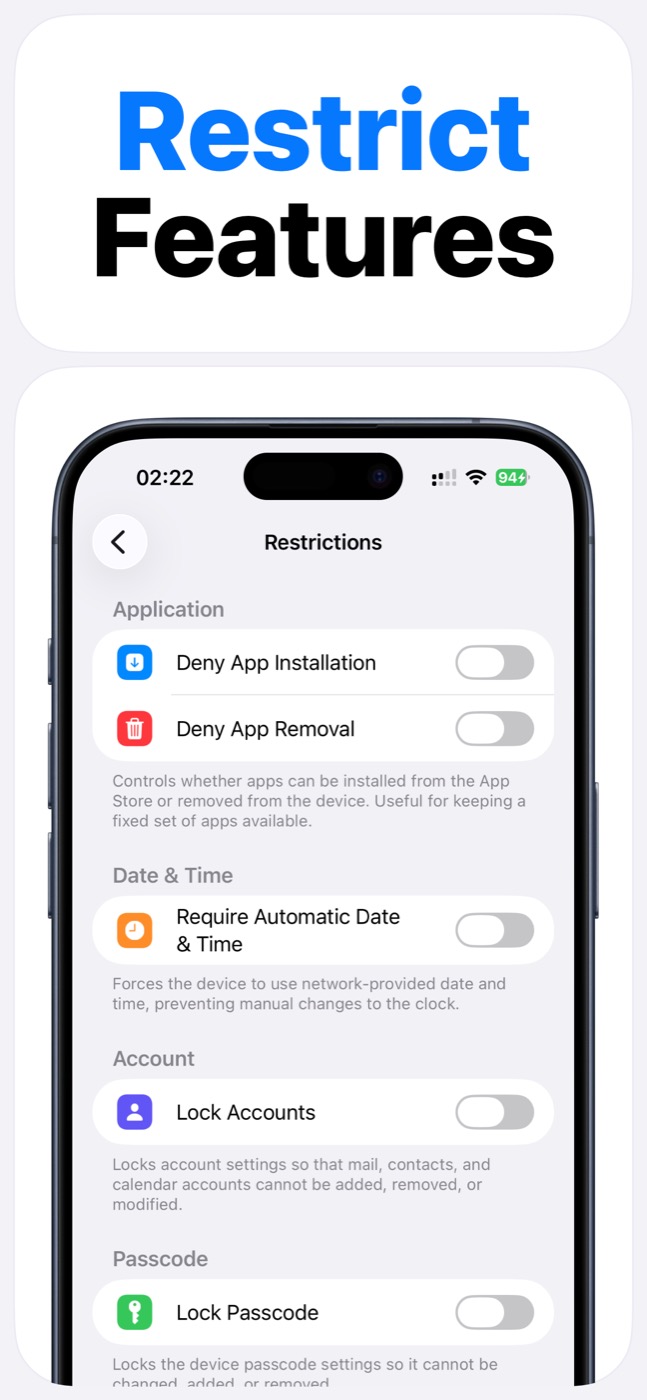
Product screenshots
Questions people ask
Does App Lock use Apple's Screen Time system?
Yes. App Lock requires Screen Time permission and works within Apple's FamilyControls and ManagedSettings systems. Apple controls the permission prompt and the protected app picker.
Can App Lock read my messages, photos, or contacts?
App Lock is designed as an access-control layer. It does not access photos, messages, contacts, or Apple ID, and it does not read content inside protected apps.
Can App Lock bypass iOS restrictions?
No. App Lock cannot bypass Apple's permission model. It helps block selected apps, categories, websites, and supported device features only within iOS-supported controls.