App lock for parents
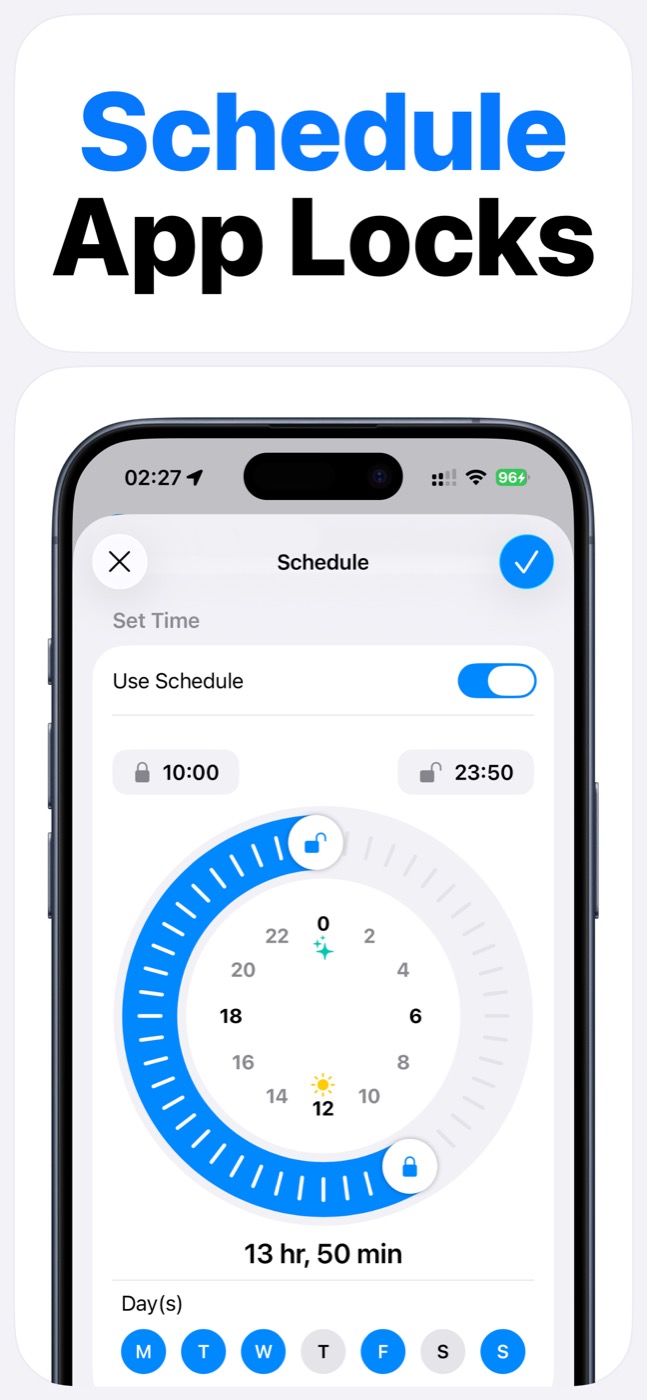
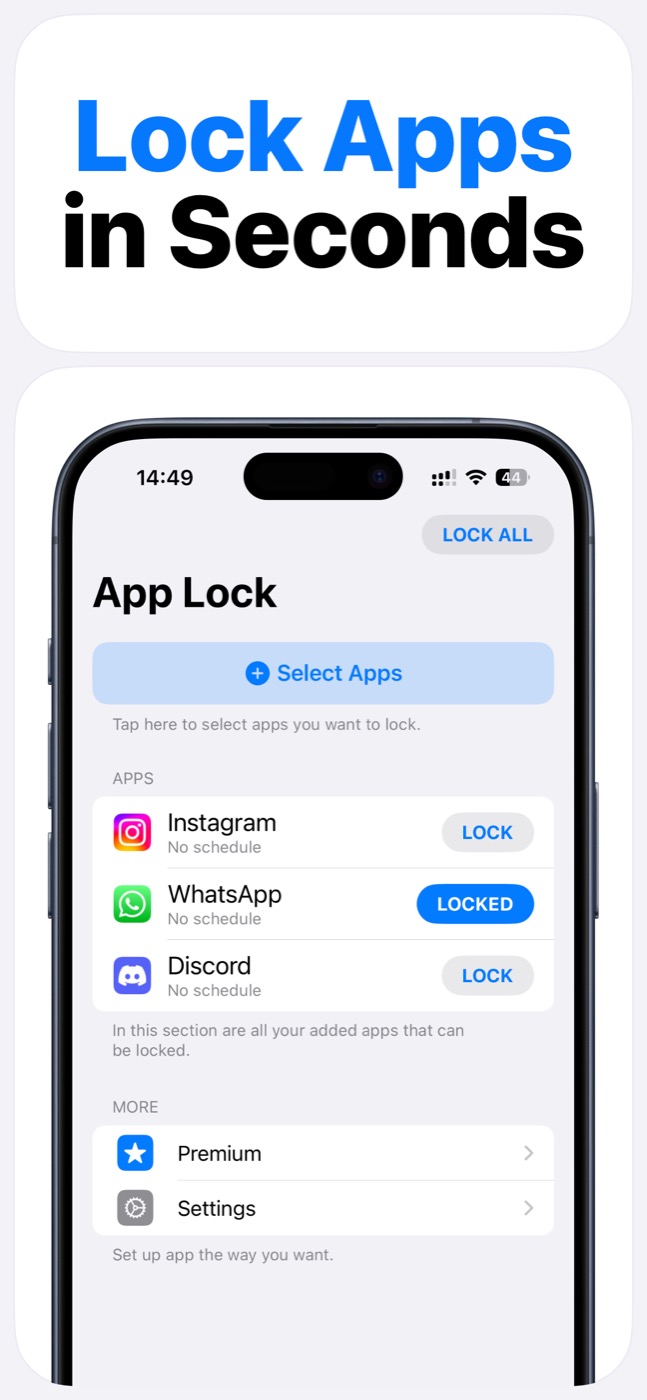
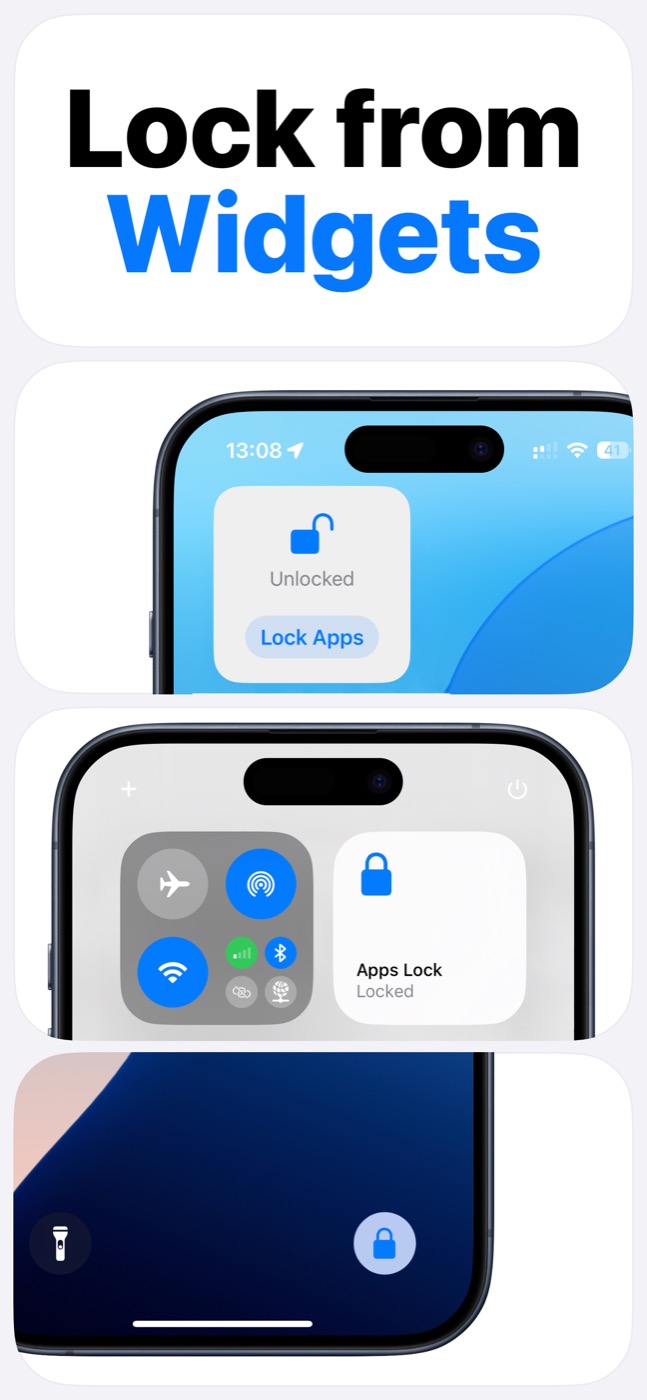
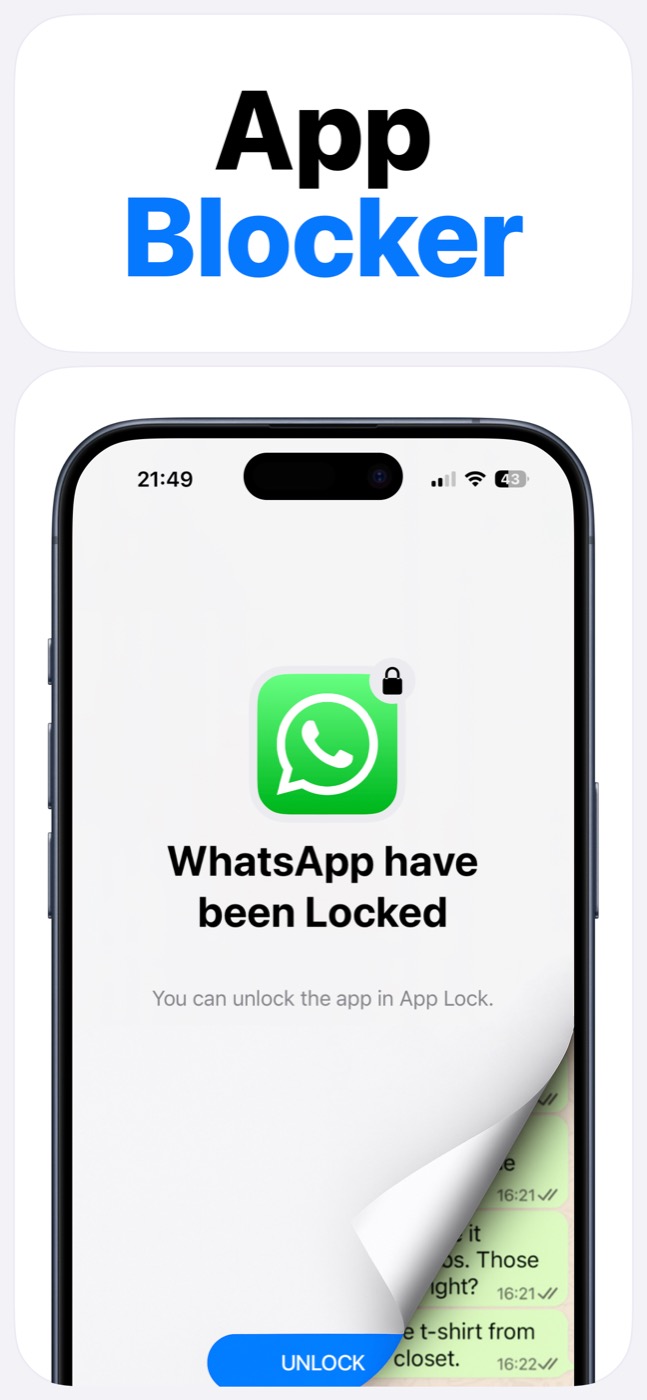
App Lock helps parents create clearer iPhone boundaries around games, social apps, entertainment, websites, and bedtime routines. Set the apps once, use schedules for repeatable rules, and keep the boundary visible instead of renegotiating it every day.
Important limitation
App Lock works within Apple's Screen Time, FamilyControls, and ManagedSettings systems. It cannot bypass iOS restrictions, silently control every app, or read private content inside other apps.
Parent use cases
App Lock works well for homework, bedtime, meals, shared-device time, and “no scrolling right now” moments. The goal is to turn a vague rule into a visible phone boundary.
Schedules remove the daily manual decision. App groups keep related apps together, such as games, social media, short video, or chat apps.
- Lock entertainment apps during homework.
- Set bedtime app boundaries.
- Keep social apps unavailable during family meals.
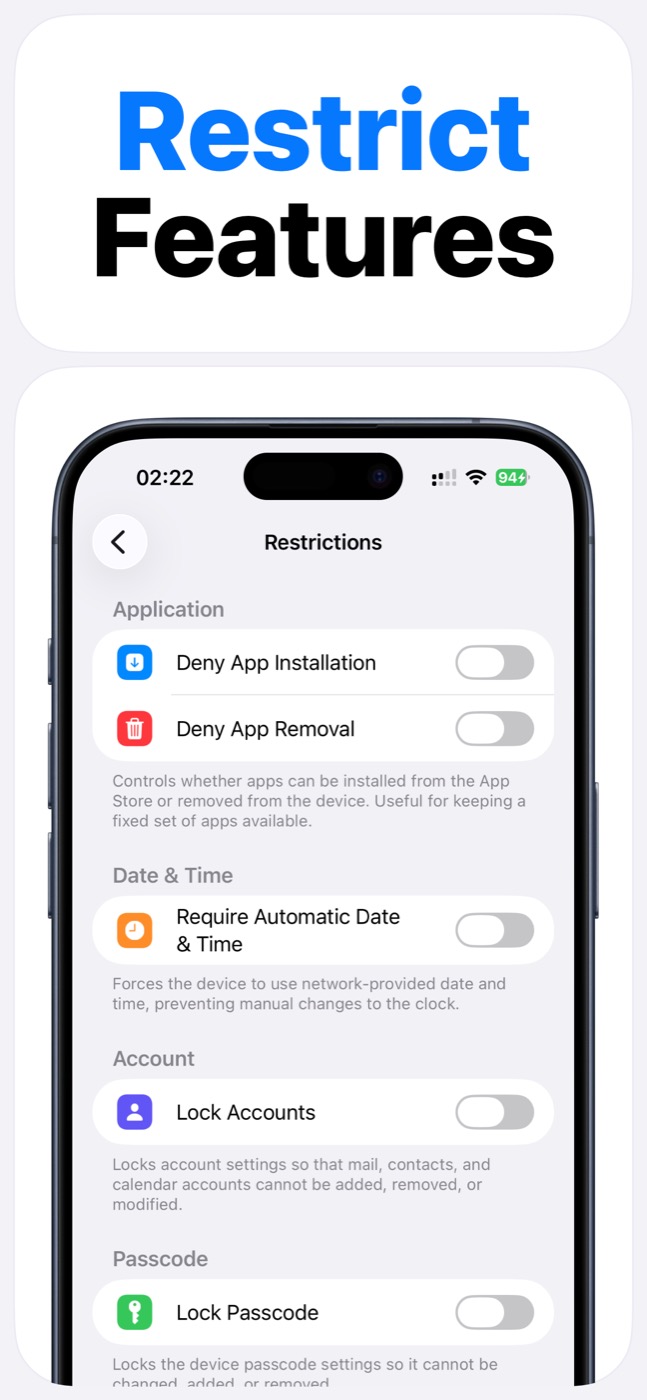
- Use supported restrictions for device settings where iOS allows it.
What parents should know
App Lock is not a surveillance product. It does not need to read messages or app content to create an app lock boundary.
It still depends on Apple's Screen Time permission and the options iOS exposes. That is the right tradeoff for a privacy-conscious iPhone app blocker.
Product screenshots
Questions people ask
Does App Lock use Apple's Screen Time system?
Yes. App Lock requires Screen Time permission and works within Apple's FamilyControls and ManagedSettings systems. Apple controls the permission prompt and the protected app picker.
Can App Lock read my messages, photos, or contacts?
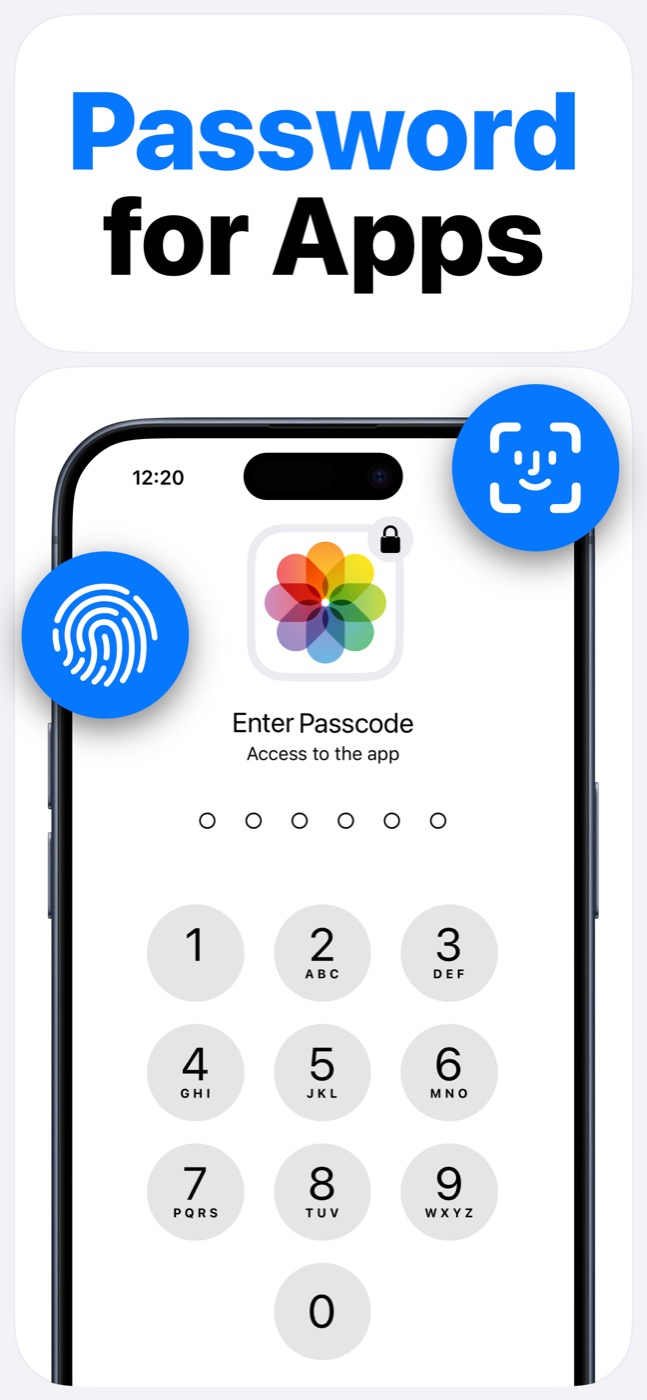
App Lock is designed as an access-control layer. It does not access photos, messages, contacts, or Apple ID, and it does not read content inside protected apps.
Can App Lock bypass iOS restrictions?
No. App Lock cannot bypass Apple's permission model. It helps block selected apps, categories, websites, and supported device features only within iOS-supported controls.
Is App Lock a parental control app?
App Lock can support parental routines, but it is focused on app locking and Screen Time blocking rather than full parental monitoring.