Limit screen time on iPhone
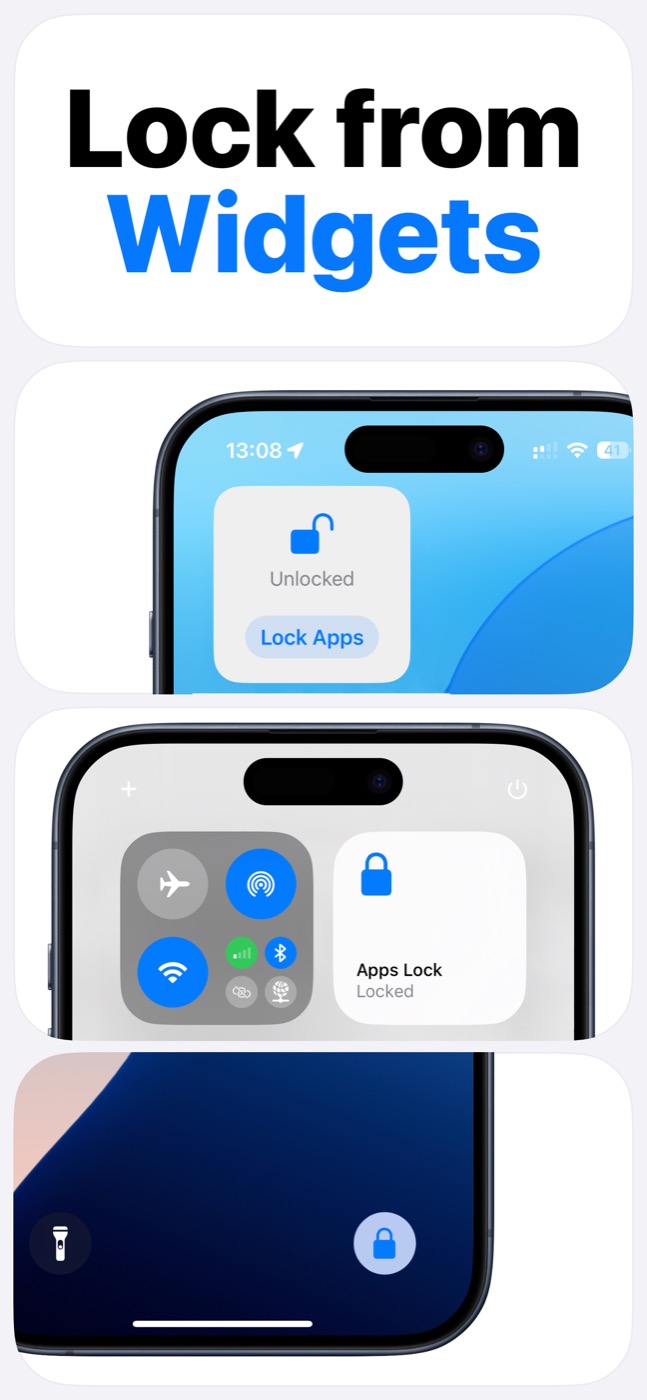
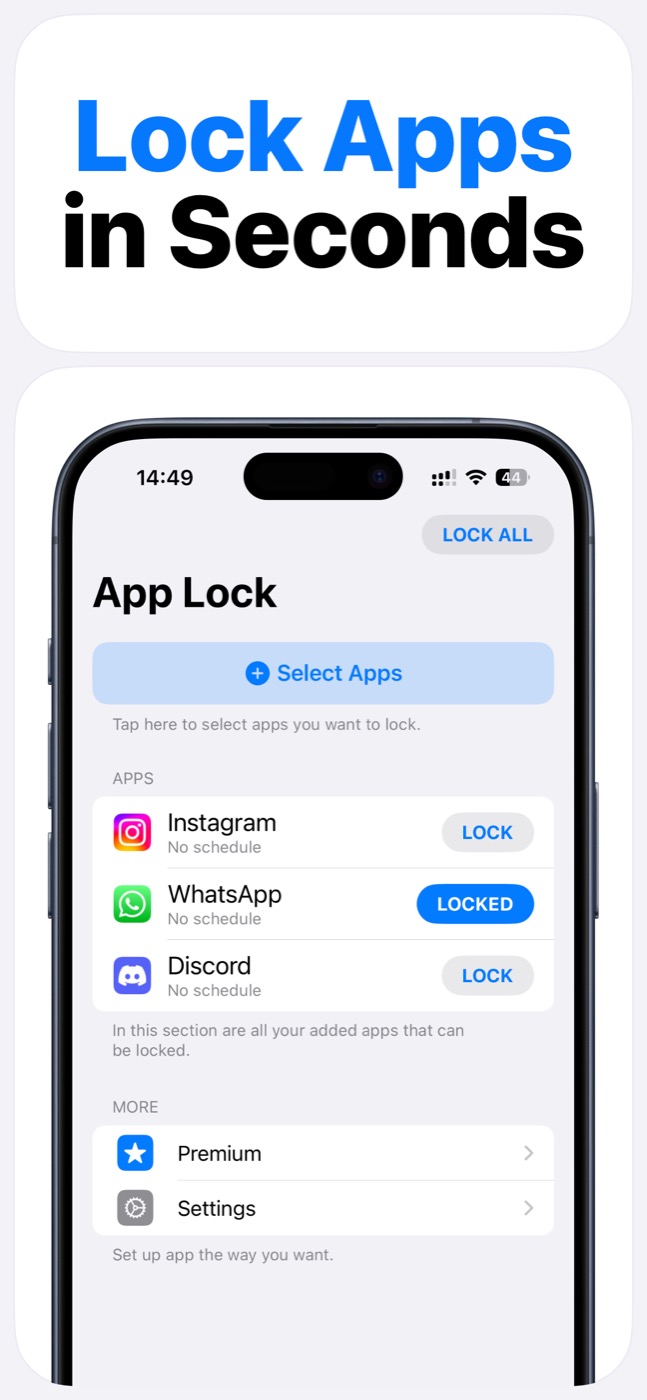
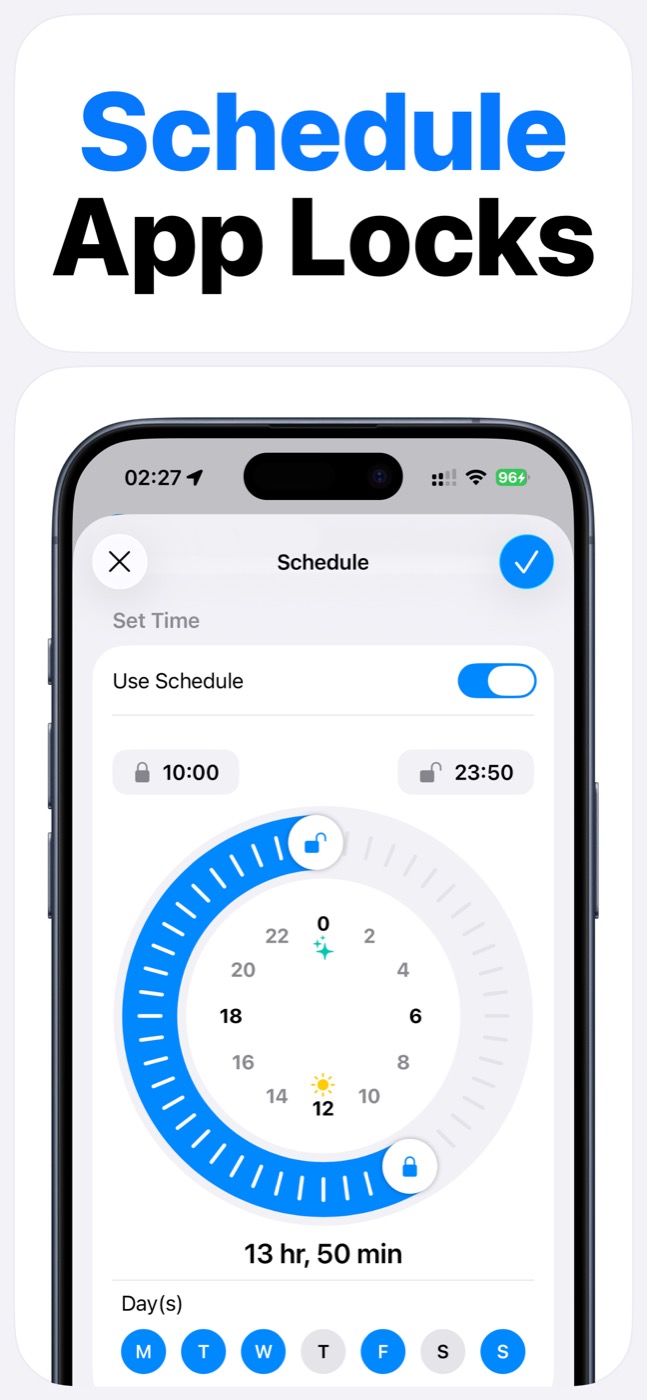
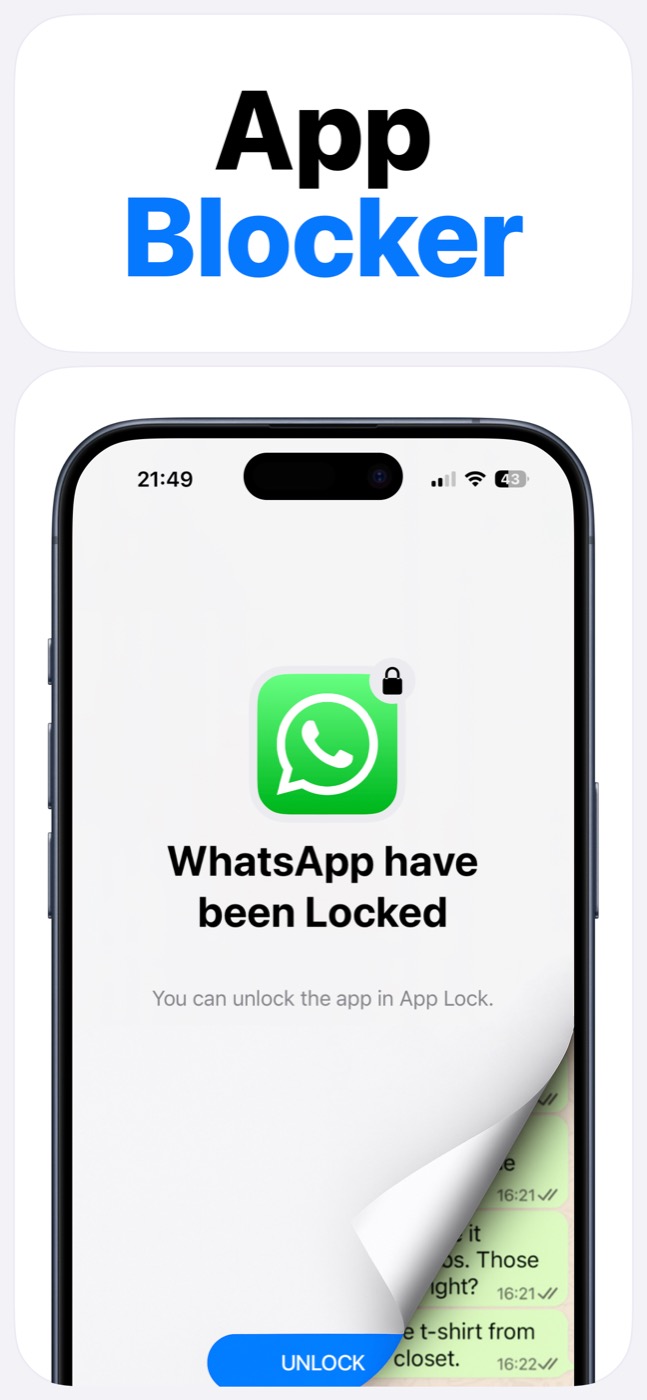
App Lock helps reduce screen time before the scroll starts. Lock selected apps, schedule focus windows, and use widgets when you need a fast boundary instead of only checking usage after the time is already gone.
Important limitation
App Lock works within Apple's Screen Time, FamilyControls, and ManagedSettings systems. It cannot bypass iOS restrictions, silently control every app, or read private content inside other apps.
How App Lock supports focus
Screen time is usually a habit problem before it is a settings problem. The lock has to be easy to turn on and strong enough to interrupt the reflex.
App Lock combines selected app locks, schedules, and widgets so the same boundary can be used repeatedly without rebuilding it every day.
A practical screen time routine
Start with one schedule and one app group. Measure whether the lock changes the moments that usually turn into long sessions.
If the schedule is too strict, narrow the window. If it is too weak, add the apps or websites that most often lead to unplanned time.
- Morning: keep social apps locked until work starts.
- Work or study: lock entertainment and social apps.
- Evening: block short-form video and games before sleep.
- Weekends: use a looser schedule instead of removing all boundaries.
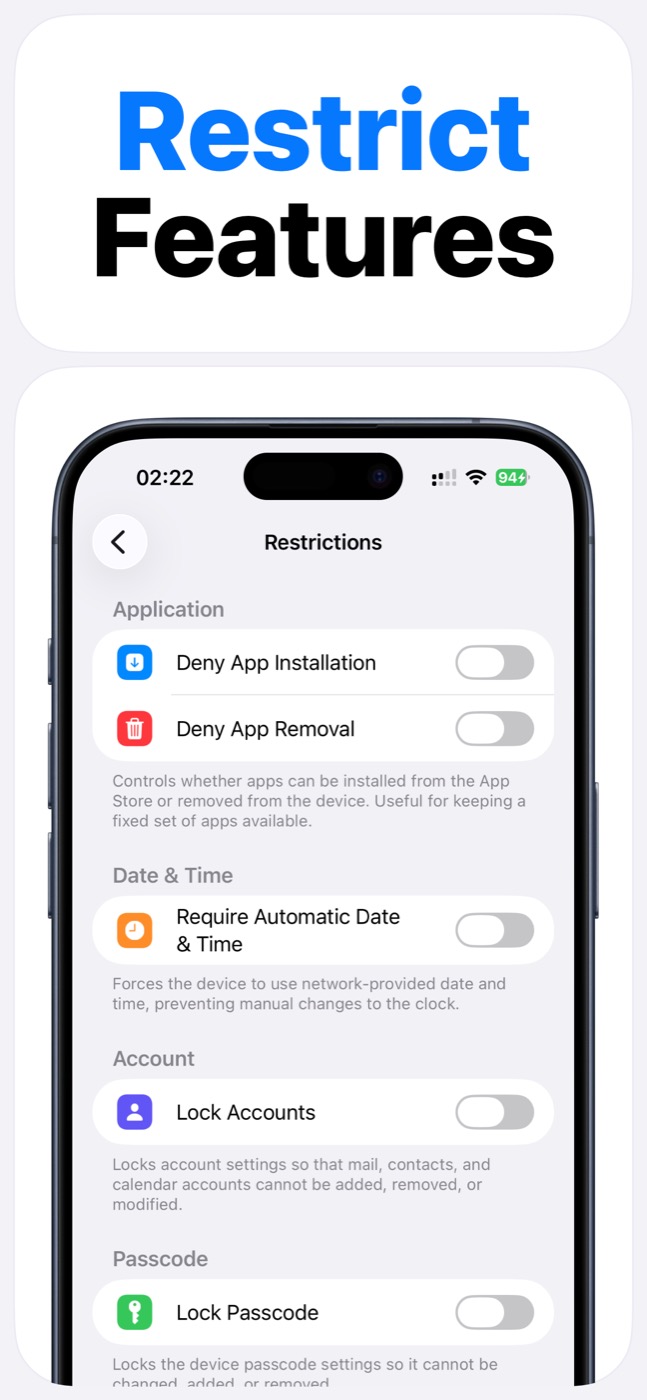
Product screenshots
Questions people ask
Does App Lock use Apple's Screen Time system?
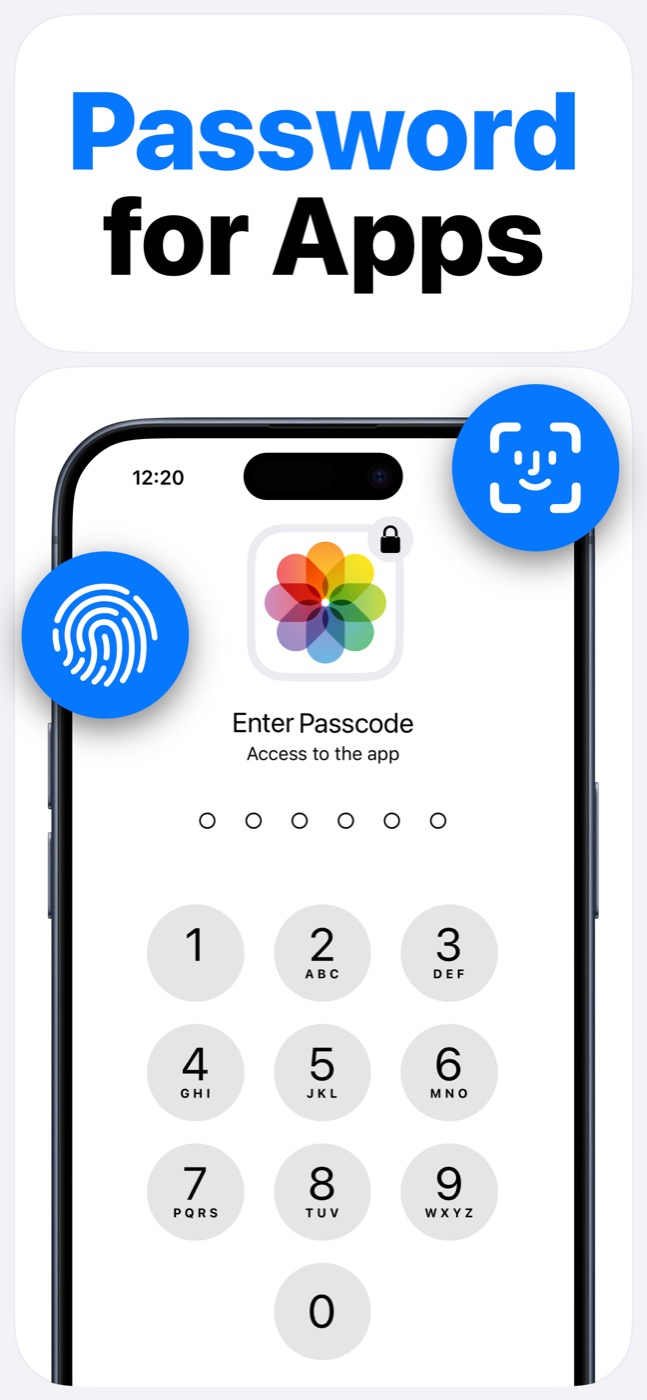
Yes. App Lock requires Screen Time permission and works within Apple's FamilyControls and ManagedSettings systems. Apple controls the permission prompt and the protected app picker.
Can App Lock read my messages, photos, or contacts?
App Lock is designed as an access-control layer. It does not access photos, messages, contacts, or Apple ID, and it does not read content inside protected apps.
Can App Lock bypass iOS restrictions?
No. App Lock cannot bypass Apple's permission model. It helps block selected apps, categories, websites, and supported device features only within iOS-supported controls.