App Lock vs Screen Time
Apple Screen Time is the underlying iOS control system. App Lock turns that permission model into a faster app-lock product: selected apps, Face ID/passcode gates, schedules, widgets, and cleaner daily workflows. Use Screen Time for broad built-in limits and App Lock when you want a focused app locker.
Important limitation
App Lock works within Apple's Screen Time, FamilyControls, and ManagedSettings systems. It cannot bypass iOS restrictions, silently control every app, or read private content inside other apps.
Comparison table
This is not a replacement-versus-bypass comparison. App Lock depends on Screen Time permission, so the more accurate question is where the built-in system ends and a focused app workflow helps.
| Need | Apple Screen Time | App Lock |
|---|---|---|
| Built-in iOS limits | Native and always available | Uses Screen Time permission |
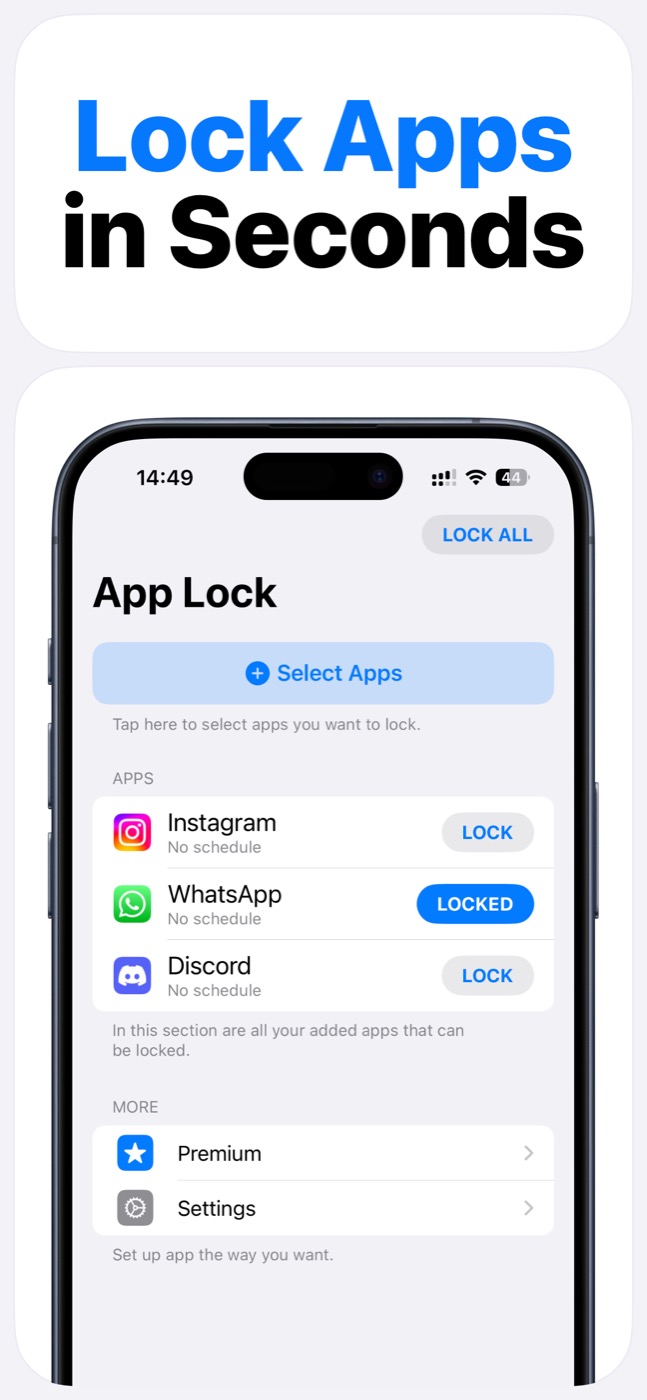
| Fast app lock workflow | Can require more settings navigation | Designed around app locking |
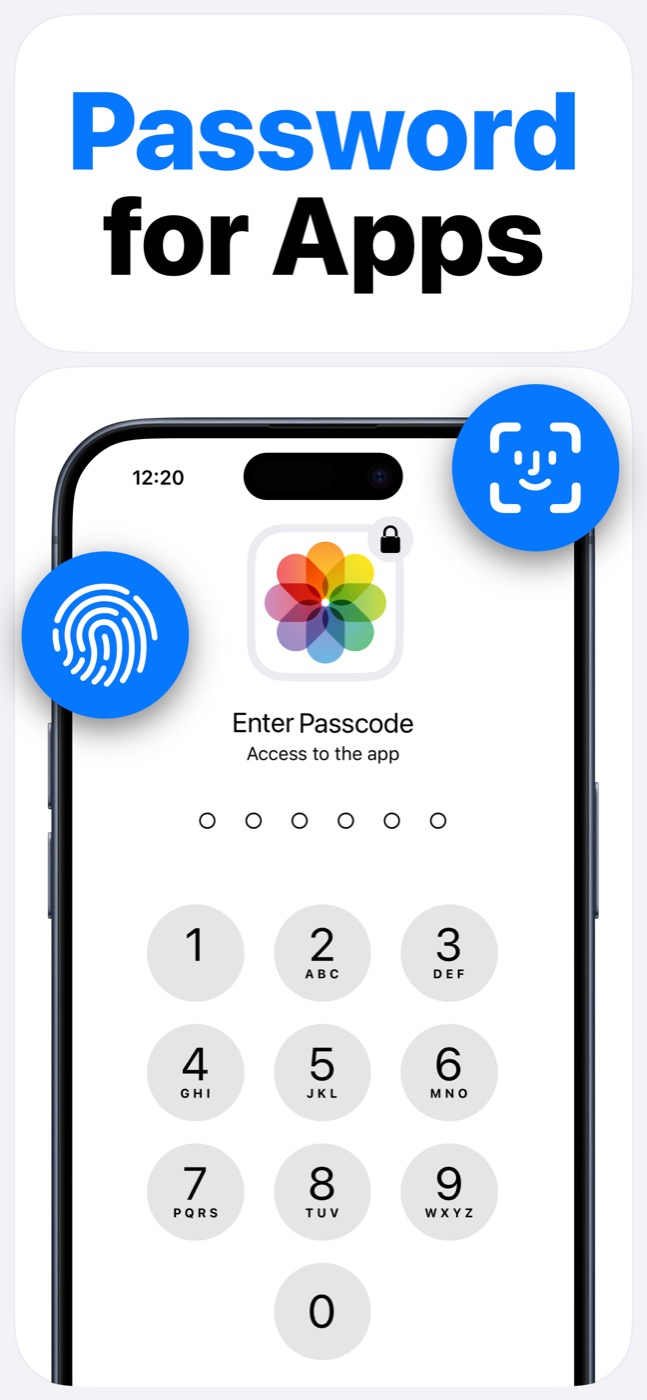
| Face ID/passcode gate | Limited to system flows | Core app workflow |
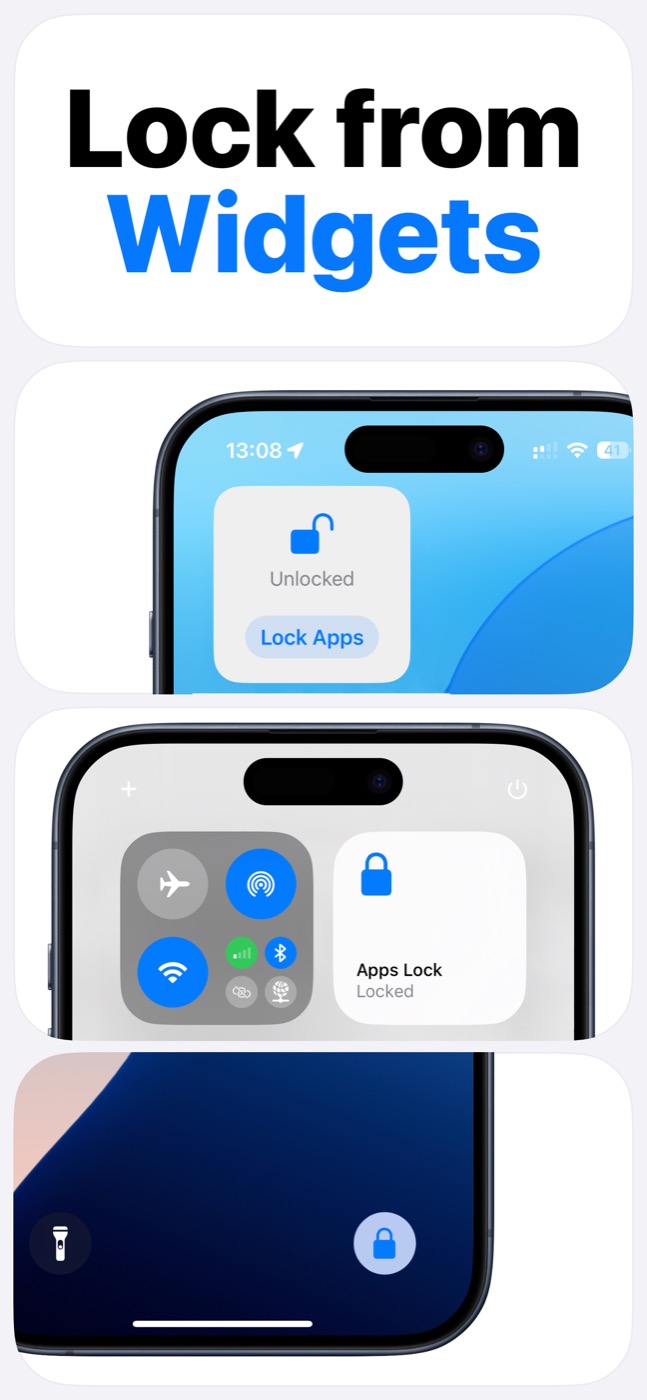
| Widgets | Not focused on app-lock widgets | Home Screen, Lock Screen, and Control Center widgets |
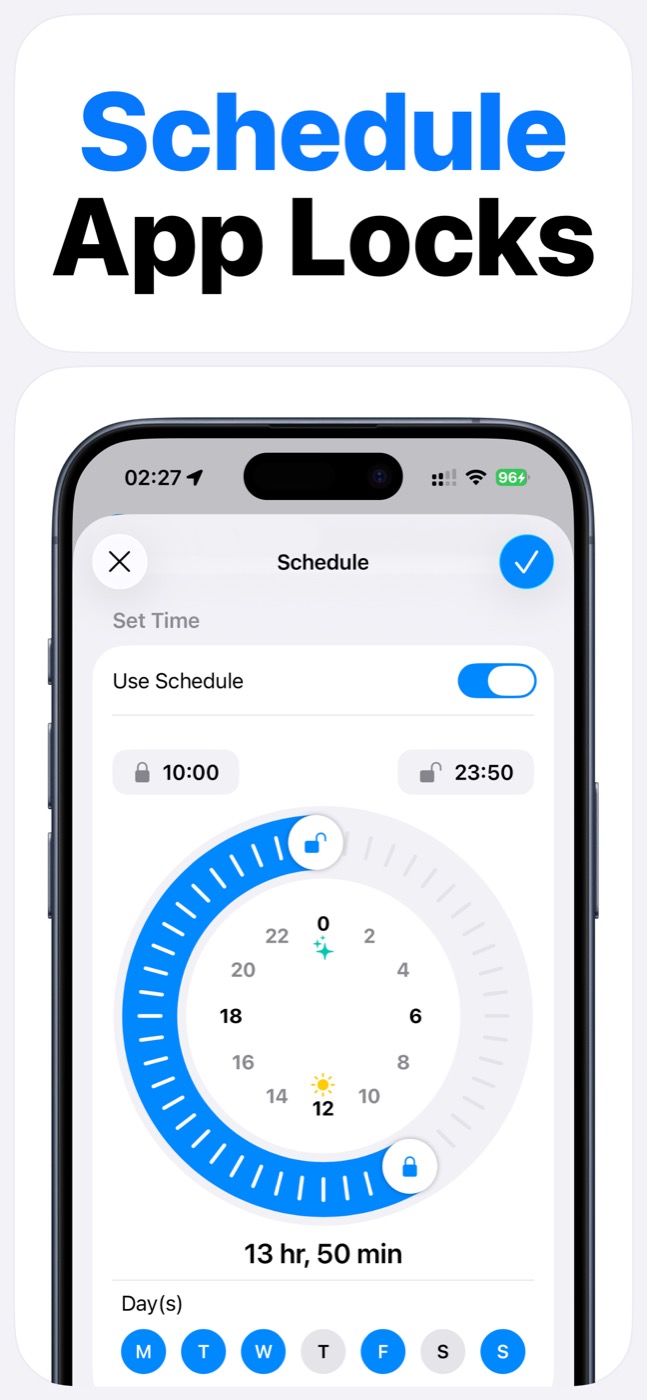
| Schedules | Built-in limits and downtime | Dedicated app lock schedules |
| Bypass iOS | Not applicable | No, works within Apple controls |
When App Lock is the better fit
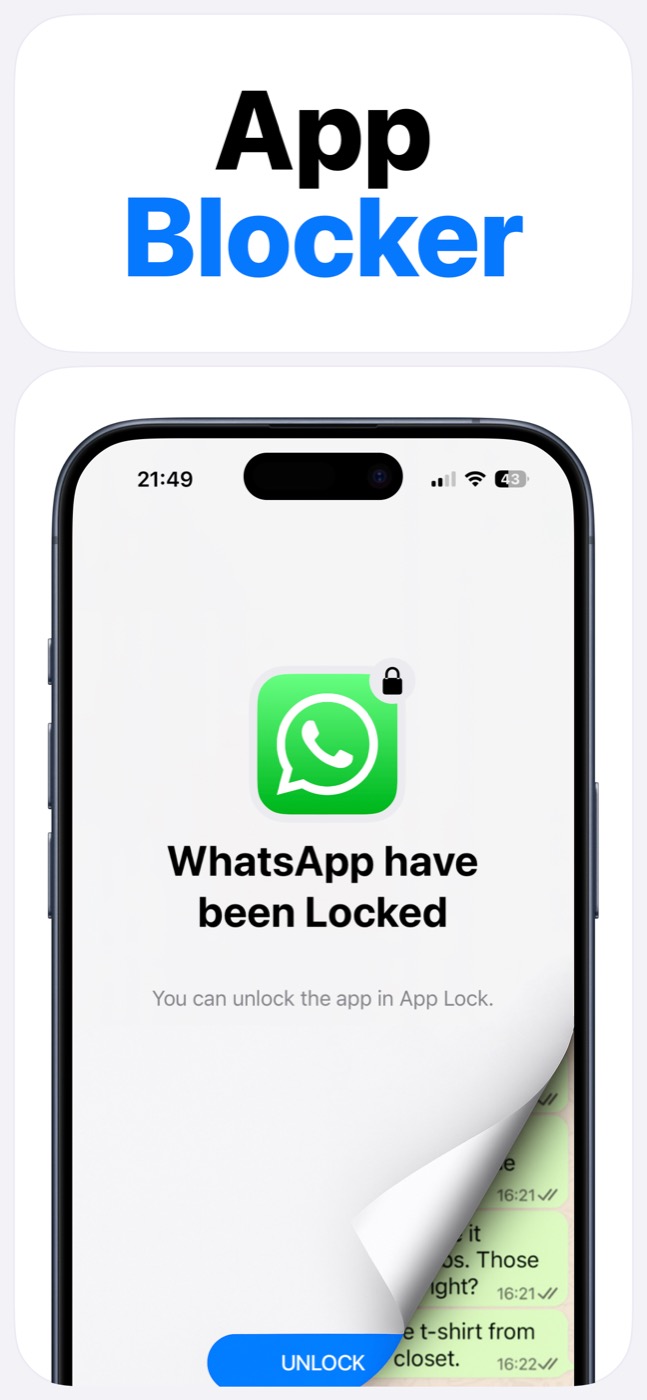
App Lock is the better fit when you want selected app locks, quick manual locking, Face ID/passcode gates, widgets, and repeatable schedules in one focused app.
Screen Time alone may be enough when you only need broad device-level limits or Apple's built-in parental controls.
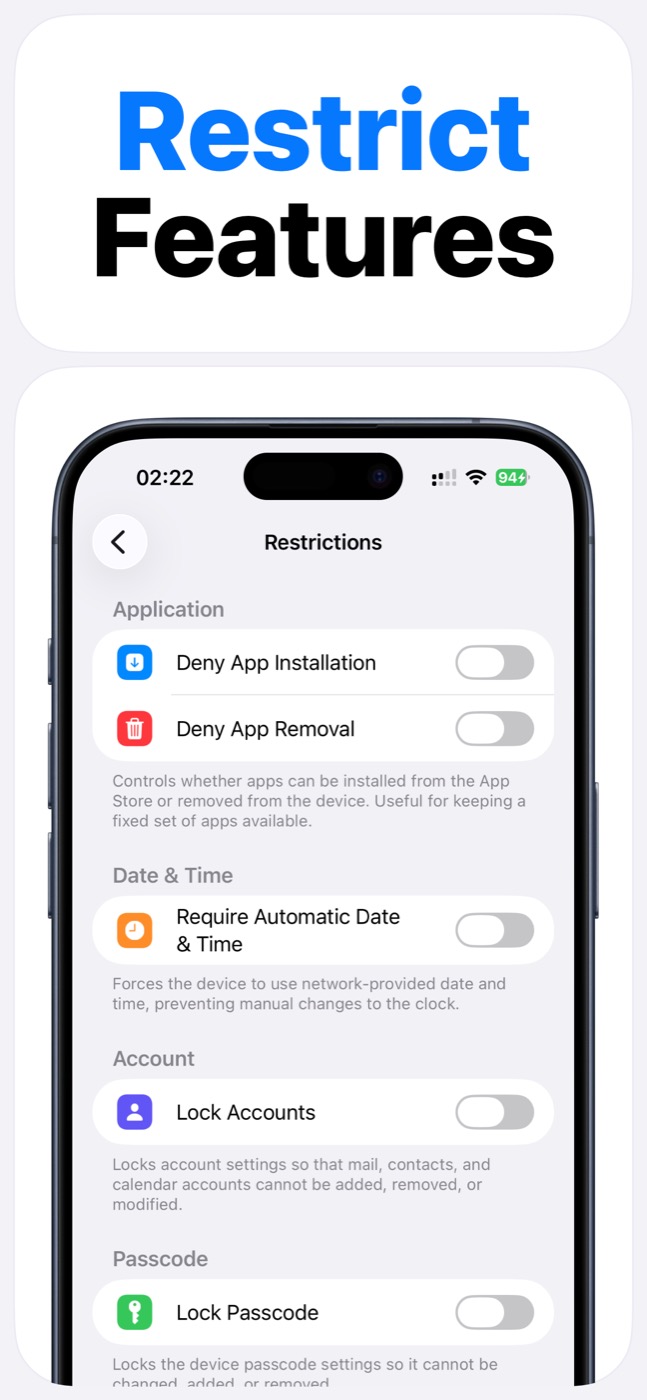
Product screenshots
Questions people ask
Does App Lock use Apple's Screen Time system?
Yes. App Lock requires Screen Time permission and works within Apple's FamilyControls and ManagedSettings systems. Apple controls the permission prompt and the protected app picker.
Can App Lock read my messages, photos, or contacts?
App Lock is designed as an access-control layer. It does not access photos, messages, contacts, or Apple ID, and it does not read content inside protected apps.
Can App Lock bypass iOS restrictions?
No. App Lock cannot bypass Apple's permission model. It helps block selected apps, categories, websites, and supported device features only within iOS-supported controls.