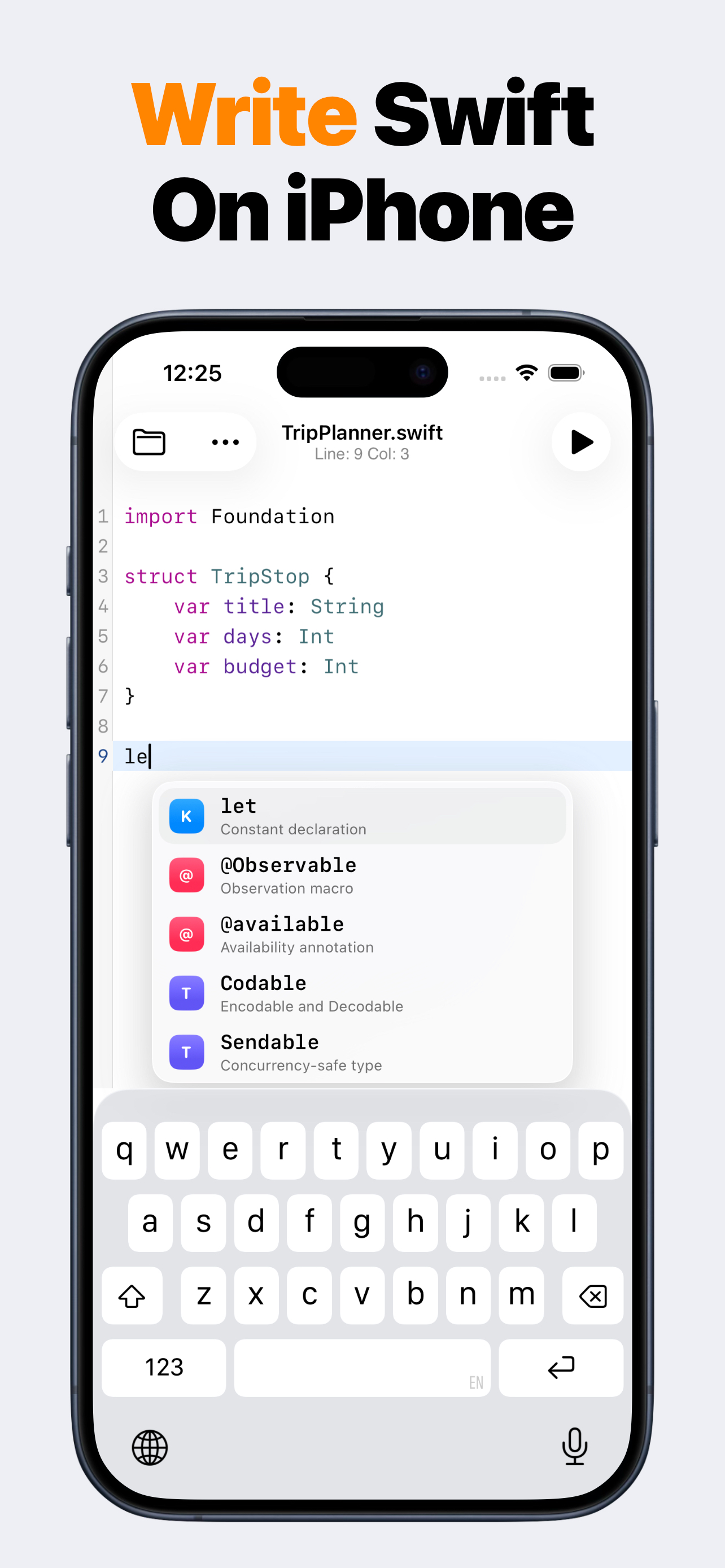
What is SwiftMate?
SwiftMate is a Swift code editor and hosted runner for iPhone and iPad. Use it to write short Swift programs, organize files, run snippets, read console output and compiler diagnostics, and inspect code structure without opening a Mac for every small experiment. Learn more about SwiftMate.
Can SwiftMate run Swift code on iPhone?
Yes. Write or import a Swift snippet, tap Run, and SwiftMate sends the code over HTTPS to its configured Swift runner. The result returns to the in-app console with output, exit status, duration, and diagnostics when available. Learn more about running Swift code.
Does my Swift code stay on the device?
Files stay local while you edit and organize them. When you choose Run or AST, the source and optional input must be sent to the runner backend for compilation or inspection. Source code and console contents are excluded from product analytics and crash-report parameters. Learn more in the SwiftMate FAQ.
Does SwiftMate replace Xcode?
No. SwiftMate is built for snippets, exercises, algorithms, and fast experiments. It does not build or sign complete iOS apps, run an iOS Simulator, show live SwiftUI previews, archive projects, or submit apps to App Store Connect. Compare SwiftMate and Swift Playgrounds.
Can I use SwiftMate on iPad?
Yes. SwiftMate supports iPad with a wider editor layout, file navigation, completion suggestions, console output, and the same core snippet workflow available on iPhone. Learn more about SwiftMate on iPad.
What does SwiftMate Premium add?
Premium can unlock broader run access, image-to-code import, custom snippets, pro editor fonts, additional Swift versions, and AST inspection. Exact products, prices, quotas, and availability can vary, so check the current App Store offer before purchasing. Learn more in the SwiftMate FAQ.