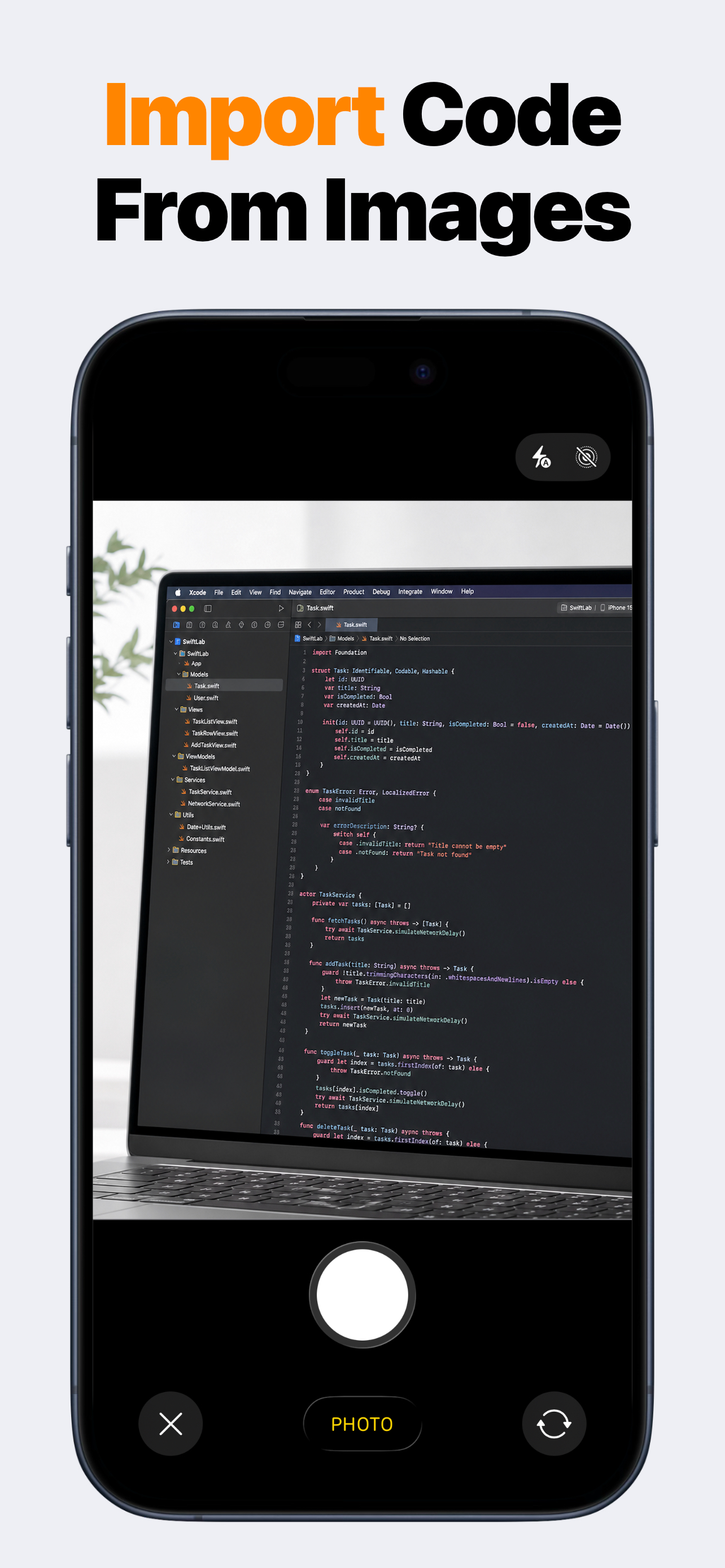
SwiftMate camera importing Swift code from an image

Image-to-code with SwiftMate

Import Swift code from an image

SwiftMate can turn photographed or screenshot Swift code into an editable snippet. Capture or select the image, import the recognized text into the editor, check symbols and formatting, then save or run the result. Image-to-code is a Premium feature and OCR output always needs review.

iPhone + iPad Swift editor Console + diagnostics

How to use SwiftMate for this job

  1. Open image-to-code import in SwiftMate and choose a photo or capture the code you want to reuse.
  2. Let SwiftMate recognize the visible source and place the result in the editor.
  3. Review quotation marks, operators, braces, indentation, identifiers, and line breaks before running.
  4. Save the corrected snippet as a file, run it, and use compiler diagnostics to catch remaining OCR mistakes.

Skip the first round of retyping

Image-to-code import is useful when a Swift example exists only in a slide, textbook, tutorial screenshot, whiteboard photo, another screen, or saved image. Recognition gives you a starting point that can be edited like any other SwiftMate file.

The feature is most effective with sharp, straight, high-contrast images where the complete line is visible. Small text, glare, perspective distortion, low contrast, and cropped punctuation can reduce recognition quality.

  • Photos of printed Swift examples
  • Screenshots from tutorials
  • Code shown on another display
  • Slides and classroom material
  • Editable output in the SwiftMate editor
  • Run and diagnostics after correction

OCR is a draft, not a compiler guarantee

Swift syntax contains characters that OCR can confuse: straight and curly quotes, zero and capital O, one and lowercase l, minus and dash, comparison operators, braces, brackets, and backslashes. Check these details before trusting the result.

Compiler diagnostics can reveal many remaining mistakes, but they do not prove that the recognized program still means what the original author intended. Compare important code against the source image.

Never import API keys, credentials, private source, or other secrets from an image into a hosted runner workflow.

Organize recognized snippets as real files

After correction, rename the file for the concept it demonstrates, duplicate it before trying a variation, and export or share it when you want to continue on another device. This turns a one-off image into a reusable learning artifact.

Premium availability and pricing can vary by storefront. Confirm the current App Store offer before downloading specifically for image-to-code import.

SwiftMate FAQ

What is SwiftMate?

SwiftMate is a Swift code editor and hosted runner for iPhone and iPad. Use it to write short Swift programs, organize files, run snippets, read console output and compiler diagnostics, and inspect code structure without opening a Mac for every small experiment. Learn more about SwiftMate.

Can SwiftMate run Swift code on iPhone?

Yes. Write or import a Swift snippet, tap Run, and SwiftMate sends the code over HTTPS to its configured Swift runner. The result returns to the in-app console with output, exit status, duration, and diagnostics when available. Learn more about running Swift code.

Does my Swift code stay on the device?

Files stay local while you edit and organize them. When you choose Run or AST, the source and optional input must be sent to the runner backend for compilation or inspection. Source code and console contents are excluded from product analytics and crash-report parameters. Learn more in the SwiftMate FAQ.

Does SwiftMate replace Xcode?

No. SwiftMate is built for snippets, exercises, algorithms, and fast experiments. It does not build or sign complete iOS apps, run an iOS Simulator, show live SwiftUI previews, archive projects, or submit apps to App Store Connect. Compare SwiftMate and Swift Playgrounds.

Can I use SwiftMate on iPad?

Yes. SwiftMate supports iPad with a wider editor layout, file navigation, completion suggestions, console output, and the same core snippet workflow available on iPhone. Learn more about SwiftMate on iPad.

What does SwiftMate Premium add?

Premium can unlock broader run access, image-to-code import, custom snippets, pro editor fonts, additional Swift versions, and AST inspection. Exact products, prices, quotas, and availability can vary, so check the current App Store offer before purchasing. Learn more in the SwiftMate FAQ.