Speech to Text FAQ
Speech to Text is an iPhone and iPad app for voice notes, live dictation, meeting transcription, audio/video imports, AI Summary, export, and iCloud sync when enabled.
Voice first, note ready
Speech to Text helps you capture speech fast, turn it into text, find it later, and send the result wherever your work continues.
Key facts
LYKOV STUDIO LTD makes Speech to Text: AI Voice Notes for iPhone and iPad users who prefer speaking instead of typing.
Speech to Text is free to download, requires iOS 15.0 or later, and can offer premium features through the App Store.
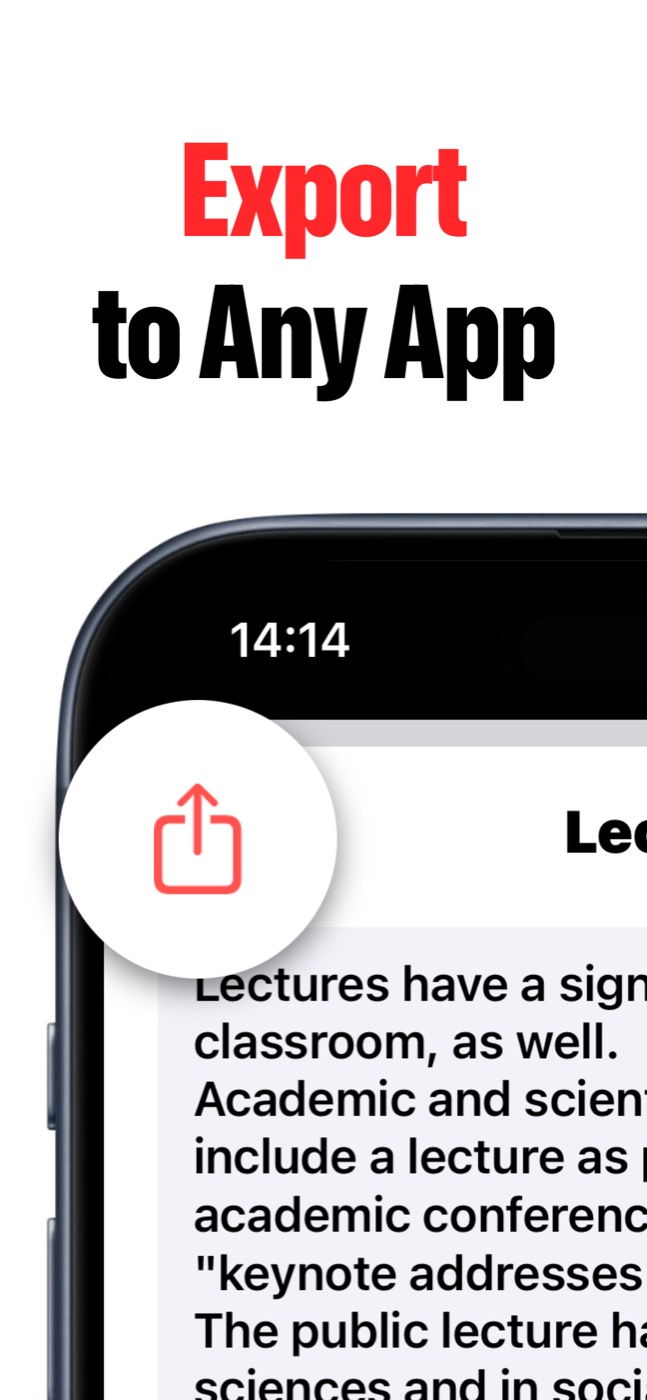
Product screenshots
Questions people ask
What is Speech to Text?
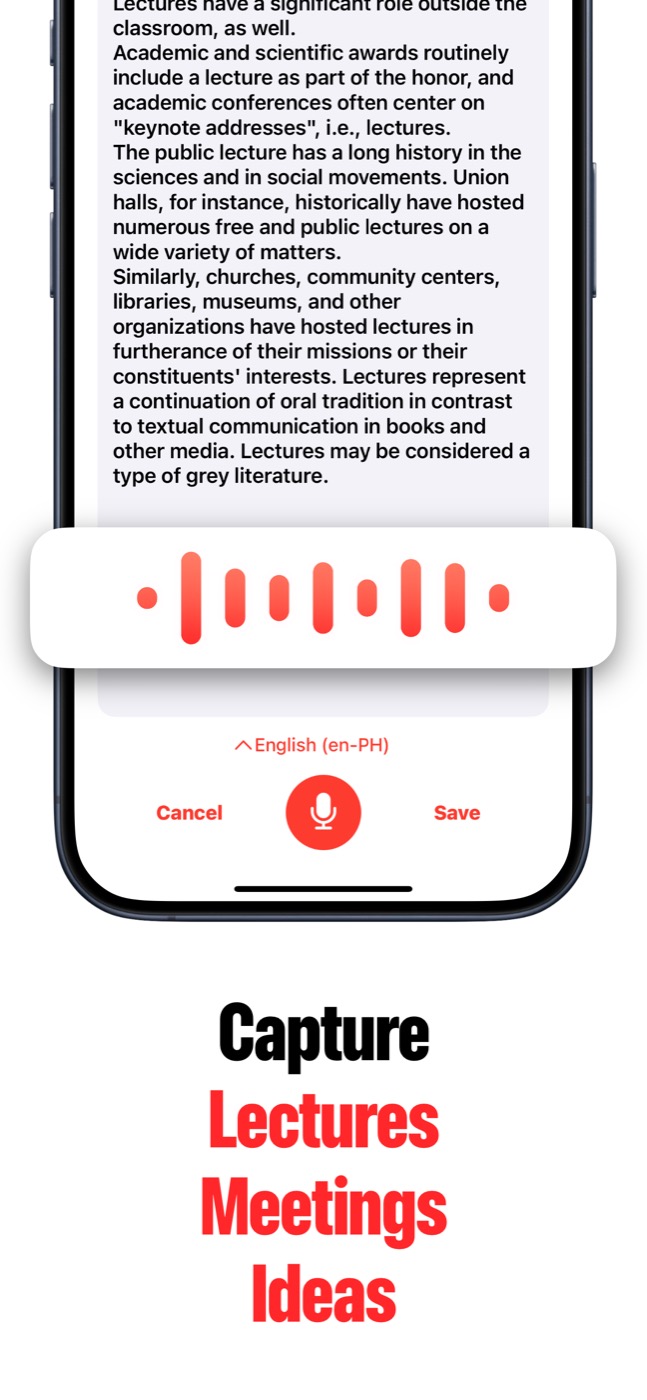
Speech to Text is an iPhone and iPad app that turns spoken ideas, lectures, meetings, interviews, recordings, voice memos, and videos into editable text notes.
Can Speech to Text import audio and video files?
Yes. Speech to Text can import recordings, voice memos, podcasts, videos, and other audio/video files so you can turn them into notes without replaying everything by hand.
Does Speech to Text have AI summaries?
Yes. AI Summary can create key-point summaries from long transcripts when Apple Intelligence is available on the user's OS and device.
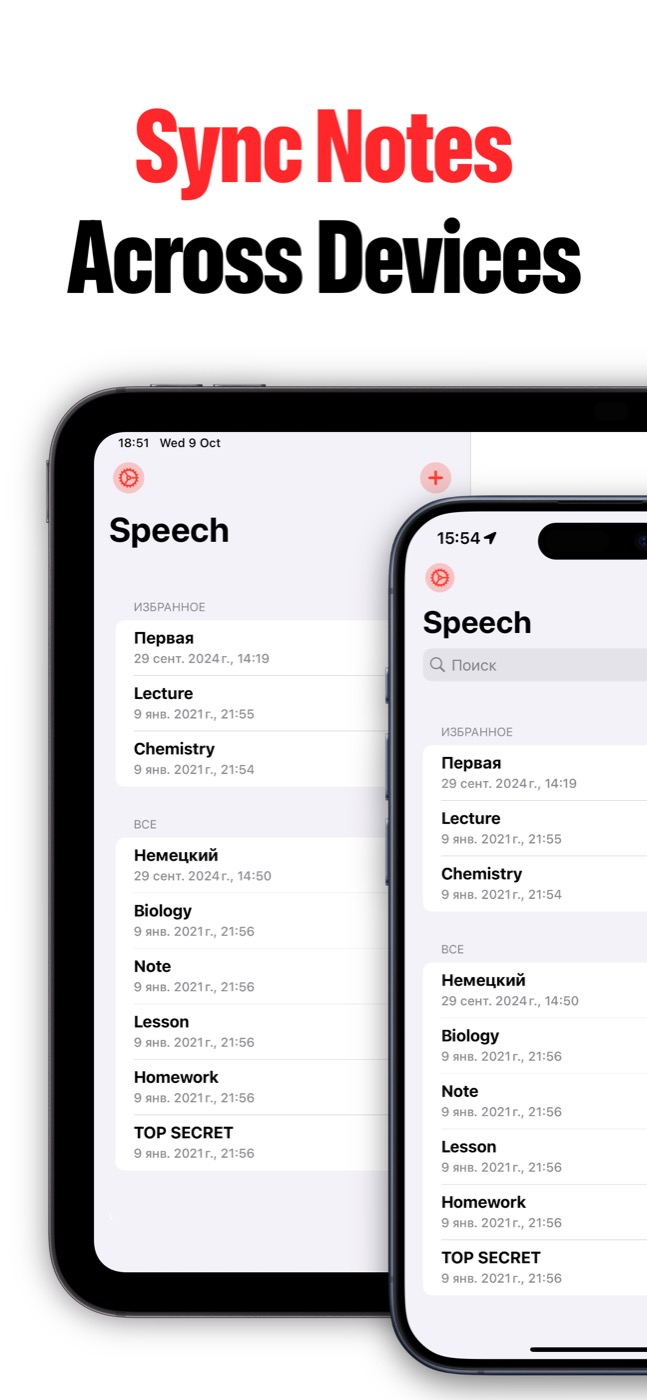
Can notes sync across devices?
Yes. Speech to Text can keep notes in sync between iPhone and iPad when iCloud sync is enabled and the user's Apple ID/iCloud settings allow it.
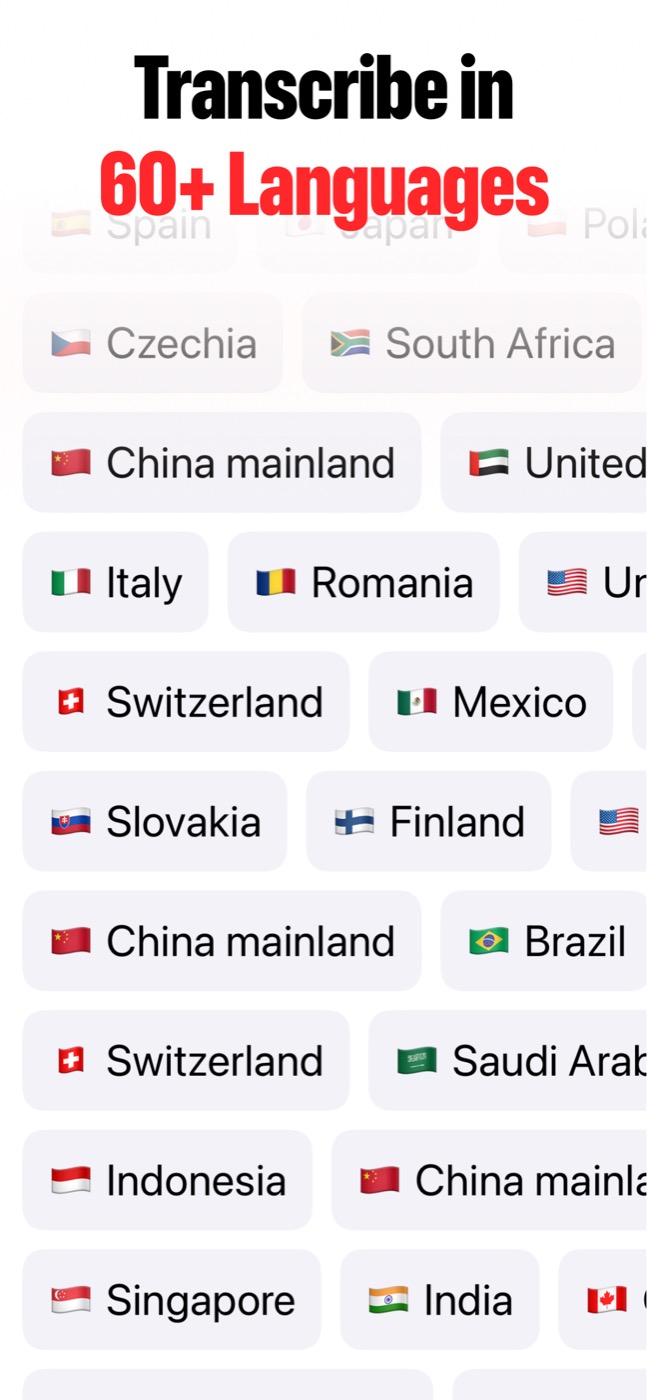
Does Speech to Text support multiple languages?
Yes. Speech to Text lets users choose the recognition language. Availability depends on Apple's speech recognition support on the user's device and OS.
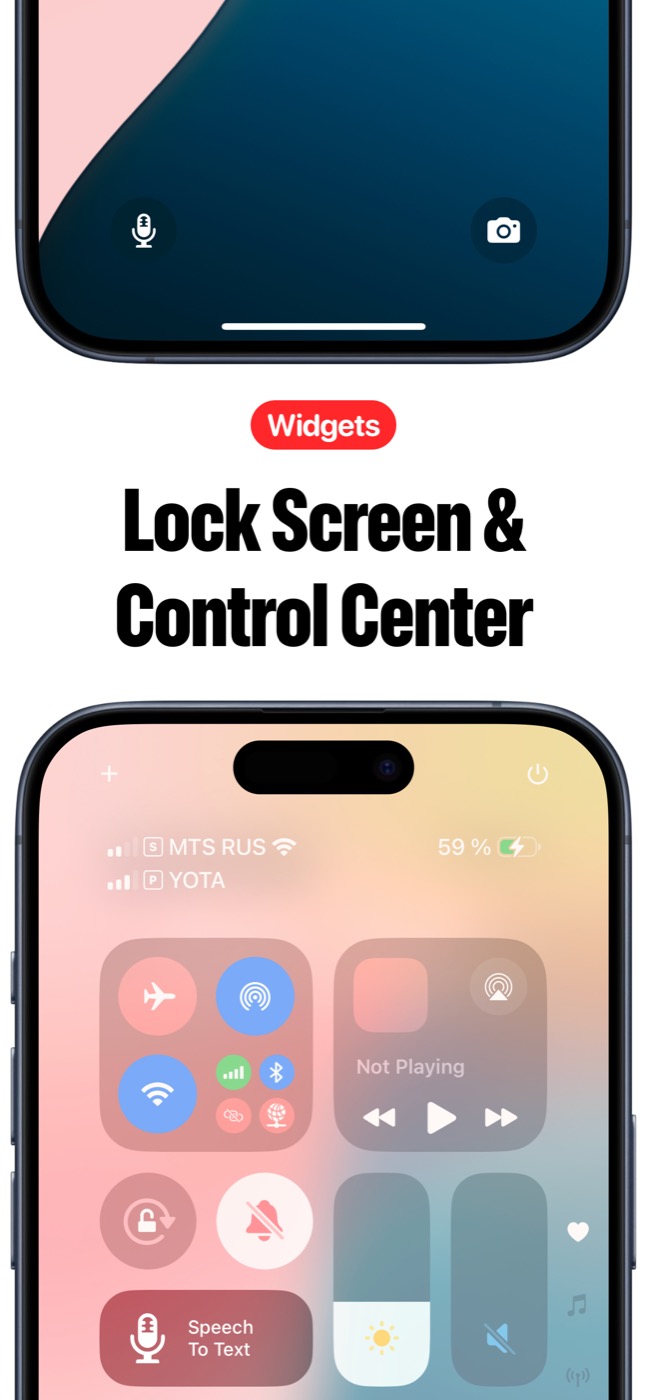
Does it work from the Lock Screen or Control Center?
The product screenshots show Lock Screen and Control Center widget entry points for starting Speech to Text faster.
What permissions does it request?
Speech to Text requests microphone permission for voice recording and speech recognition permission for transcription.
Where can I get support?
Use support@lykovstudio.io for support.