Turn audio and video into notes
Speech to Text can import recordings, voice memos, podcasts, videos, and other audio/video files, then create a transcript you can edit, search, export, or summarize.
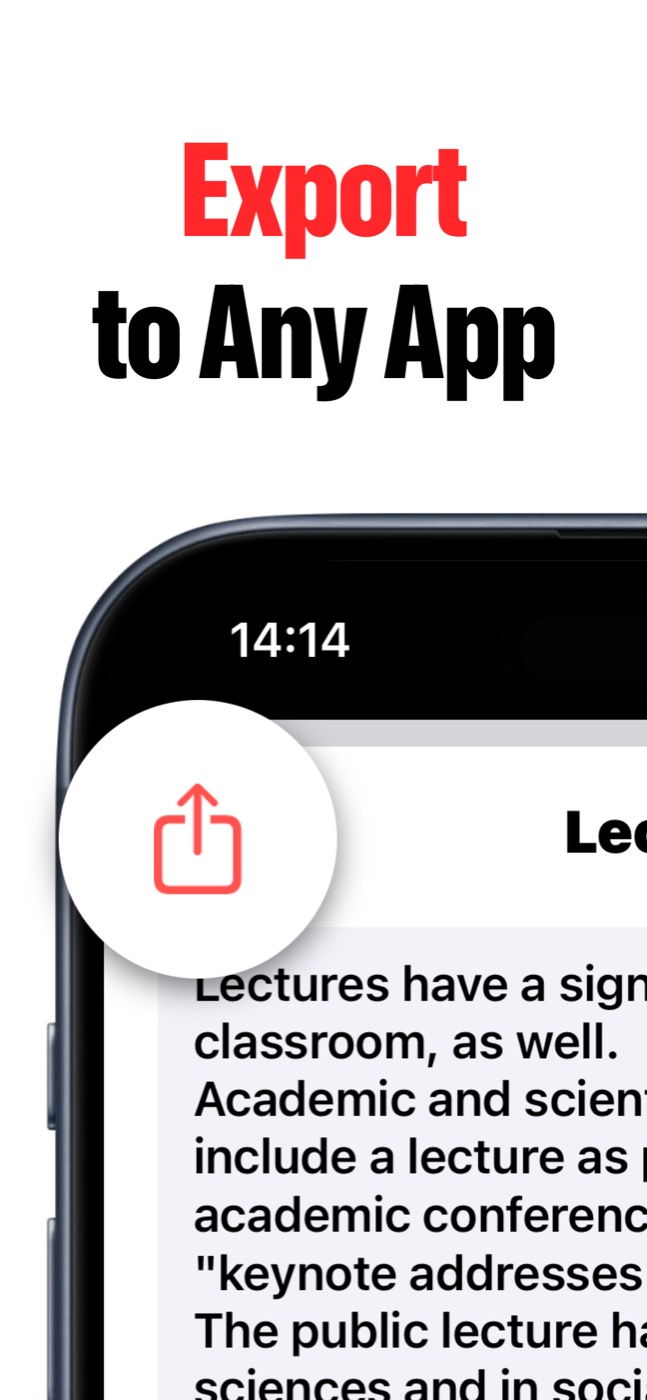
Voice first, note ready
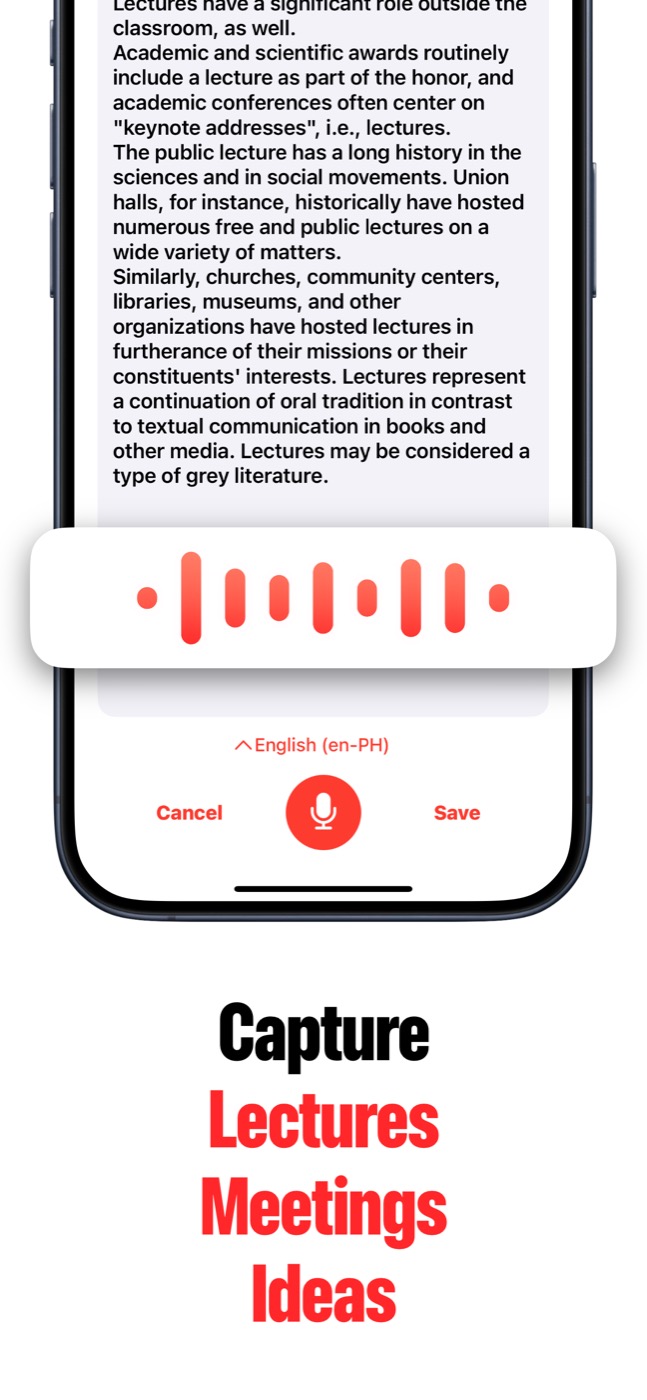
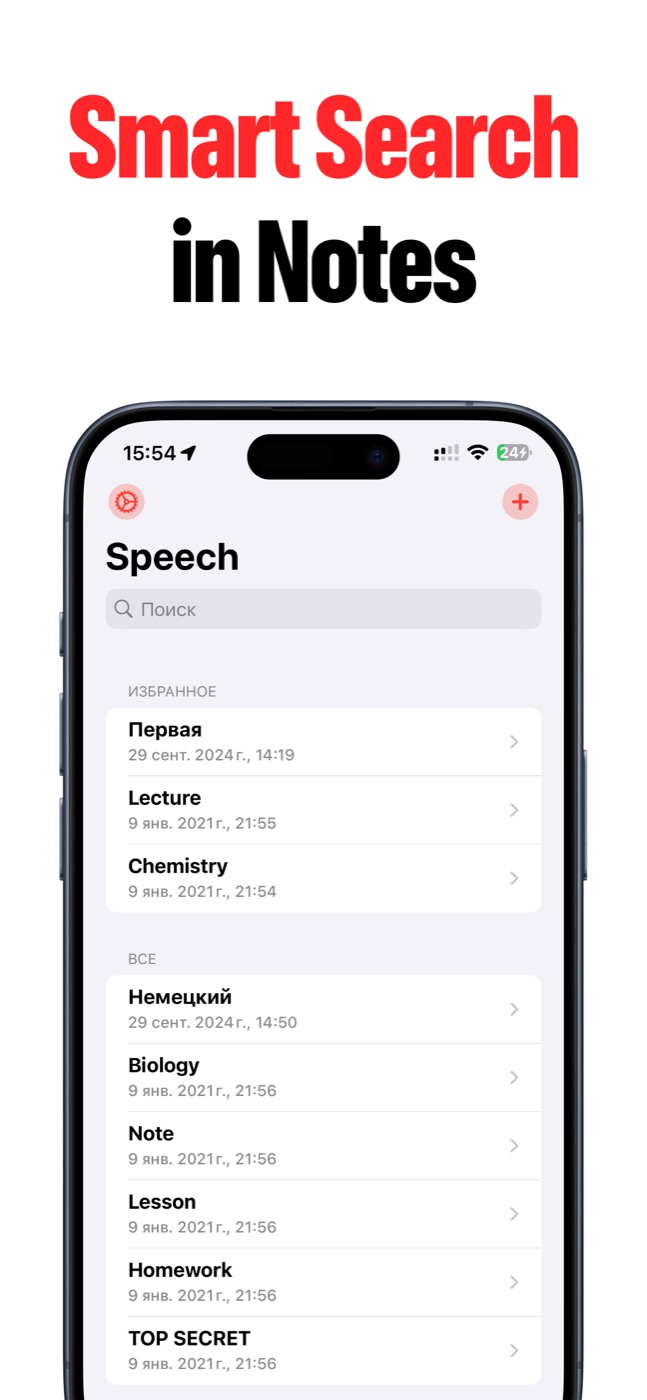
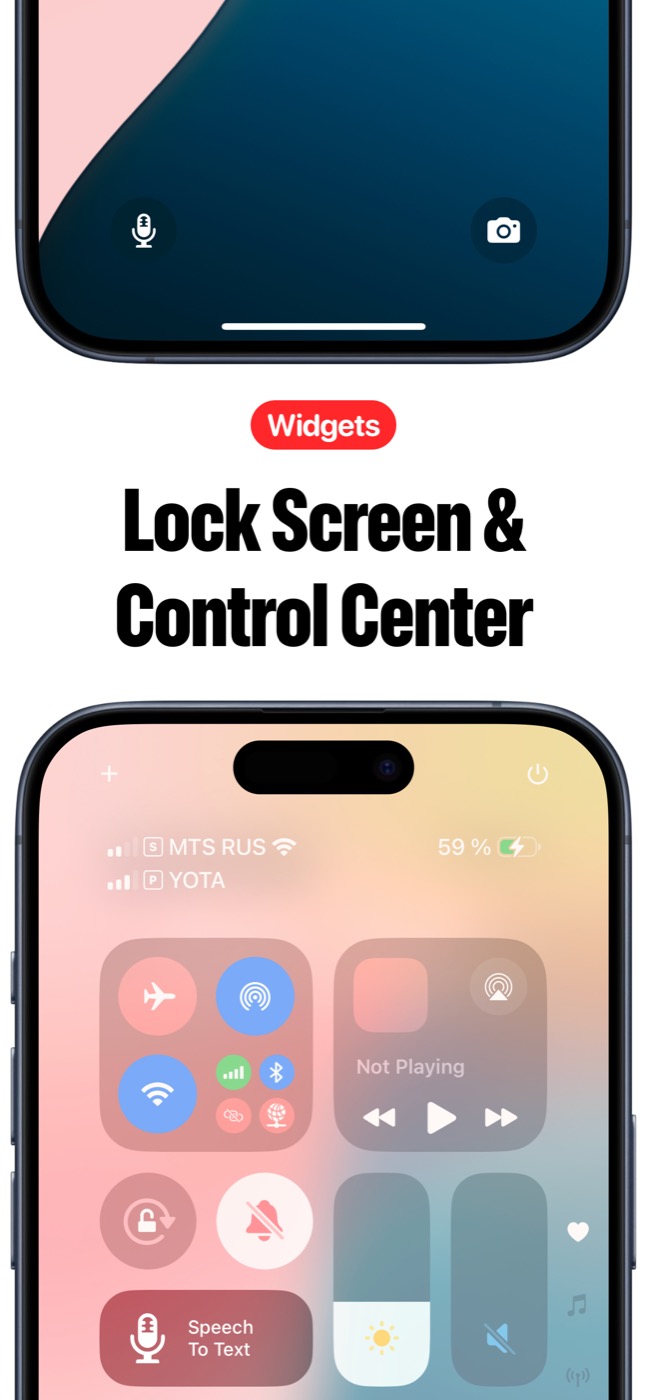
Speech to Text helps you capture speech fast, turn it into text, find it later, and send the result wherever your work continues.
Stop replaying everything by hand
Imported audio is useful when the recording already exists: a lecture file, a podcast clip, a saved interview, or a voice memo from another app.
Bring it into Speech to Text and turn it into a working note instead of scrubbing through a timeline.
- Import audio and video files supported by iOS.
- Create a text note from existing media.
- Edit the transcript after import.
- Export the result for storage, sharing, or follow-up.
Best files to send into Speech to Text
Use this workflow for files where the spoken content matters more than the audio itself: lectures, meeting recordings, interview clips, research calls, saved voice memos, and short videos with useful speech.
After import, keep the transcript as a searchable note, clean up the text, share it with a teammate, or use AI Summary on supported Apple Intelligence devices when the transcript is long.
Product screenshots
Questions people ask
What is Speech to Text?
Speech to Text is an iPhone and iPad app that turns spoken ideas, lectures, meetings, interviews, recordings, voice memos, and videos into editable text notes.
Can Speech to Text import audio and video files?
Yes. Speech to Text can import recordings, voice memos, podcasts, videos, and other audio/video files so you can turn them into notes without replaying everything by hand.
Does Speech to Text have AI summaries?
Yes. AI Summary can create key-point summaries from long transcripts when Apple Intelligence is available on the user's OS and device.
Can notes sync across devices?
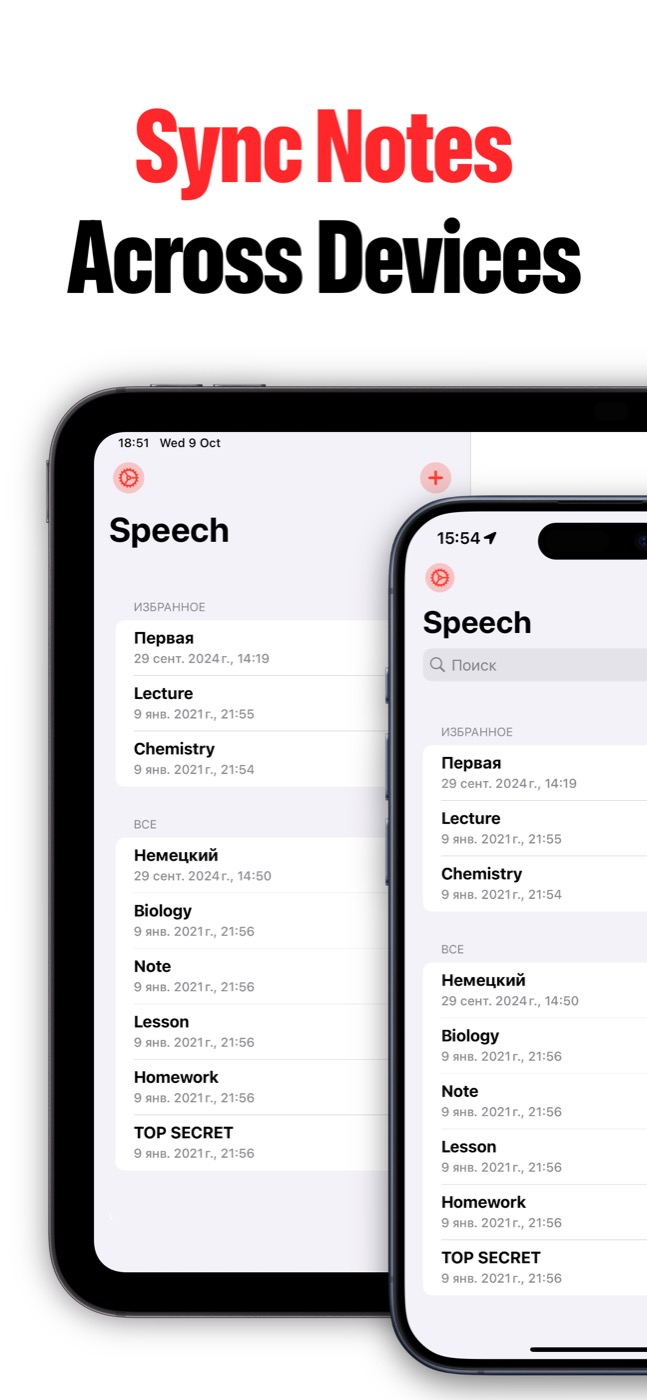
Yes. Speech to Text can keep notes in sync between iPhone and iPad when iCloud sync is enabled and the user's Apple ID/iCloud settings allow it.