Meeting notes without the typing
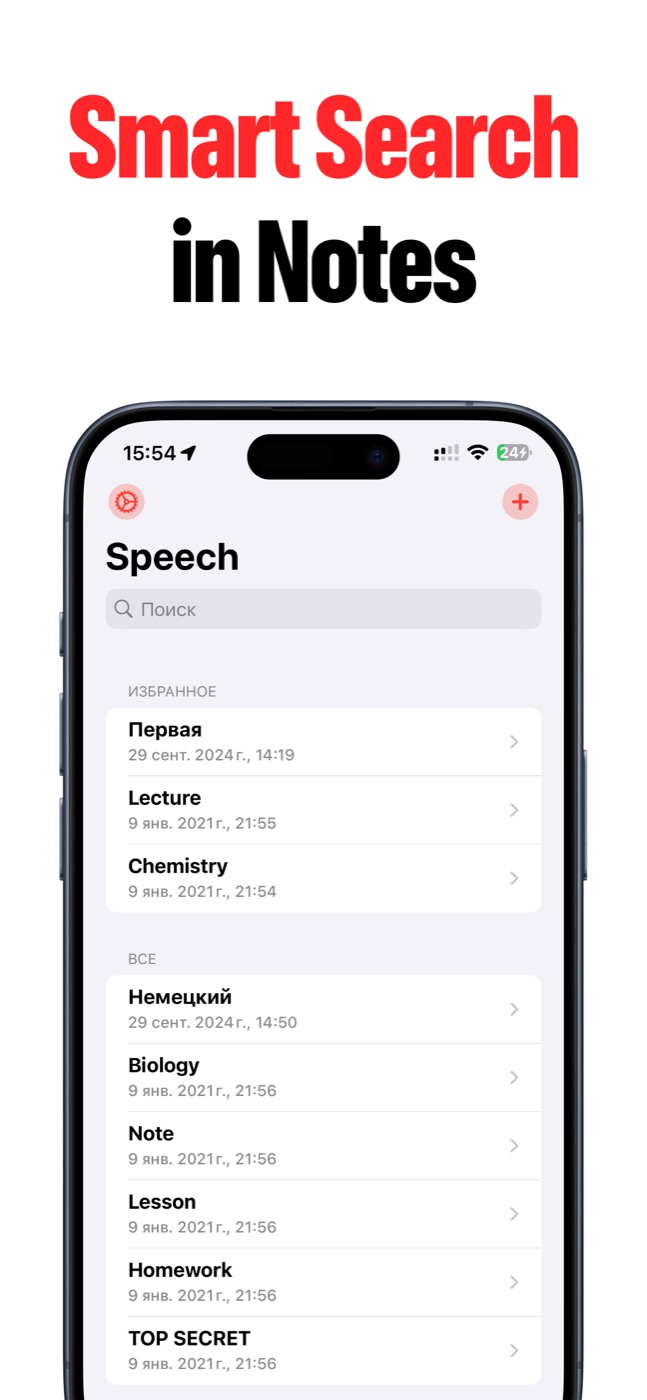
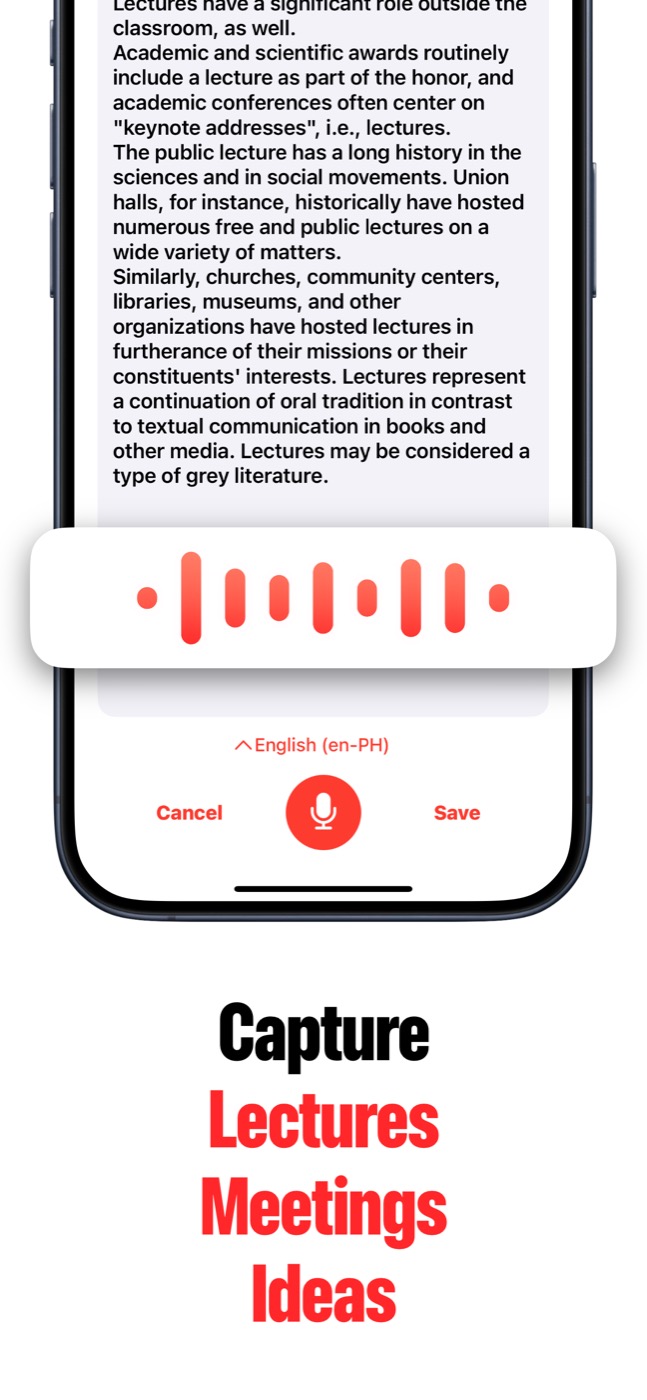
Use Speech to Text when you need the meeting captured but do not want to type during the conversation. Record, transcribe, edit the note, then search or export the result.
Voice first, note ready
Speech to Text helps you capture speech fast, turn it into text, find it later, and send the result wherever your work continues.
For meetings and interviews
Speech to Text works well for lectures, team conversations, interviews, client calls, and recurring business notes. You can keep the raw transcript, clean it into minutes, or summarize long text when AI Summary is available.
- Meeting minutes and action notes.
- Interview transcripts.
- Client conversation notes.
- Searchable project history.
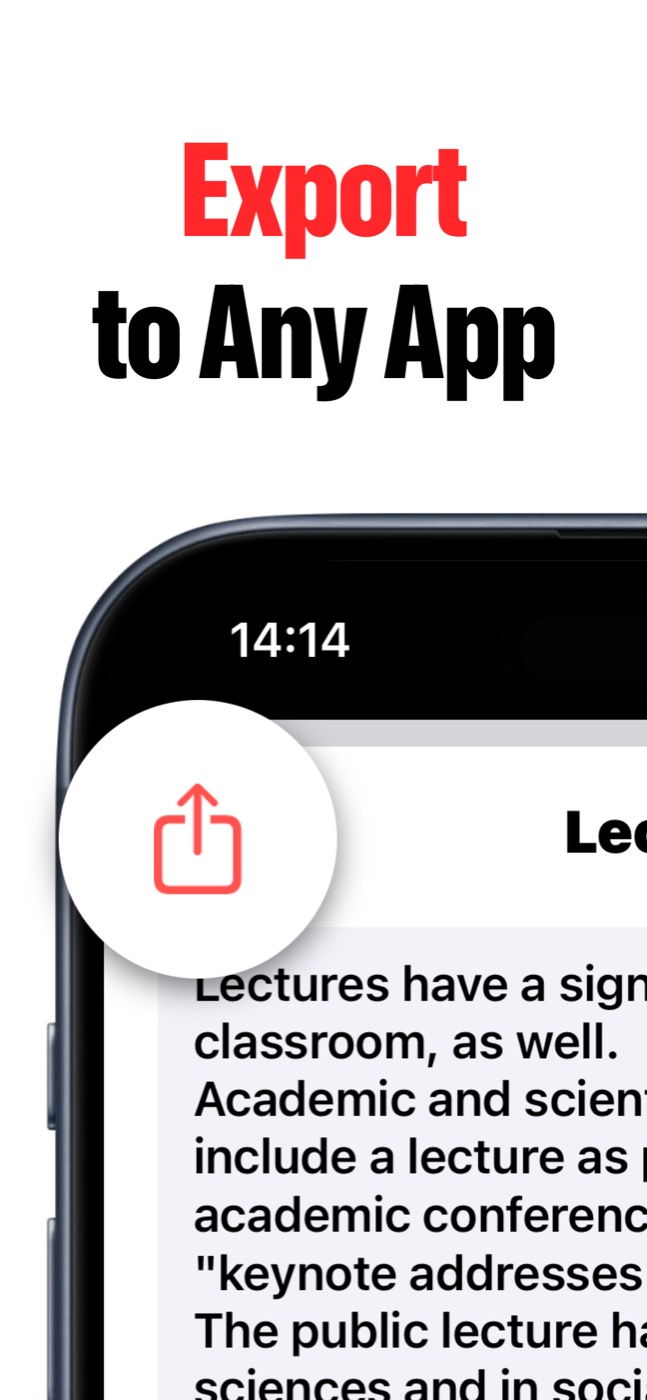
- Export to Files, Mail, Messages, or another app.
Call recording workflow
Where Apple call recording is available, you can use Apple's call recording flow and share the saved audio to Speech to Text for transcription. Always follow local law and get consent where required.
Product screenshots
Questions people ask
What is Speech to Text?
Speech to Text is an iPhone and iPad app that turns spoken ideas, lectures, meetings, interviews, recordings, voice memos, and videos into editable text notes.
Can Speech to Text import audio and video files?
Yes. Speech to Text can import recordings, voice memos, podcasts, videos, and other audio/video files so you can turn them into notes without replaying everything by hand.
Does Speech to Text have AI summaries?
Yes. AI Summary can create key-point summaries from long transcripts when Apple Intelligence is available on the user's OS and device.
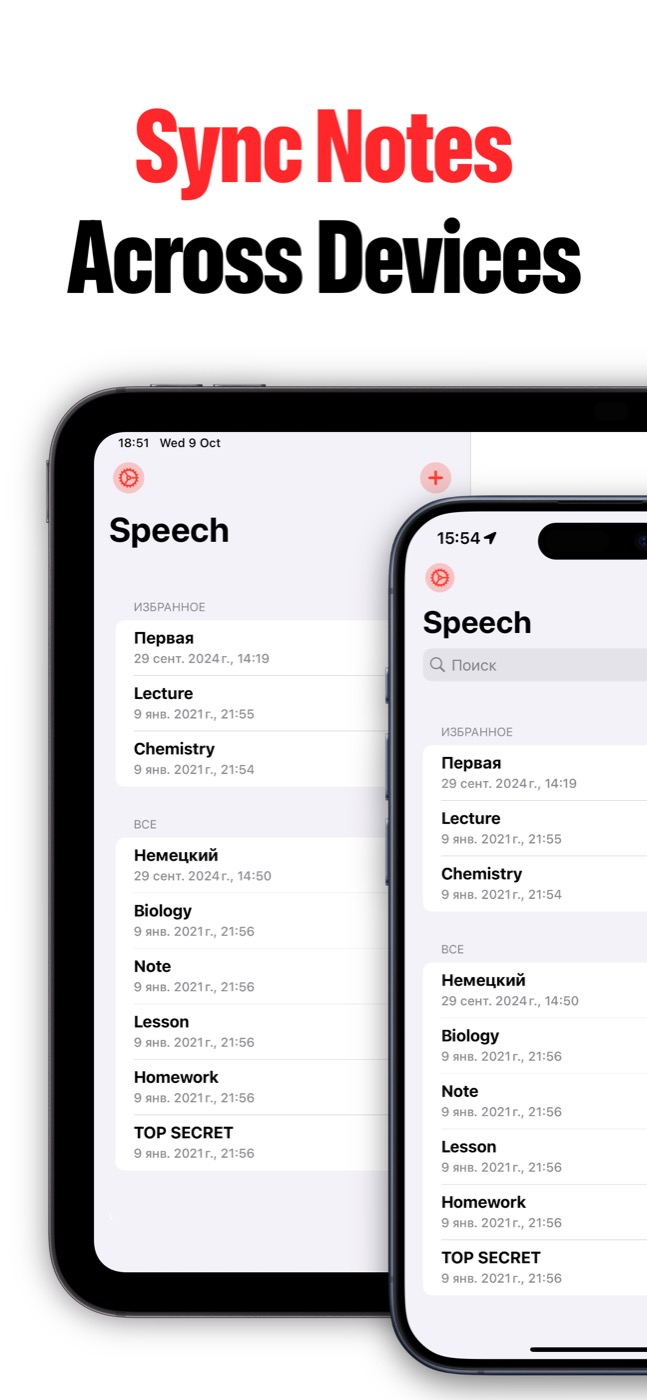
Can notes sync across devices?
Yes. Speech to Text can keep notes in sync between iPhone and iPad when iCloud sync is enabled and the user's Apple ID/iCloud settings allow it.