Speak now. Keep the note.
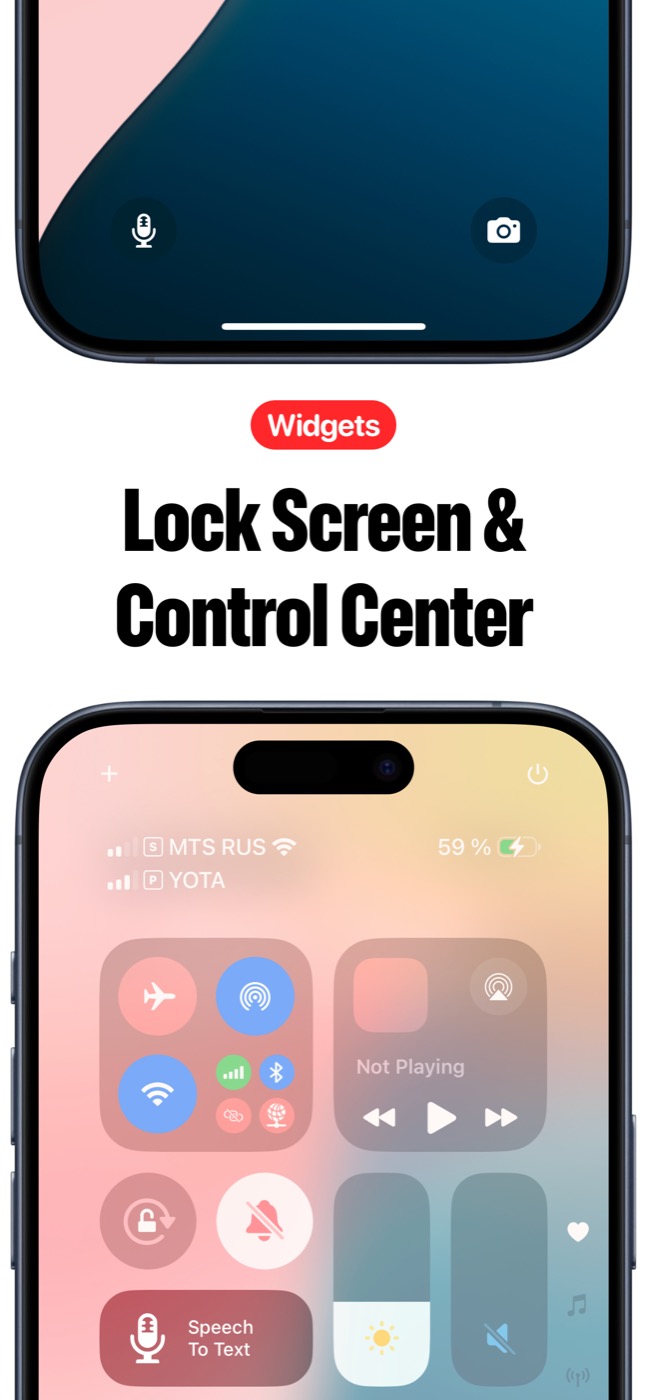
Speech to Text is built for the moment when typing is too slow. Tap record, speak naturally, watch words become a note, then search, edit, favorite, share, export, summarize, or sync it across iPhone and iPad.
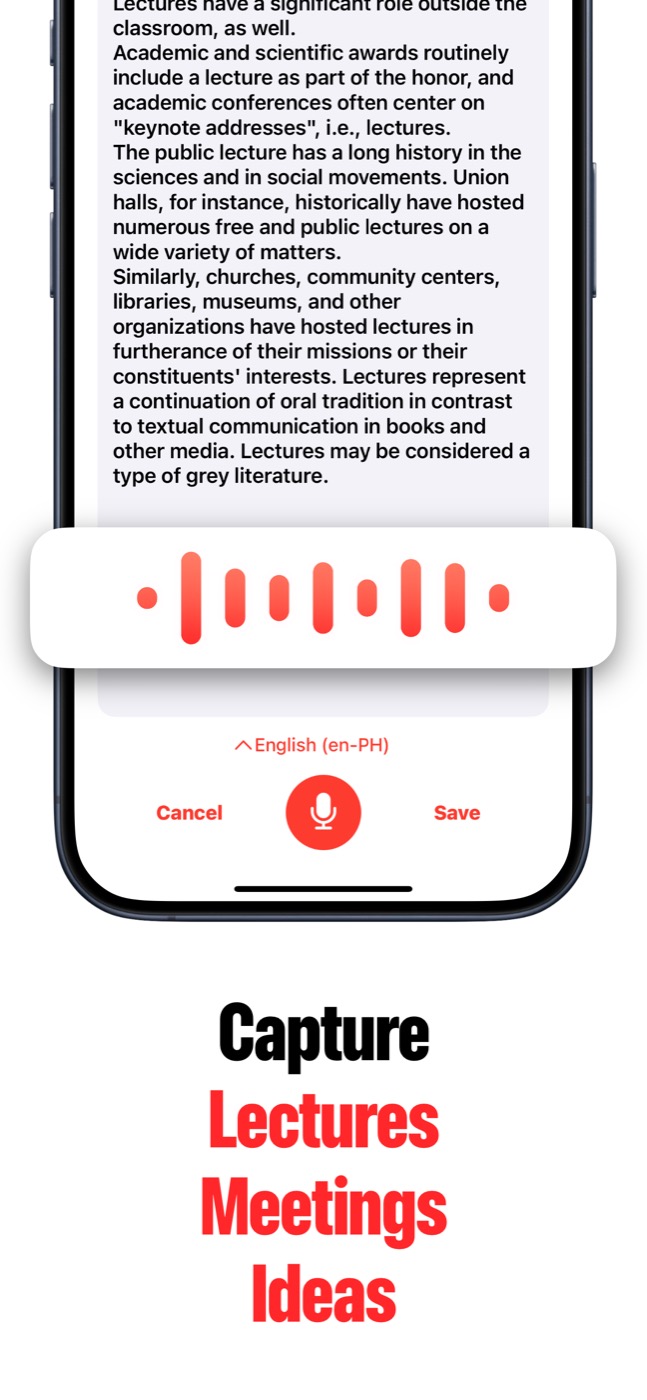
Voice first, note ready
Speech to Text helps you capture speech fast, turn it into text, find it later, and send the result wherever your work continues.
What it helps you capture
Use Speech to Text for the words you do not want to lose: meeting decisions, lecture notes, interview answers, doctor notes, business ideas, reminders, and quick thoughts while you are moving.
Speech to Text is intentionally fast: speak, save, clean up later. It gives voice-first people a real note library instead of scattered audio clips.
- Live dictation for voice notes.
- Meeting minutes and lecture notes.
- Interview and podcast transcription.
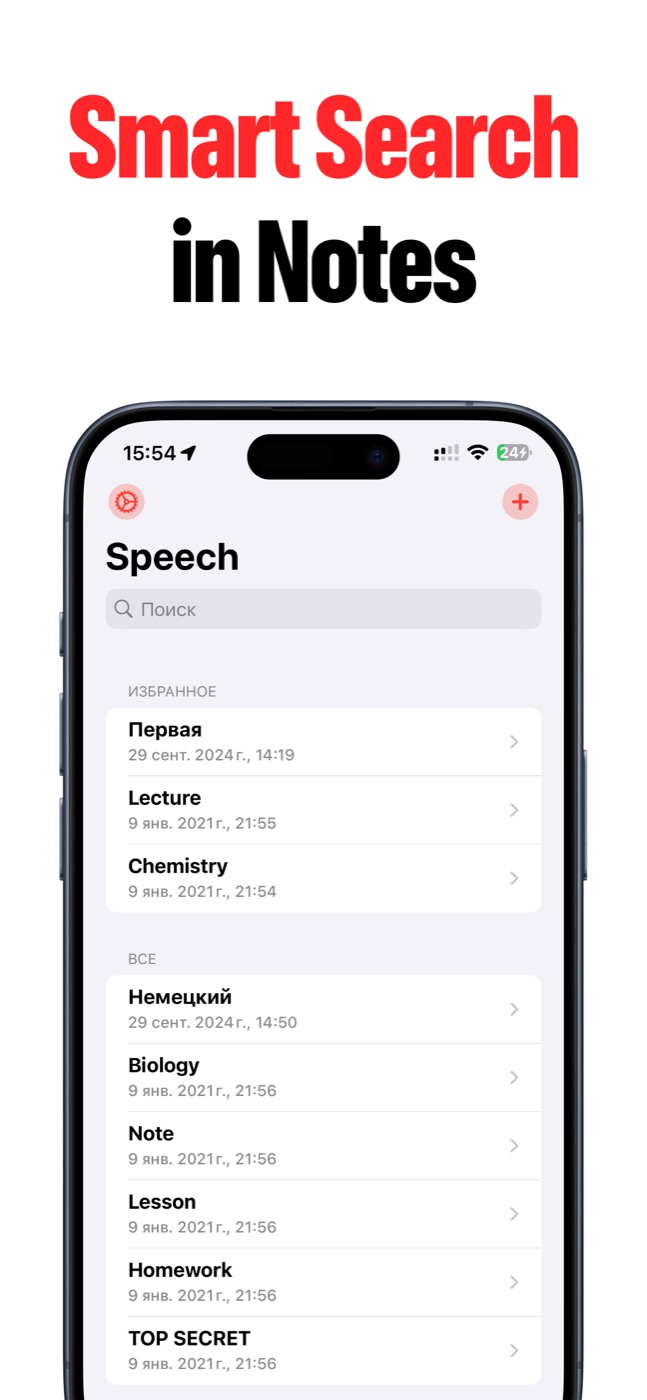
- Searchable saved transcripts.
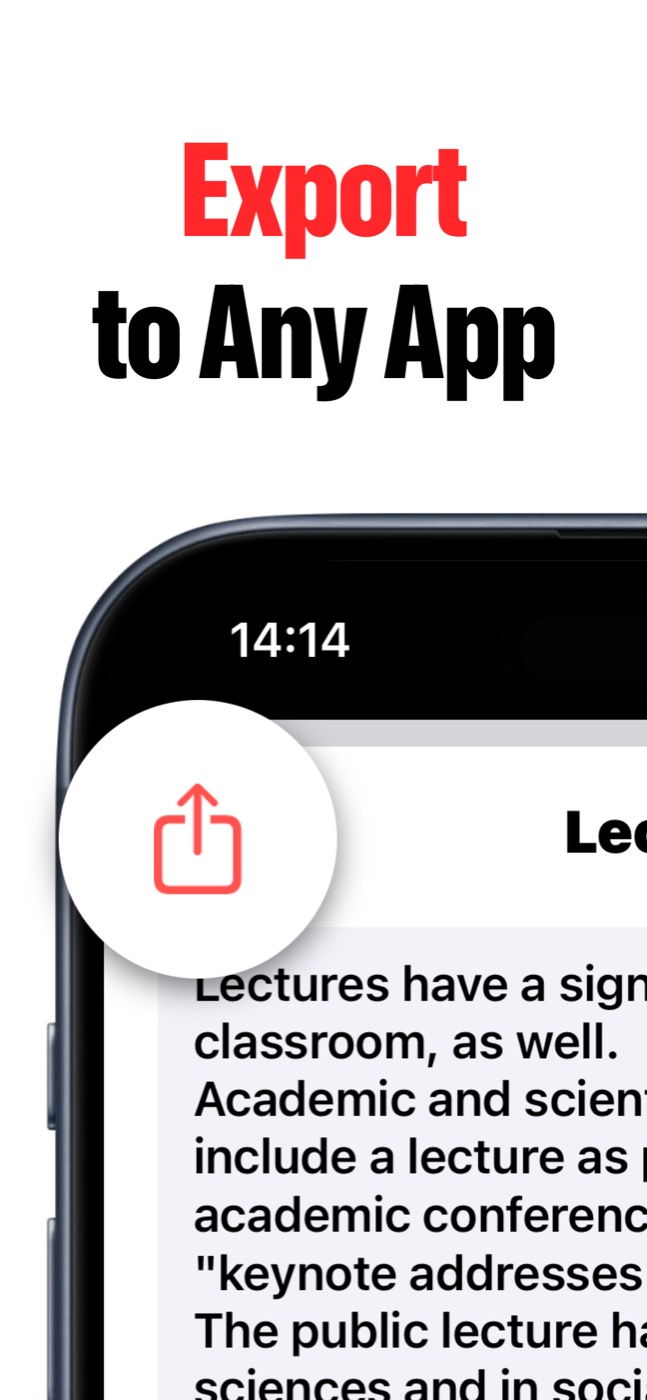
- Export to Messages, Mail, Files, and other apps.
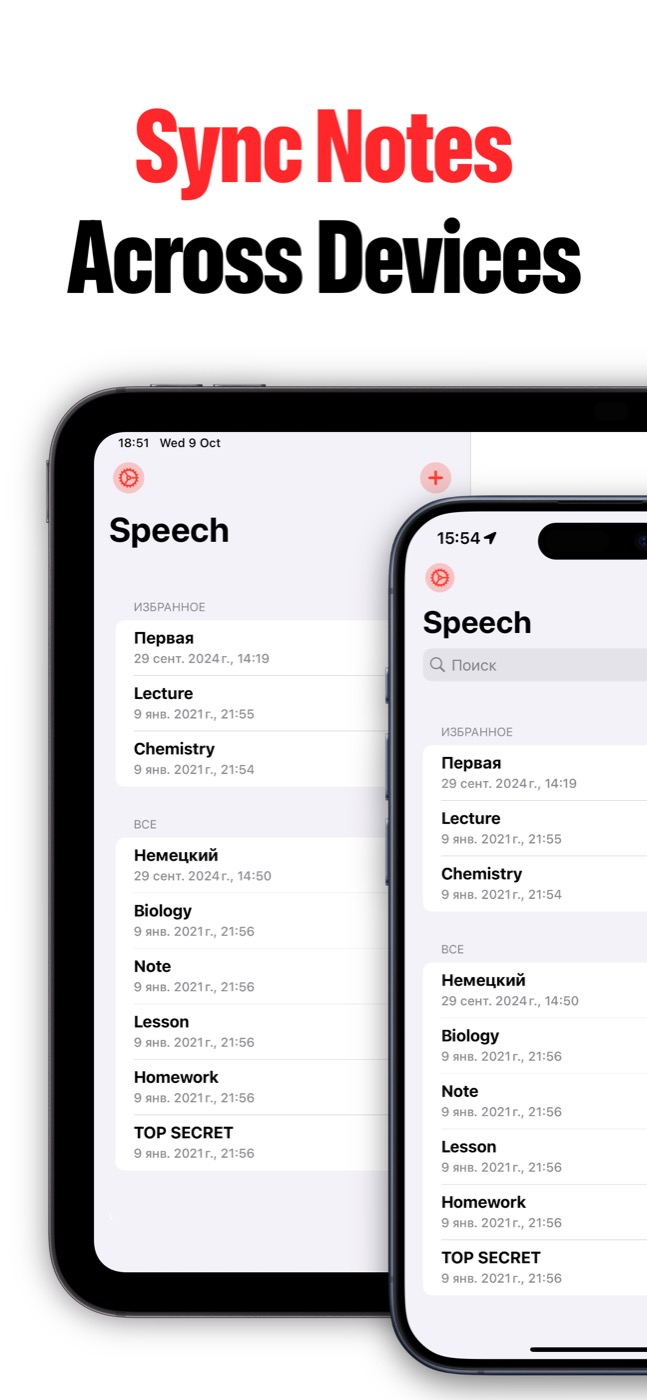
- iCloud sync across Apple devices when enabled.
From audio to usable notes
Speech to Text is not just a recorder. You can edit titles and transcripts, search inside notes, export as PDF where available, and use AI Summary on supported Apple Intelligence devices.
That makes it useful after the recording ends, when you need a clean takeaway instead of another audio file to replay.
Private by design
Saved notes stay in Speech to Text and can sync through your Apple iCloud account if you enable sync. Microphone and speech recognition permissions are requested for recording and transcription.
You stay in control of what you record, what you save, and what you export.
Product screenshots
Questions people ask
What is Speech to Text?
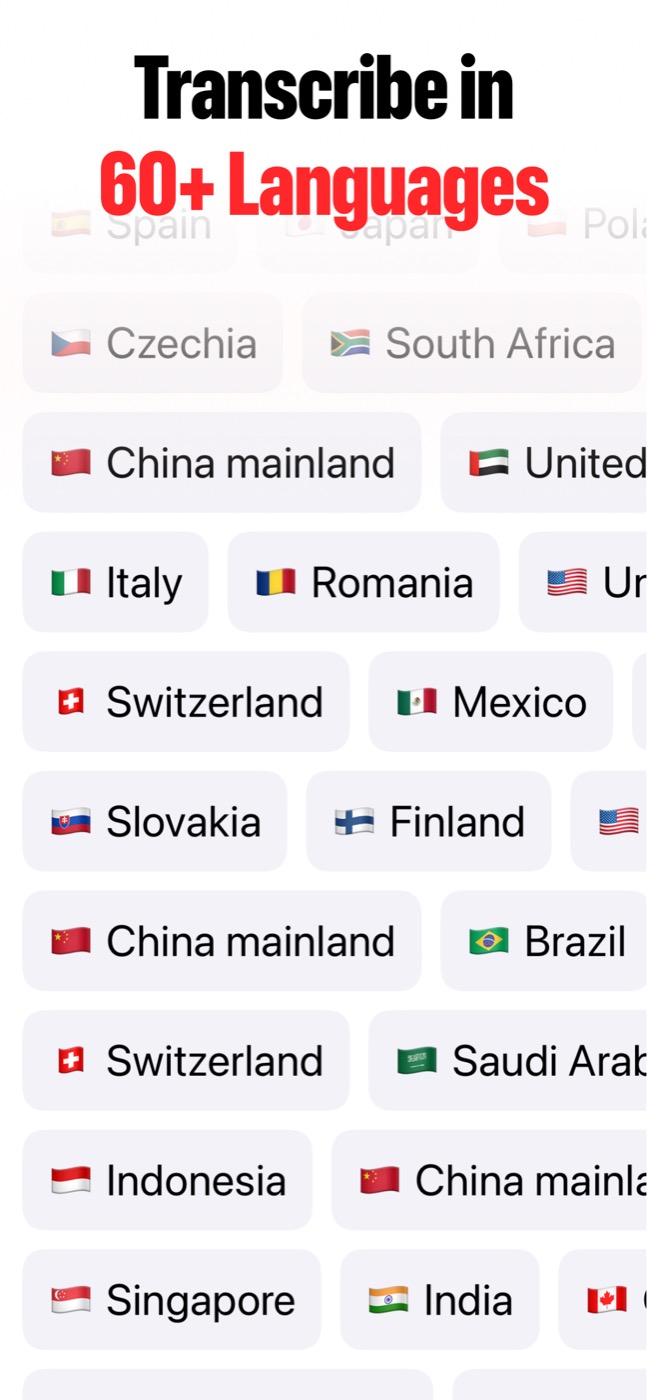
Speech to Text is an iPhone and iPad app that turns spoken ideas, lectures, meetings, interviews, recordings, voice memos, and videos into editable text notes.
Can Speech to Text import audio and video files?
Yes. Speech to Text can import recordings, voice memos, podcasts, videos, and other audio/video files so you can turn them into notes without replaying everything by hand.
Does Speech to Text have AI summaries?
Yes. AI Summary can create key-point summaries from long transcripts when Apple Intelligence is available on the user's OS and device.
Can notes sync across devices?
Yes. Speech to Text can keep notes in sync between iPhone and iPad when iCloud sync is enabled and the user's Apple ID/iCloud settings allow it.