A private notes app for iPhone
Lock Notes is made for people who want a separate private notes app on iPhone. Keep sensitive notes out of your everyday notes list, unlock them intentionally, and sync across your Apple devices when you need continuity.
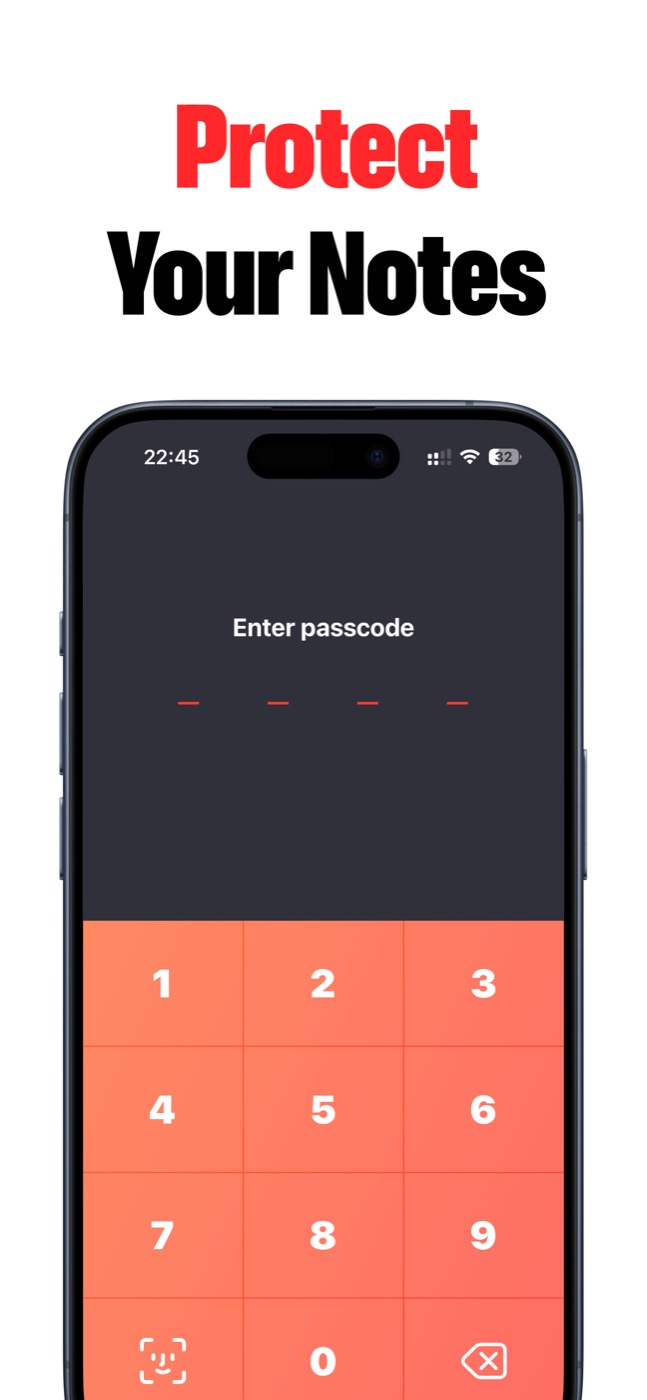
Private from the first screen
Lock Notes is built for personal notes, journals, ideas, and hints that should open only after Face ID, Touch ID, or a passcode. No ads, no heavy workspace noise.
What belongs here
Use Lock Notes for notes that are personal, unfinished, sensitive, or just not meant for the default notes app.
The product works best when privacy is the first requirement and a clean writing flow is the second.
- Private thoughts and journal drafts.
- Sensitive work notes.
- Private to-dos and plans.
- Password hints and recovery clues.
- Ideas you want to keep behind Face ID or passcode.
Fast enough for daily use
A private notes app only works if you actually use it. Lock Notes keeps the main flow direct: unlock, write, search, pin, rename, export, and keep moving.
Product screenshots
Questions people ask
What is Lock Notes?
Lock Notes is a private iPhone and iPad notes app for sensitive notes, private journals, password hints, private to-dos, and ideas protected with Face ID, Touch ID, or a passcode.
Does Lock Notes collect my notes?
Lock Notes does not collect personal data, notes, or anonymized usage statistics. Notes stay on your device and can sync through Apple iCloud when you enable sync.
Can Lock Notes sync across devices?
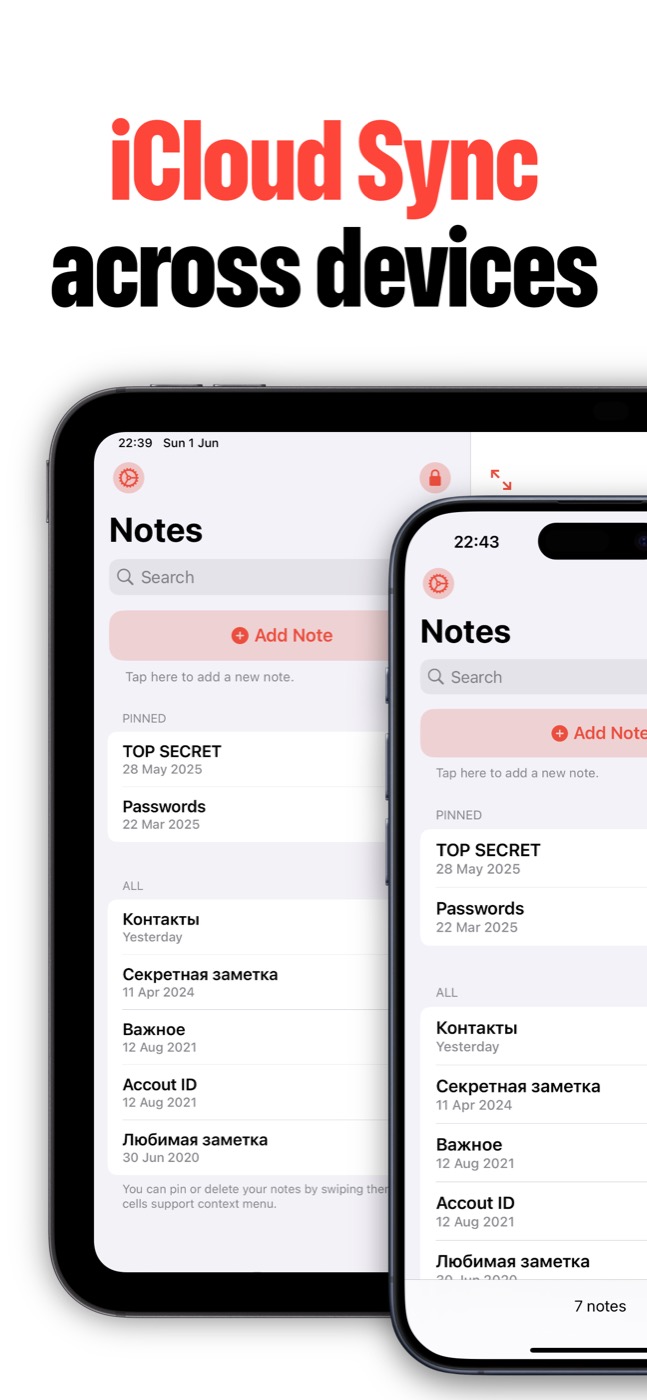
Yes. Lock Notes supports iCloud sync across iPhone and iPad when the user enables iCloud sync and the Apple ID/iCloud settings allow it.
Is Lock Notes a password manager?
Lock Notes is built for private notes and password hints. If you need to store full credentials, use a dedicated password manager alongside it.