Private notes with iCloud sync
Lock Notes can sync private notes across iPhone and iPad through Apple iCloud when you enable sync. That means your private notes can follow your Apple devices without turning Lock Notes into an account-heavy workspace.
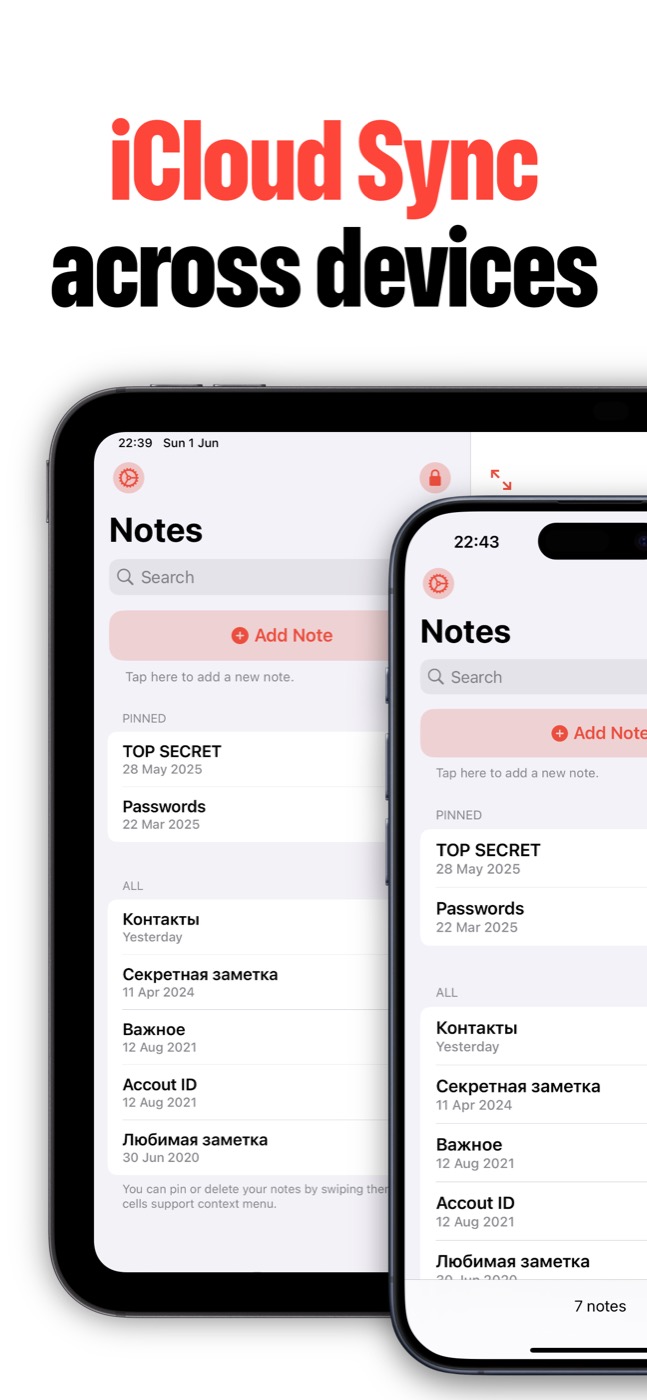
Private from the first screen
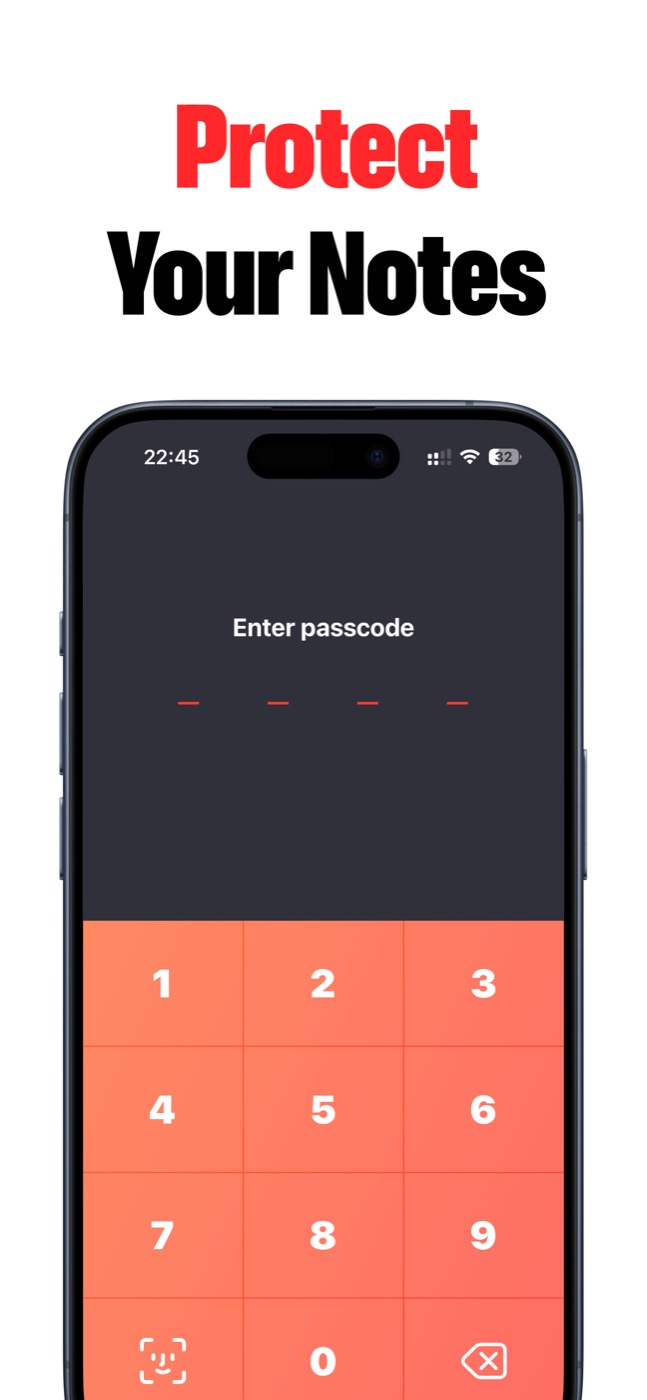
Lock Notes is built for personal notes, journals, ideas, and hints that should open only after Face ID, Touch ID, or a passcode. No ads, no heavy workspace noise.
What iCloud sync gives you
If you use more than one Apple device, iCloud sync keeps Lock Notes practical. Start a private note on iPhone, continue on iPad, and keep the same protected notes experience.
Sync still depends on your Apple ID, iCloud settings, network, and storage. Lock Notes cannot control those Apple-side requirements.
- iPhone and iPad support.
- Private notes available across Apple devices.
- Backup and restore for safer note recovery.
- Same protected app layer before reading notes.
Clear expectation
Turn on iCloud sync when you want your private notes on more than one Apple device. Keep it off when a single-device private notebook is enough.
Product screenshots
Questions people ask
What is Lock Notes?
Lock Notes is a private iPhone and iPad notes app for sensitive notes, private journals, password hints, private to-dos, and ideas protected with Face ID, Touch ID, or a passcode.
Does Lock Notes collect my notes?
Lock Notes does not collect personal data, notes, or anonymized usage statistics. Notes stay on your device and can sync through Apple iCloud when you enable sync.
Can Lock Notes sync across devices?
Yes. Lock Notes supports iCloud sync across iPhone and iPad when the user enables iCloud sync and the Apple ID/iCloud settings allow it.
Is Lock Notes a password manager?
Lock Notes is built for private notes and password hints. If you need to store full credentials, use a dedicated password manager alongside it.