A private journal behind Face ID
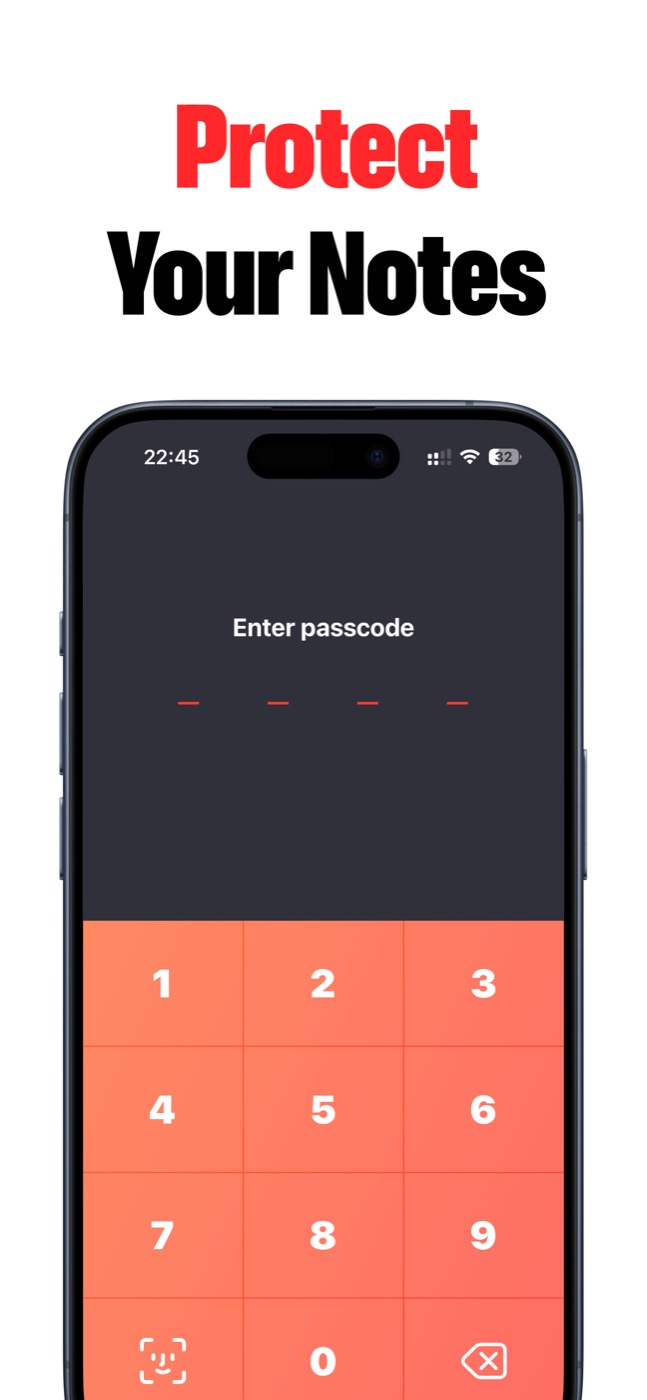
Lock Notes works as a private journal when you want a quiet writing space that opens only after Face ID, Touch ID, or passcode. Write the entry, lock the app, and keep the rest of your phone life separate.
Private from the first screen
Lock Notes is built for personal notes, journals, ideas, and hints that should open only after Face ID, Touch ID, or a passcode. No ads, no heavy workspace noise.
Why it fits journaling
A good private journal should feel easy enough to open every day and private enough to trust with honest writing.
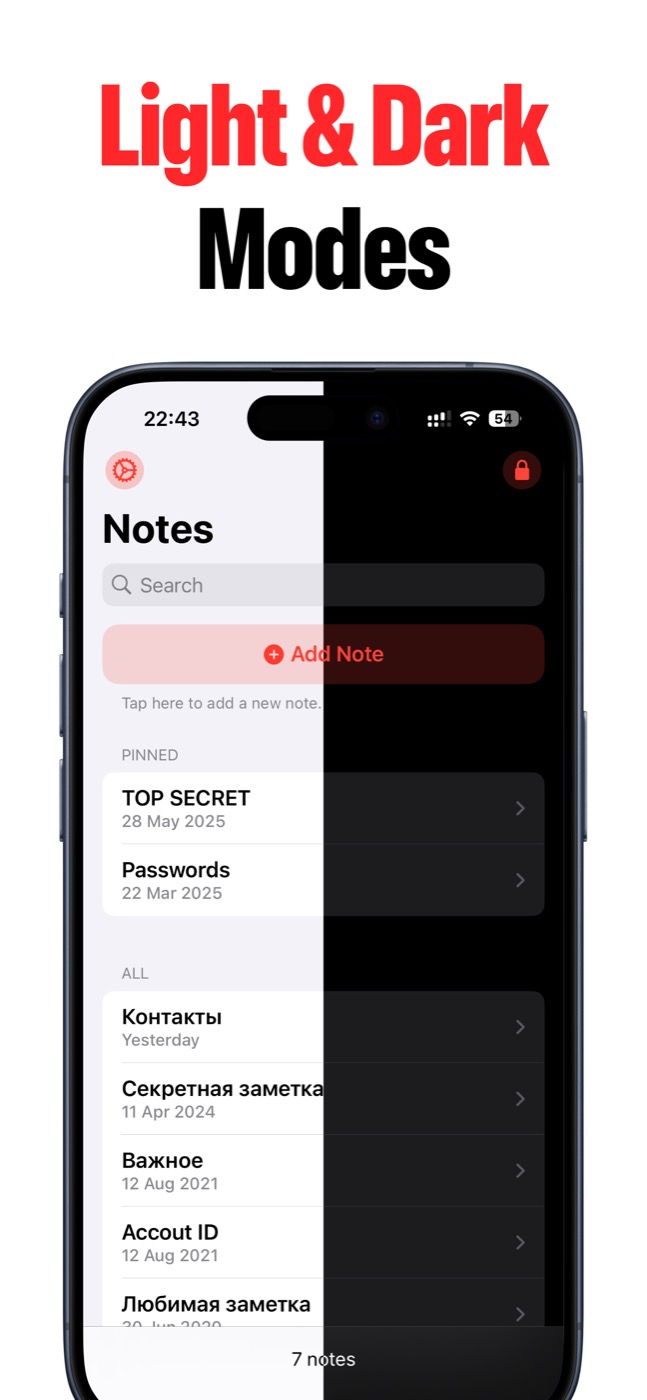
Lock Notes keeps the writing experience minimal, adds dark and light themes, and gives you iCloud sync and backups when you want your journal across devices.
- Private daily journal entries.
- Mood notes, reflections, and personal goals.
- Pinned notes for recurring prompts.
- Dark mode for night writing.
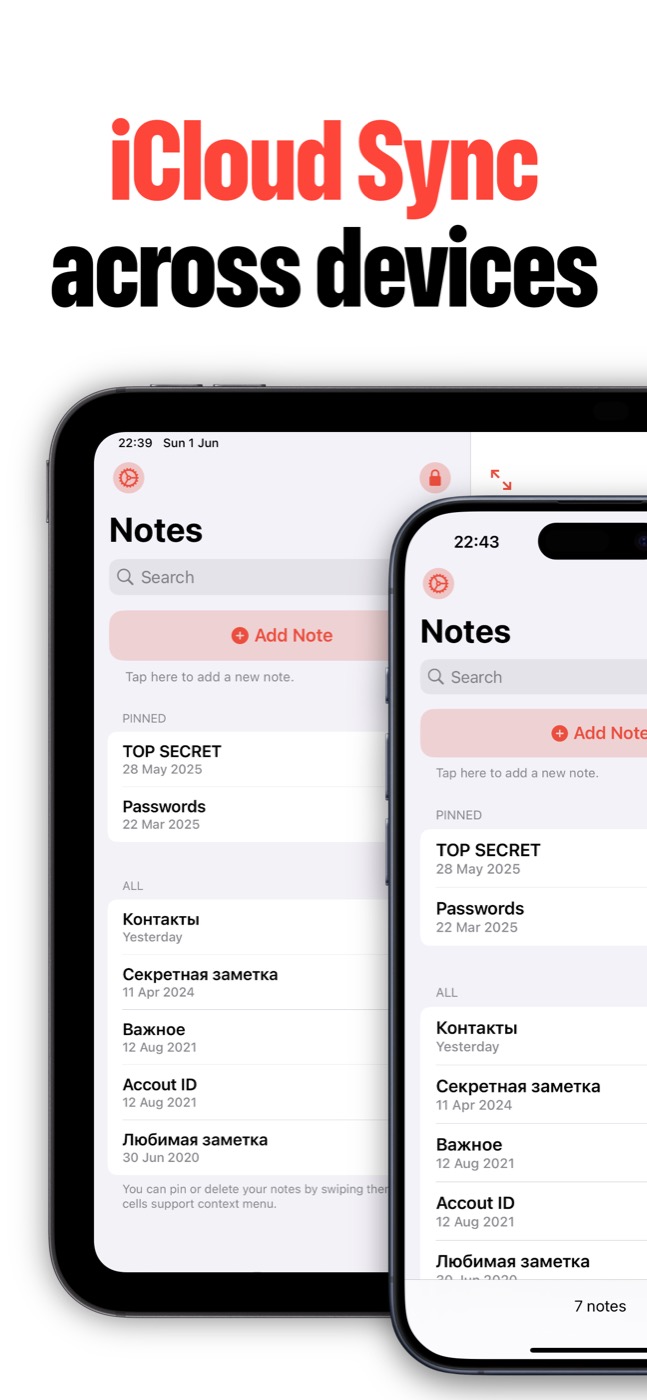
- iCloud sync between iPhone and iPad.
Not a social diary
Lock Notes is intentionally not a social feed, shared workspace, or content platform. It is a private writing app for the person holding the phone.
Product screenshots
Questions people ask
What is Lock Notes?
Lock Notes is a private iPhone and iPad notes app for sensitive notes, private journals, password hints, private to-dos, and ideas protected with Face ID, Touch ID, or a passcode.
Does Lock Notes collect my notes?
Lock Notes does not collect personal data, notes, or anonymized usage statistics. Notes stay on your device and can sync through Apple iCloud when you enable sync.
Can Lock Notes sync across devices?
Yes. Lock Notes supports iCloud sync across iPhone and iPad when the user enables iCloud sync and the Apple ID/iCloud settings allow it.
Is Lock Notes a password manager?
Lock Notes is built for private notes and password hints. If you need to store full credentials, use a dedicated password manager alongside it.