What a good iPhone authenticator should do
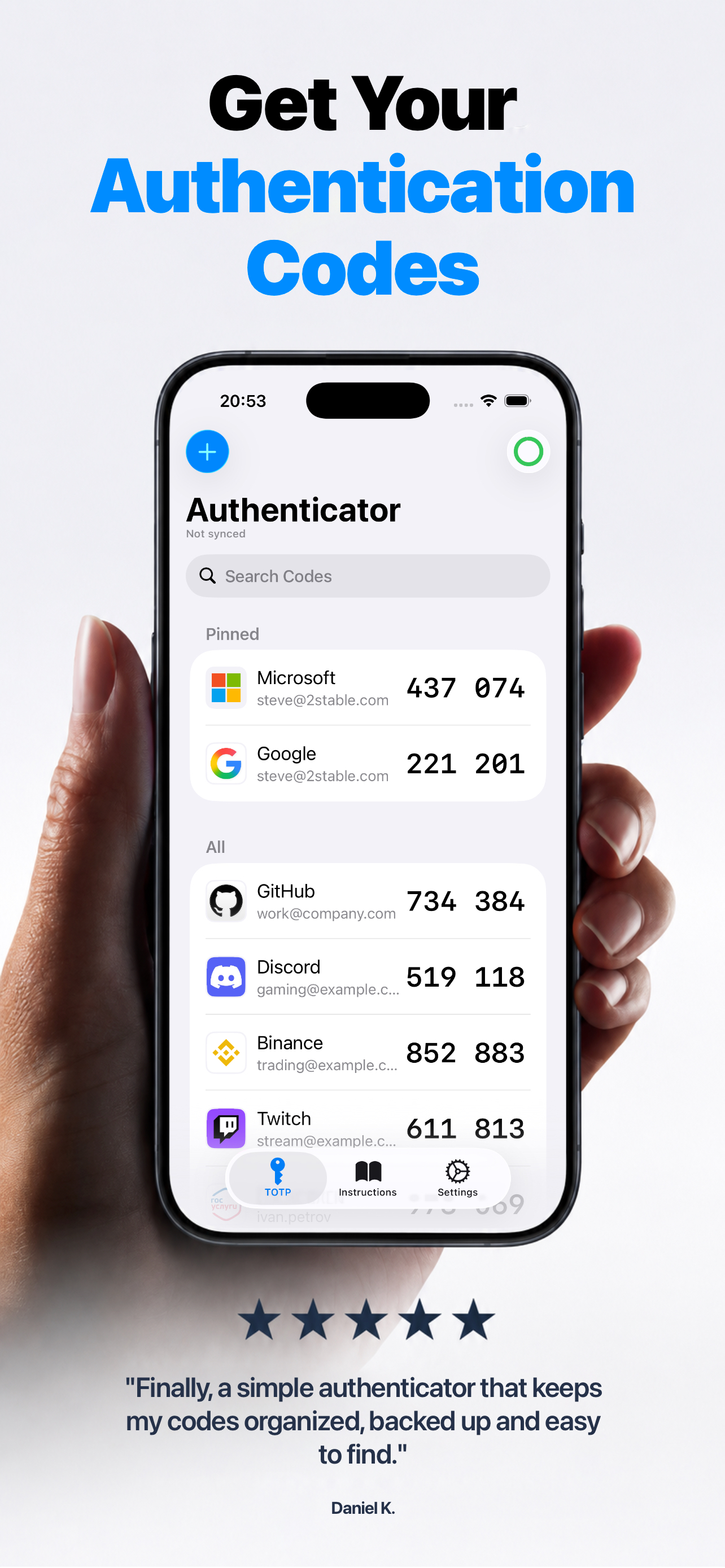
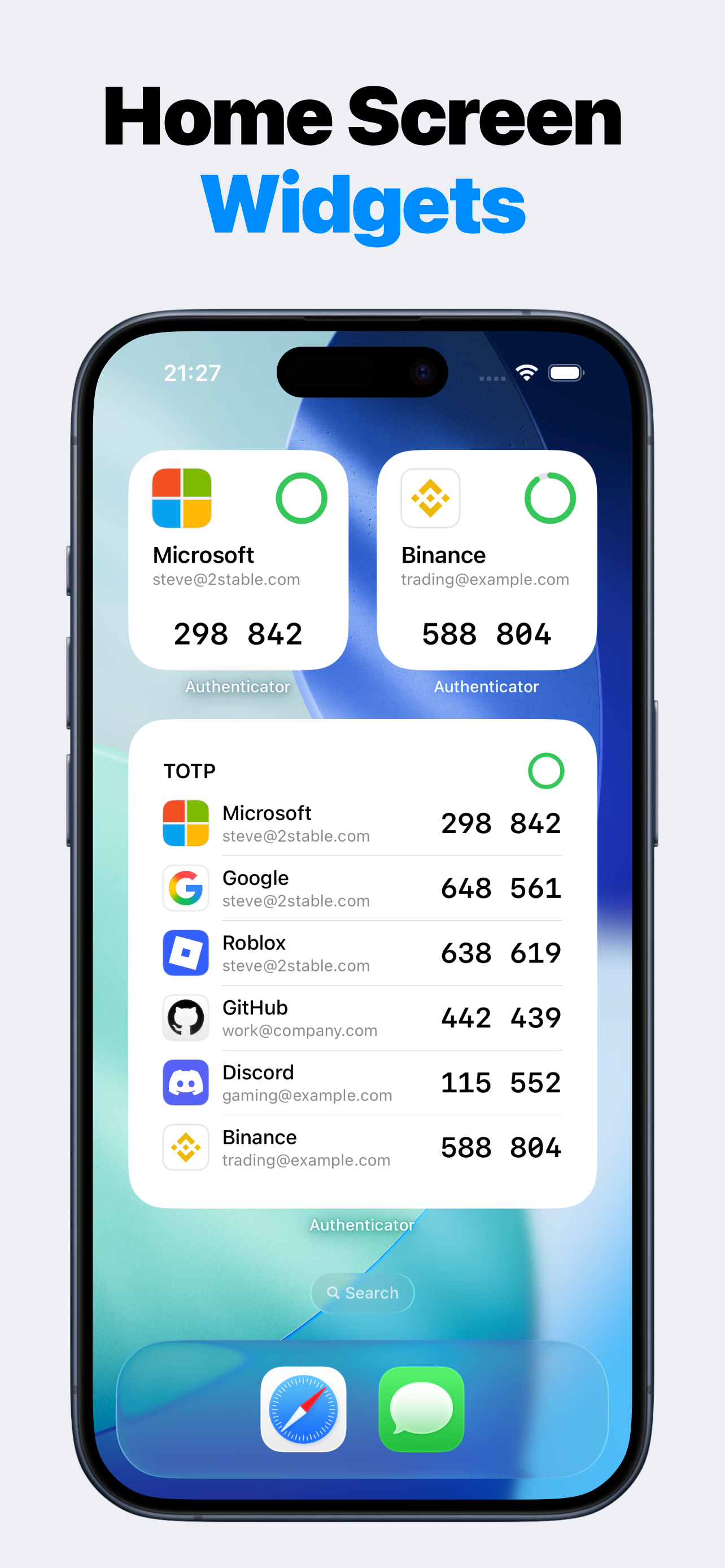
The best authenticator app for iPhone should make setup simple, codes easy to copy, recovery planning clear, and privacy claims precise. Authenticator focuses on QR setup, manual keys, local authentication, Premium encrypted backup, widgets, Apple Watch sync, and no app account login requirement.
Login codes without another app account
Authenticator does not require an app account. Add TOTP codes from the services you already use, protect access locally, and keep each service's recovery codes in a separate safe place.
Decision checklist
Do not judge an authenticator by broad security words alone. Check the exact login flow: how you add a code, how fast you copy it, how you back it up, and what happens when you move devices.
Authenticator covers the common iPhone checklist while staying clear about what it cannot do for external account recovery.
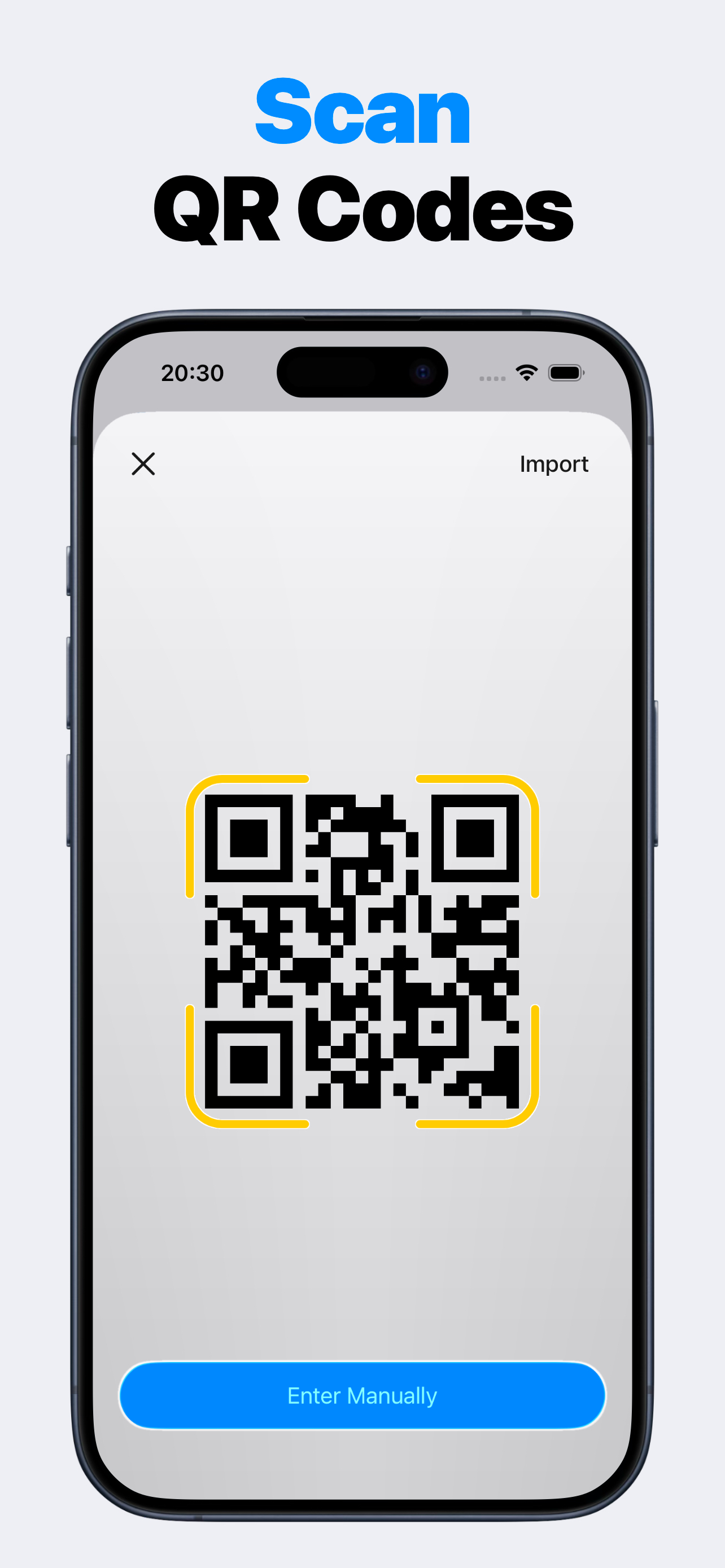
- Scan a setup QR code.
- Enter a setup key manually.
- Copy current codes quickly.
- Protect the app with passcode and biometrics.
- Use backup and restore when enabled.
- Keep backup codes from every protected service.
Honest limits matter
No authenticator app can magically recover a locked external account. If a service requires backup codes, identity verification, or support recovery, you still need that service's process.
Authenticator is a code storage and code generation utility for services that support TOTP setup. It is independent from those services.
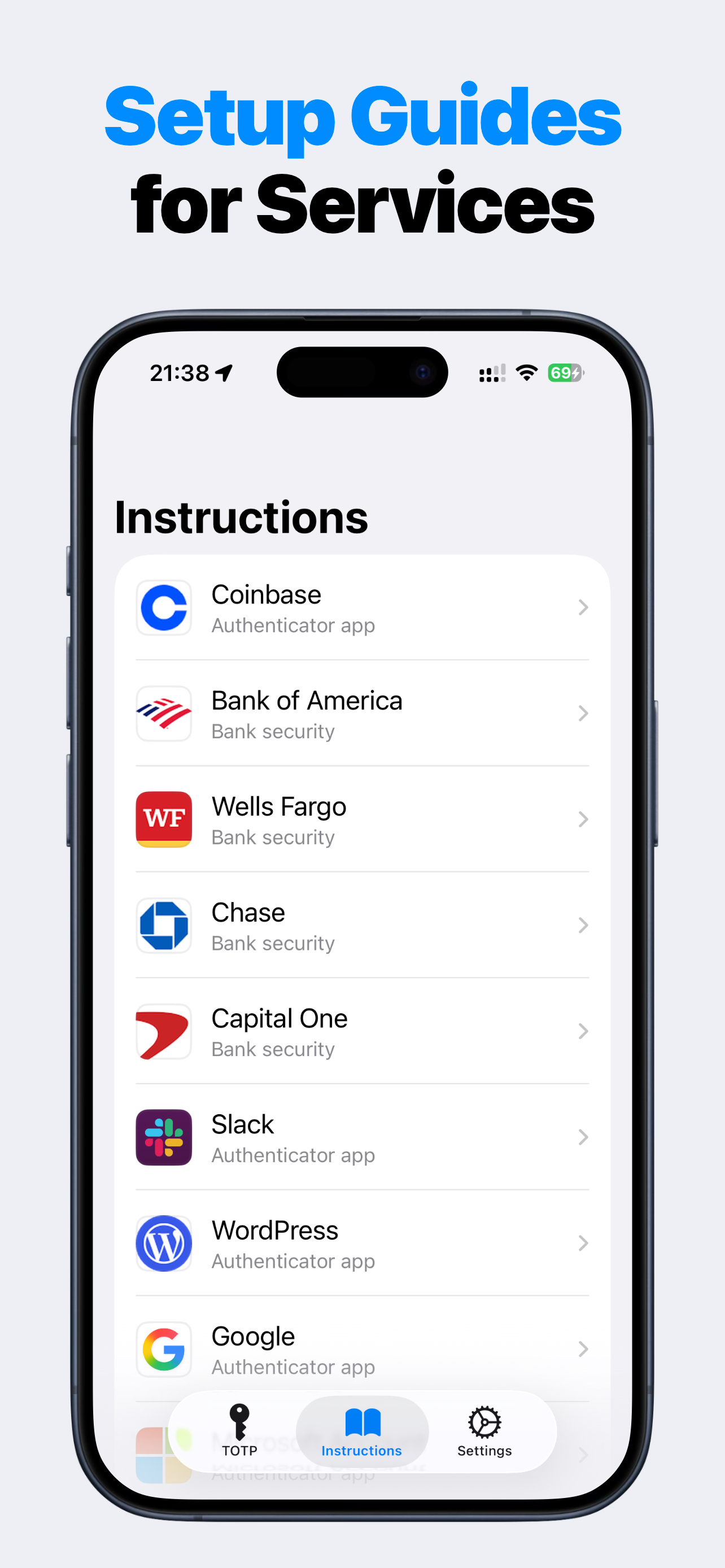
Product screenshots
Questions people ask
What is Authenticator 2FA TOTP OTP MFA?
Authenticator 2FA TOTP OTP MFA is an iPhone authenticator app for time-based login codes. Add accounts by scanning a QR setup code, importing a QR image, or entering a setup key manually, then copy the current code when signing in.
Is Authenticator affiliated with Google Authenticator, Microsoft Authenticator, or other services?
No. Authenticator is independent. It can store codes for services that support TOTP setup, but it does not claim affiliation with Google, Microsoft, GitHub, Discord, Binance, Steam, Yandex, Gosuslugi, or other third-party services.
Does Authenticator need an account?
No app account registration or app login is required. You add TOTP codes from the services you already use.
Can Authenticator back up my 2FA codes?
Premium can unlock encrypted iCloud backup and restore through Apple iCloud Drive and iCloud Keychain. You should still keep each service's backup codes or recovery methods.
What data does Authenticator collect?
Authenticator can collect product interaction analytics that are not linked to your identity and are not used for tracking. Real TOTP secrets, QR payloads, passcodes, salts, hashes, account labels, and issuer labels stay out of logs, analytics, and crash reports.