2FA codes on Apple Watch and widgets
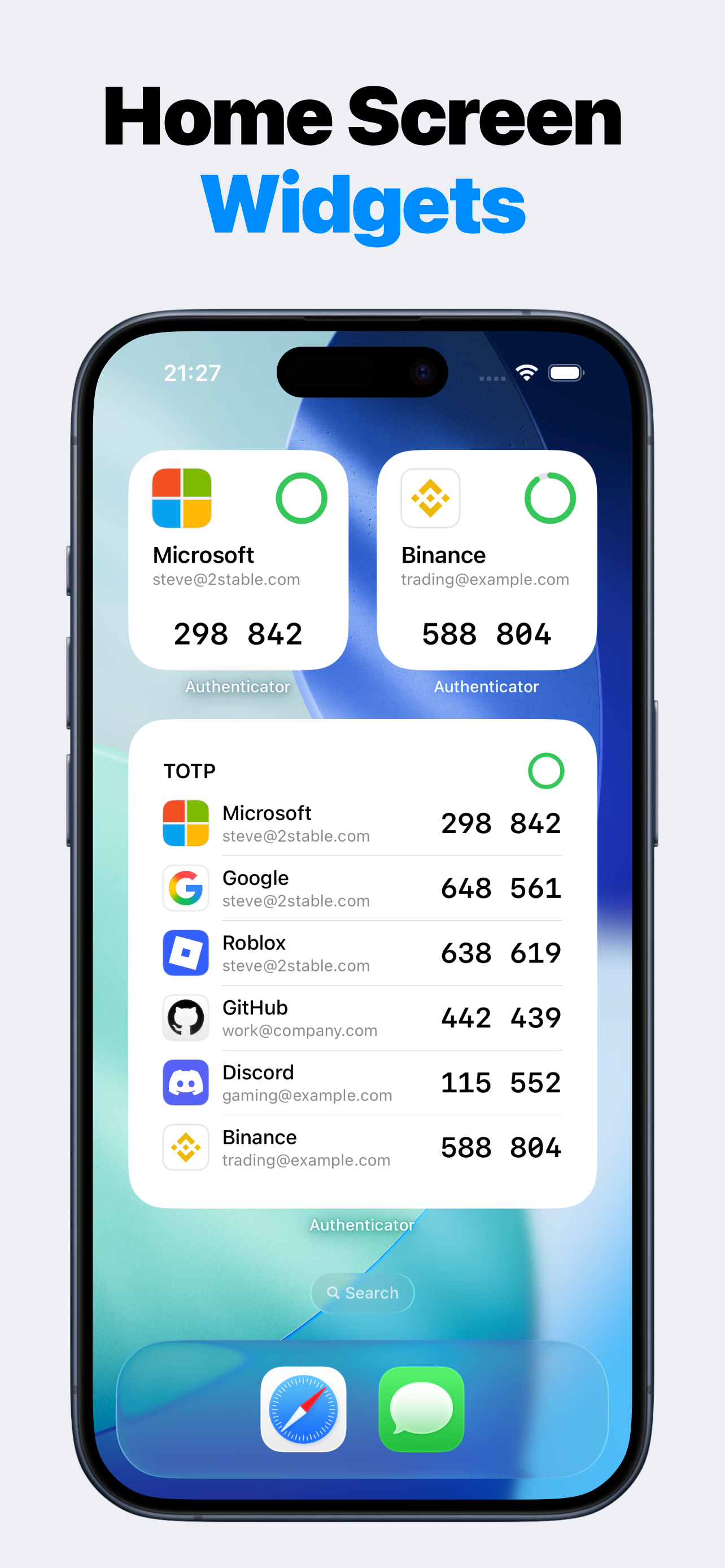
Authenticator includes Premium Apple Watch sync and widgets for users who want login codes beyond the main iPhone app. The iPhone app remains the place to add and manage accounts; watch and widget surfaces make selected codes faster to reach.
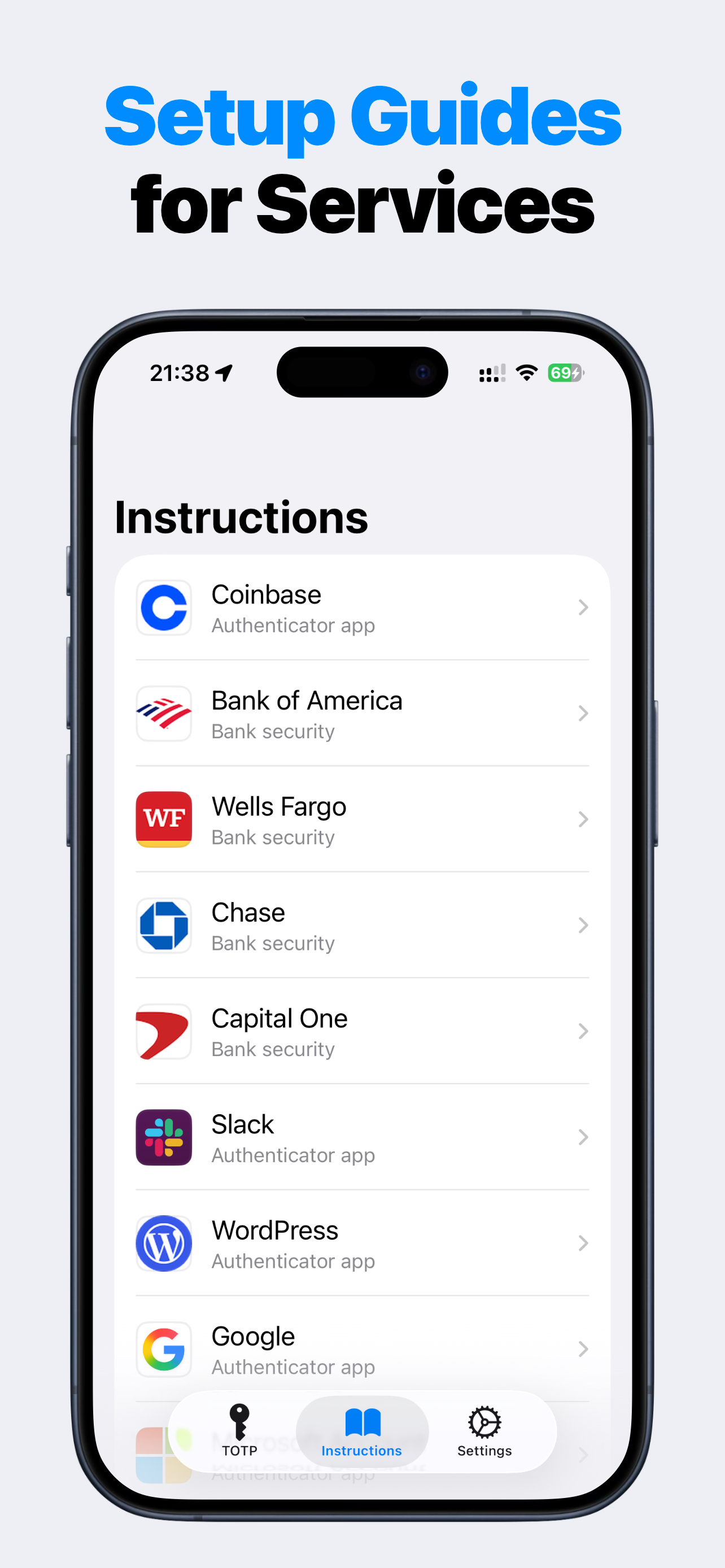
Login codes without another app account
Authenticator does not require an app account. Add TOTP codes from the services you already use, protect access locally, and keep each service's recovery codes in a separate safe place.
When watch and widgets help
If you sign in often during the day, every tap matters. Premium Apple Watch sync and widgets can reduce the friction of reaching selected codes while keeping account management in the full iPhone app.
Widgets require iOS 17.0 or later. Apple Watch sync requires a compatible Apple Watch on watchOS 10.0 or later.
- Premium Apple Watch sync.
- Premium Home Screen and Lock Screen widgets.
- iPhone remains the primary account manager.
- Useful for frequent sign-ins.
Security reminder
Use watch and widget surfaces thoughtfully. Keep your iPhone and Apple Watch protected, and keep service backup codes in a separate safe place for recovery.
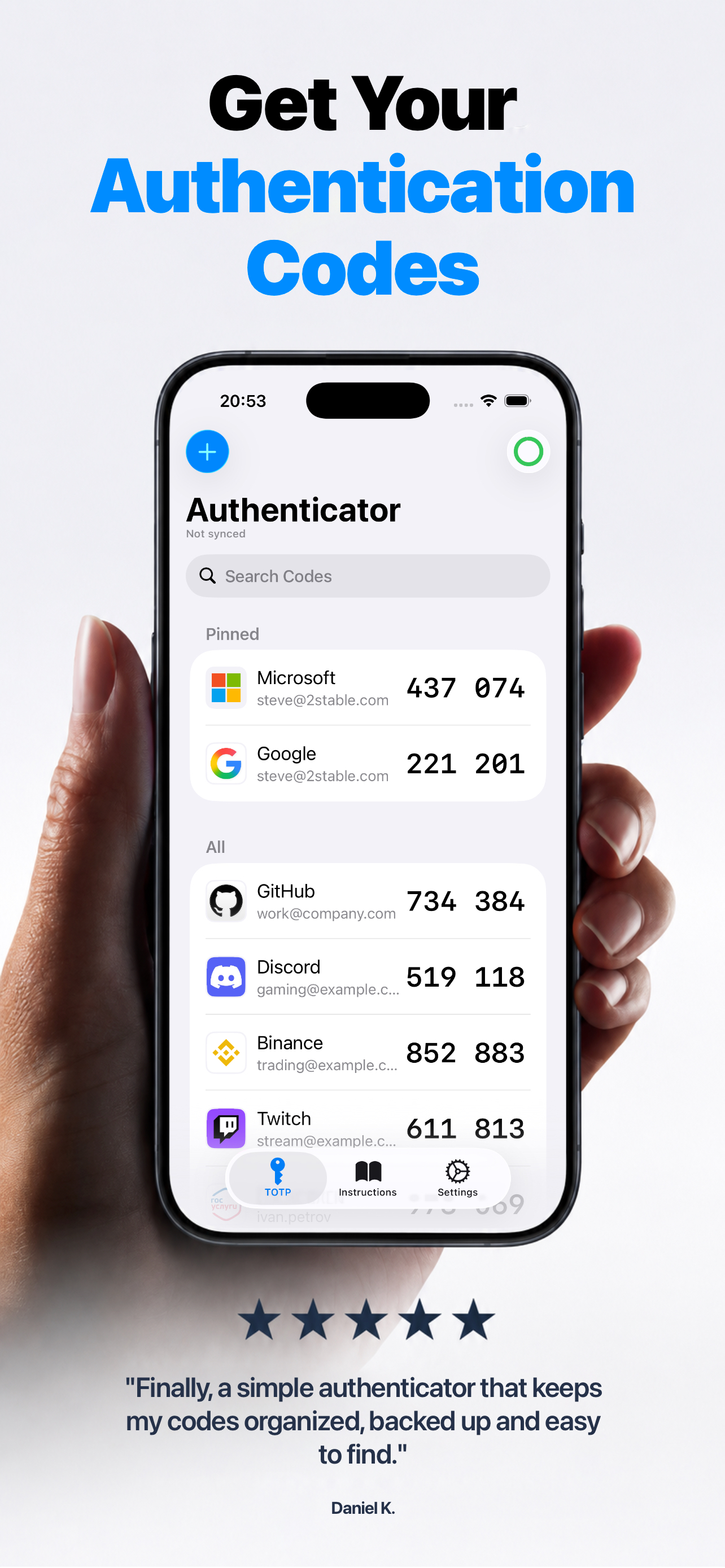
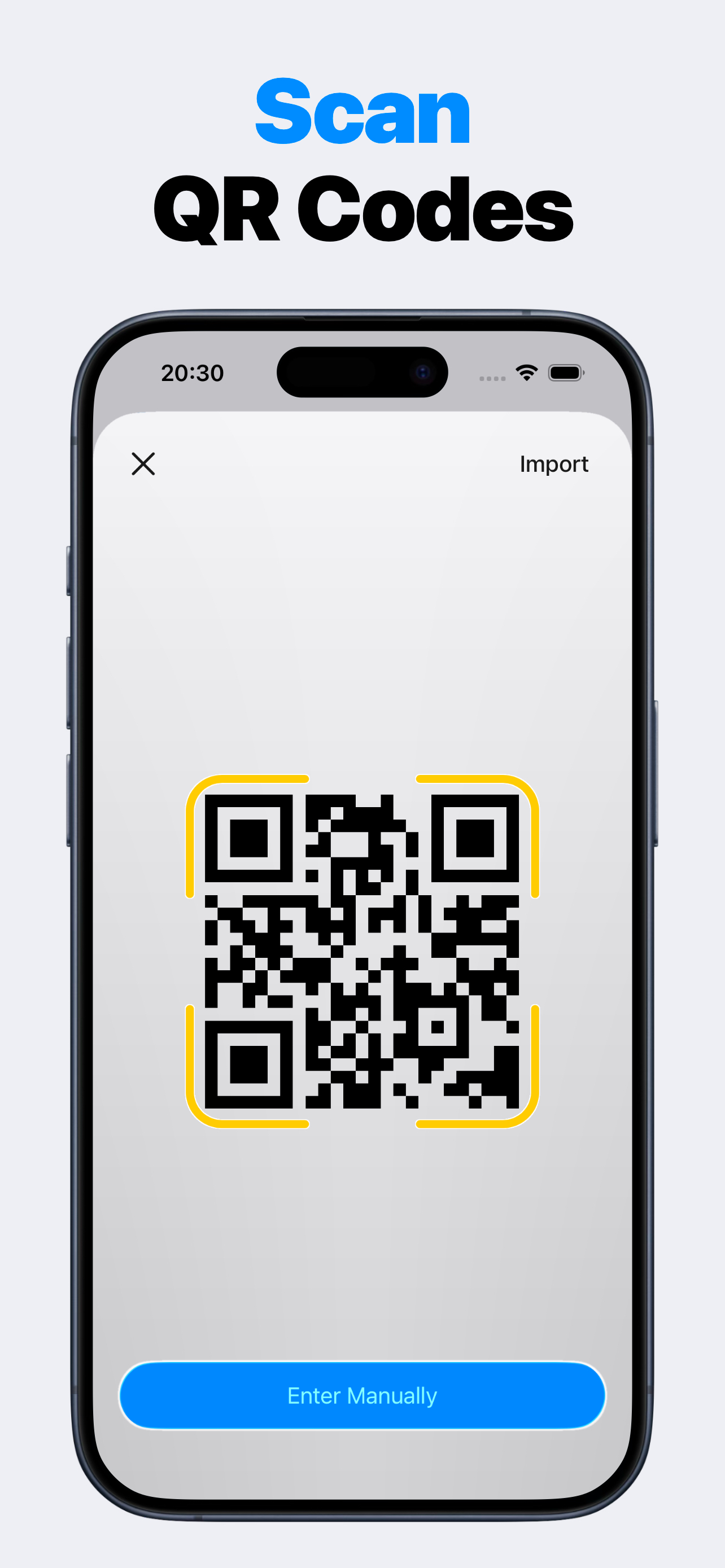
Product screenshots
Questions people ask
What is Authenticator 2FA TOTP OTP MFA?
Authenticator 2FA TOTP OTP MFA is an iPhone authenticator app for time-based login codes. Add accounts by scanning a QR setup code, importing a QR image, or entering a setup key manually, then copy the current code when signing in.
Is Authenticator affiliated with Google Authenticator, Microsoft Authenticator, or other services?
No. Authenticator is independent. It can store codes for services that support TOTP setup, but it does not claim affiliation with Google, Microsoft, GitHub, Discord, Binance, Steam, Yandex, Gosuslugi, or other third-party services.
Does Authenticator need an account?
No app account registration or app login is required. You add TOTP codes from the services you already use.
Can Authenticator back up my 2FA codes?
Premium can unlock encrypted iCloud backup and restore through Apple iCloud Drive and iCloud Keychain. You should still keep each service's backup codes or recovery methods.
What data does Authenticator collect?
Authenticator can collect product interaction analytics that are not linked to your identity and are not used for tracking. Real TOTP secrets, QR payloads, passcodes, salts, hashes, account labels, and issuer labels stay out of logs, analytics, and crash reports.